
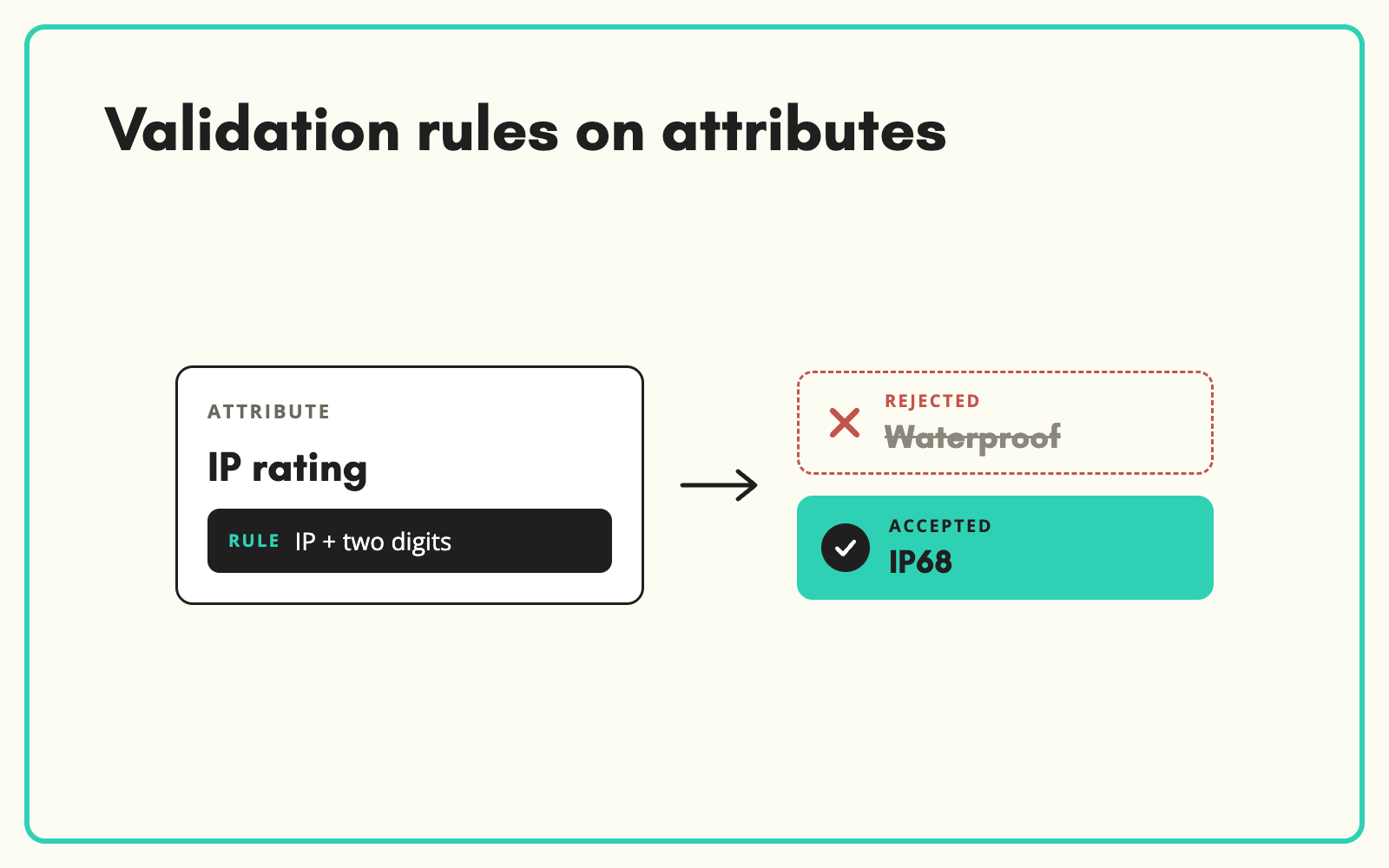
Invalid values slip in quietly and break things downstream: a weight in the wrong unit, a GTIN with a missing digit, a description over the marketplace limit. SKULaunch lets you set validation rules on attributes, so bad values are caught at entry rather than discovered in a rejected feed.
The problem
Most catalogues validate too late. Data is accepted as typed or imported, and problems surface when a marketplace rejects a feed, a filter shows a nonsense value, or a customer spots a 400 kg kettle. By then the error has spread to every channel, and finding the cause takes longer than the fix.
Before and after
An illustrative example of rules on a single category.
Before: what got through
Weight "4000" with no unit on a kettle. GTIN with 12 digits on an EAN-13 field. Title of 240 characters for a channel with a 150 limit.
After: with rules in SKULaunch
- Weight must be a number between 0.1 and 10 kg for kettles
- GTIN must be 8, 12, 13 or 14 digits with a valid check digit
- Title limited to the channel's maximum length
- Failing values flagged at import and in the grid
How it works in SKULaunch
- Set types first. Attribute types such as number, dimension, range or select already restrict what can be entered.
- Add policies. Define rules such as required, allowed ranges, lengths or formats on attributes.
- Validate on the way in. Imports and edits are checked against the rules.
- Find and fix. Filter for products failing a rule and correct them in bulk.
Validate what downstream systems reject
Start with the rules your channels already enforce: required fields, character limits, identifier formats. Those are the errors that cost you listings. Then add plausibility ranges for the attributes customers rely on, such as weights and dimensions, where a decimal in the wrong place causes the most confusion.
What changes
Errors are caught at entry, feeds stop bouncing, and the catalogue stays plausible.
Common questions
Can rules differ by category?
Yes. Rules can be scoped to the categories where they apply.
Do rules block imports?
Failing values are flagged so you can decide to fix or override.
Is this available for every attribute type?
Validation depends on the attribute type and your set-up. Confirm the rules you need with us.
See measuring completeness, product data quality, and category-specific attributes.

.avif)