
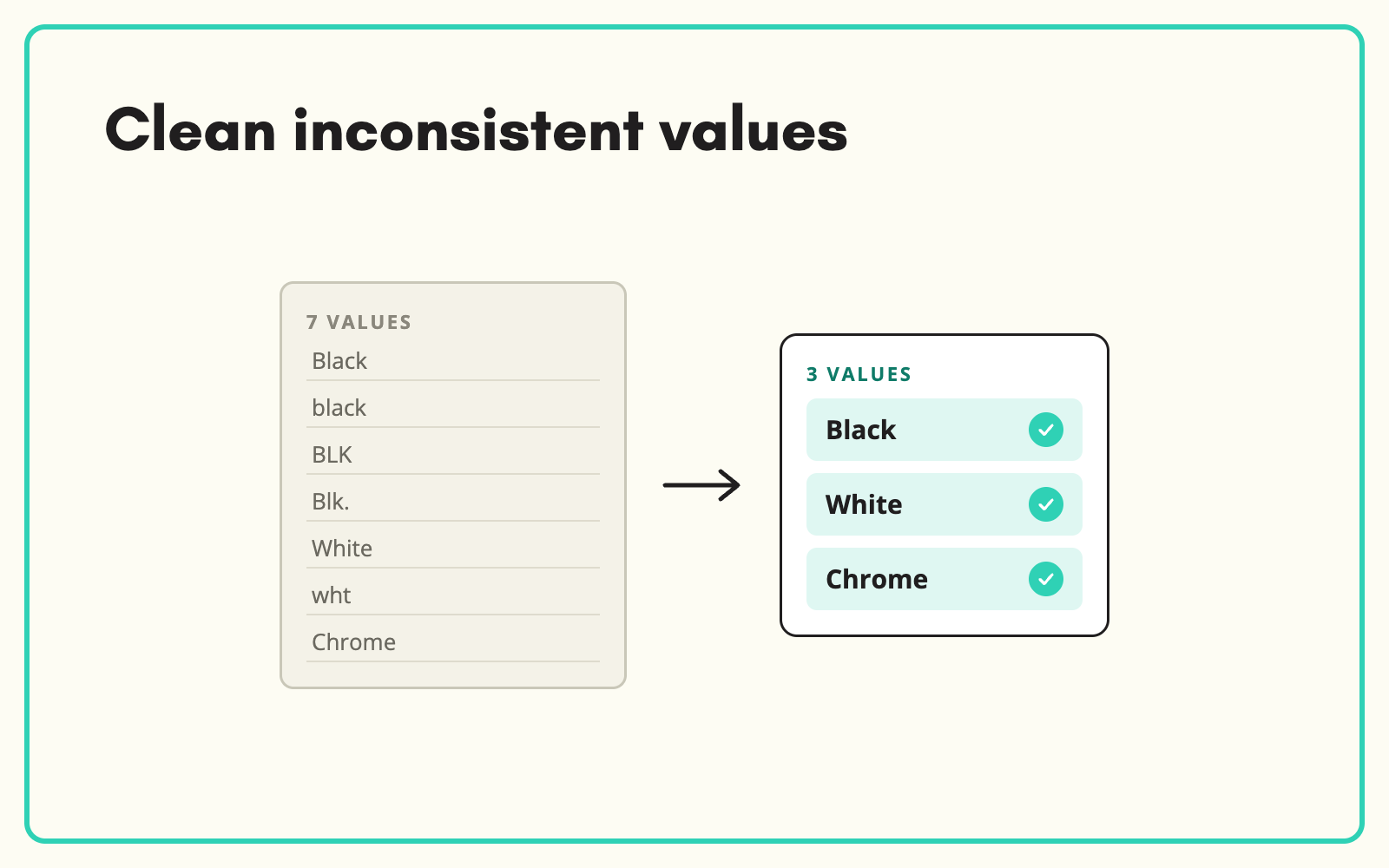
Years of manual entry leave a catalogue with hundreds of spellings for the same thing. SKULaunch finds inconsistent values across the whole catalogue, groups the variants, and cleans them up in bulk, so the data is consistent before you enrich, migrate or publish it.
The problem
Inconsistency builds up slowly: different people, different suppliers, different years. Colour has "Grey", "Gray", "GRY" and "Slate grey". Brand has three spellings of the same manufacturer. Nobody owns the clean-up because it feels endless, and every downstream project, from a new website to a marketplace launch, inherits the mess.
Before and after
An illustrative example from a catalogue audit.
Before: Brand values in use
"Bosch", "BOSCH", "Bosch Professional", "Bosch Pro", "Robert Bosch". 2,300 products across five spellings.
After: cleaned in SKULaunch
- Brand: Bosch, with "Professional" held as a product line attribute
- All variants grouped and mapped in one action
- Similar clean-ups applied to colour, finish and material
- Mappings kept, so new data arrives clean
How it works in SKULaunch
- Find the variants. Filter an attribute to see every value in use and how often.
- Group and map. Map variants to the correct value, or to a controlled list.
- Apply in bulk. Update every affected product at once.
- Prevent recurrence. Saved value mappings clean new imports automatically.
Clean the attributes customers use first
Do not try to clean everything. Start with the attributes behind filters and search: brand, colour, material, size and type. Those deliver visible improvement on the website quickly. Leave rarely used free-text fields until last, or retire them if nobody relies on them.
What changes
A consistent catalogue that every project, channel and team can build on, and stays consistent as new data arrives.
Common questions
Can we see how bad it is first?
Yes. Filter any attribute to see every distinct value and its count.
Is the clean-up reversible?
Changes go through review, so you approve the mapping before it is applied.
Should we clean before or after a migration?
Before. Clean data migrates once; dirty data gets cleaned in a live system.
See controlled value lists, cleaning data before a PIM migration, and catalogue enrichment.

.avif)