

How to normalise units, values, names and identifiers across supplier files, with worked examples, value lists and rules vs AI.
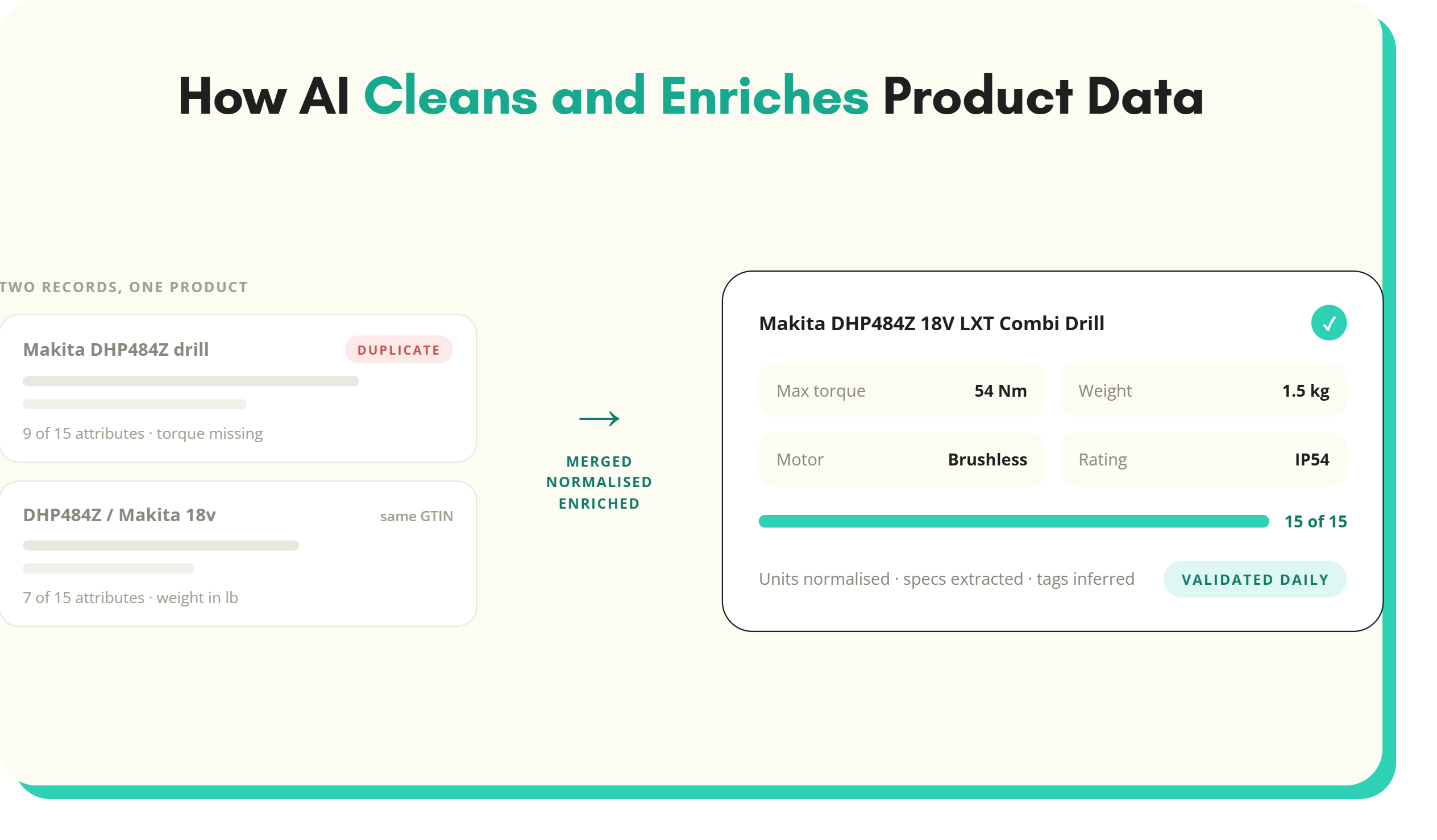
Product data normalisation converts every supplier's way of writing a value into one agreed format. The same fact then looks the same on every SKU. "2.5mm²", "2.5 mm sq" and "2,5" all become 2.5 mm². "Anth grey", "Anthracite" and "RAL 7016" all become Anthracite Grey. Without data normalisation, filters show duplicate values, comparisons break and channel feeds get rejected. With it, a catalogue built from 200 suppliers reads as if one person wrote it.
A note for anyone arriving from database design. In relational databases, normalisation means structuring tables into normal forms to remove redundancy. That is a different discipline. This guide is about normalising product data values: units, names, lists and identifiers inside product records.
What is product data normalisation?
Every supplier describes products in its own house style. One writes "Stainless Steel", another "stainless", a third "SS 304", a fourth "Inox". One uses millimetres, another centimetres, a third puts the unit in the column header and leaves the cell as a bare number. Each version is correct in isolation. Together they make a mess.
Normalisation fixes the format, not the fact. It does not decide whether a product is stainless steel. It decides that stainless steel is always written one way, stored in one attribute and drawn from one list. Deciding the fact is enrichment or extraction. Making it consistent is normalisation.
It sits inside the wider work of product data enrichment, alongside classification, attribute extraction and content generation. Of all of those, it is the step most likely to be skipped and the one whose absence is most visible on the website.
The five kinds of data normalisation
Most normalisation work falls into five types. A single supplier file usually needs all five.
1. Units and number formats
Numeric values arrive with different units, unit spellings, decimal separators and precision. Normalising them means choosing one unit per attribute and converting everything into it.
- Before: 2.5mm², 2.5 mm sq, 2,5 (unit in header), 2.5mm2, 2.50 sq mm
- After: value 2.5, unit mm²
Store the number and the unit separately, or at least store the number in a field with a fixed unit. "1.2 m", "120cm" and "1200 mm" should all become 1200 in a length field set to millimetres. Ranges ("10 to 32 mm") and tolerances need their own rules, usually split into minimum and maximum attributes. The same approach applies to normalising units of measure across every supplier.
2. Controlled values and synonyms
Text attributes with a known set of answers, such as colour, material and finish, should draw from a controlled value list. Every synonym and misspelling maps to one canonical value.
- Before: Anthracite, anth grey, Anthracite Gry, Dark grey (RAL 7016), RAL 7016
- After: colour Anthracite Grey, with RAL 7016 held in a separate RAL code attribute
The RAL code is a useful case. It is more precise than the colour name, so keep it, but in its own attribute. The colour attribute then serves the shopper filter and the RAL attribute serves the trade buyer matching a specification. Where a supplier only sends free text, the job is to turn free text into controlled value lists.
3. Casing and naming
Casing, abbreviations and word order vary by supplier. "PHILIPS", "Philips" and "philips lighting" become one brand value. "Pozi", "PZ" and "Pozidriv" become one drive type. Product names follow a set pattern, such as brand, product type, key specification, then size, so names sort and read consistently.
4. Attribute name mapping across suppliers
Before values can be normalised, they have to land in the right attribute. Supplier A calls it "Colour", Supplier B "Finish colour", Supplier C "Col." and Supplier D puts it in a column called "Spec 4". Attribute mapping records, per supplier, which incoming column feeds which attribute in your schema. Once mapped, the mapping is reused on every future file from that supplier.
5. Identifier formats
GTINs, manufacturer part numbers and supplier codes arrive with stripped leading zeros, spaces, scientific notation from a spreadsheet, or extra characters. A GTIN-13 opened in a spreadsheet can come back as 5.01234E+12. Normalising identifiers means storing them as text, checking the check digit and padding to a consistent length. GS1's guidance for its XML standards is to right-justify GTINs and pad them with zeros to 14 digits. The guide to GTIN, EAN, UPC and MPN covers the formats in detail.
Worked example: normalising one supplier file
A 40,000 SKU electrical wholesaler receives a new outdoor lighting range from a supplier. The file has 300 rows and 60 columns. Here is what normalisation does to one product.
As received: Name "BULKHEAD LIGHT ANTH GRY IP65 LED 15W". Columns: "Finish" = "anth grey", "Ingress" = "IP 65", "Power" = "15 watts", "Colour Temp" = "4000k", "Barcode" = 5.01234E+12.
After normalisation:
- Product name: [Brand] LED Bulkhead Light 15 W Anthracite Grey IP65
- Colour: Anthracite Grey (from the colour value list)
- IP rating: IP65 (from the IP rating value list)
- Power: 15, unit W
- Colour temperature: 4000, unit K
- GTIN: flagged for re-supply, because the spreadsheet has already destroyed the full number
The last line matters. Normalisation can fix formats, but it cannot recover data that was lost before it arrived. A GTIN in scientific notation has lost its last digits. The only fix is to ask the supplier again, and to ask for identifiers as text from then on.
Building value lists for data normalisation
Value lists, also called lists of values or controlled vocabularies, are the backbone of normalisation. Without them, every normalisation decision is made by eye, and two people make it differently.
Build them from the data you already have, not from a blank page:
- Export the distinct values for the attribute across the whole catalogue, with a count of SKUs for each.
- Group the variants that mean the same thing: casing, spelling, abbreviation, synonym.
- Choose the canonical value for each group, using the term your buyers search for, not the term the biggest supplier uses.
- Decide the granularity. Six shades of grey or one? It depends on whether buyers filter on the difference.
- Record every mapping, so "anth grey" maps to Anthracite Grey automatically on every future file.
- Set an owner who approves new values, so the list does not drift back into free text.
Value lists should be per attribute and, where it matters, per category. "Finish" on taps and "finish" on timber are different attributes with different lists. Where an industry standard exists, start from it. ETIM, for example, defines value lists for many features in electrical and technical categories.
Rules vs AI for normalising product data
Both have a place, and most teams end up using both.
Rules are deterministic. A unit conversion from centimetres to millimetres, a regular expression that turns "2,5" into "2.5", a mapping table that turns "WHT" into White. Rules are fast, cheap, auditable and right every time for the cases they cover. They break on anything they were not written for, and they need maintaining as suppliers change their formats.
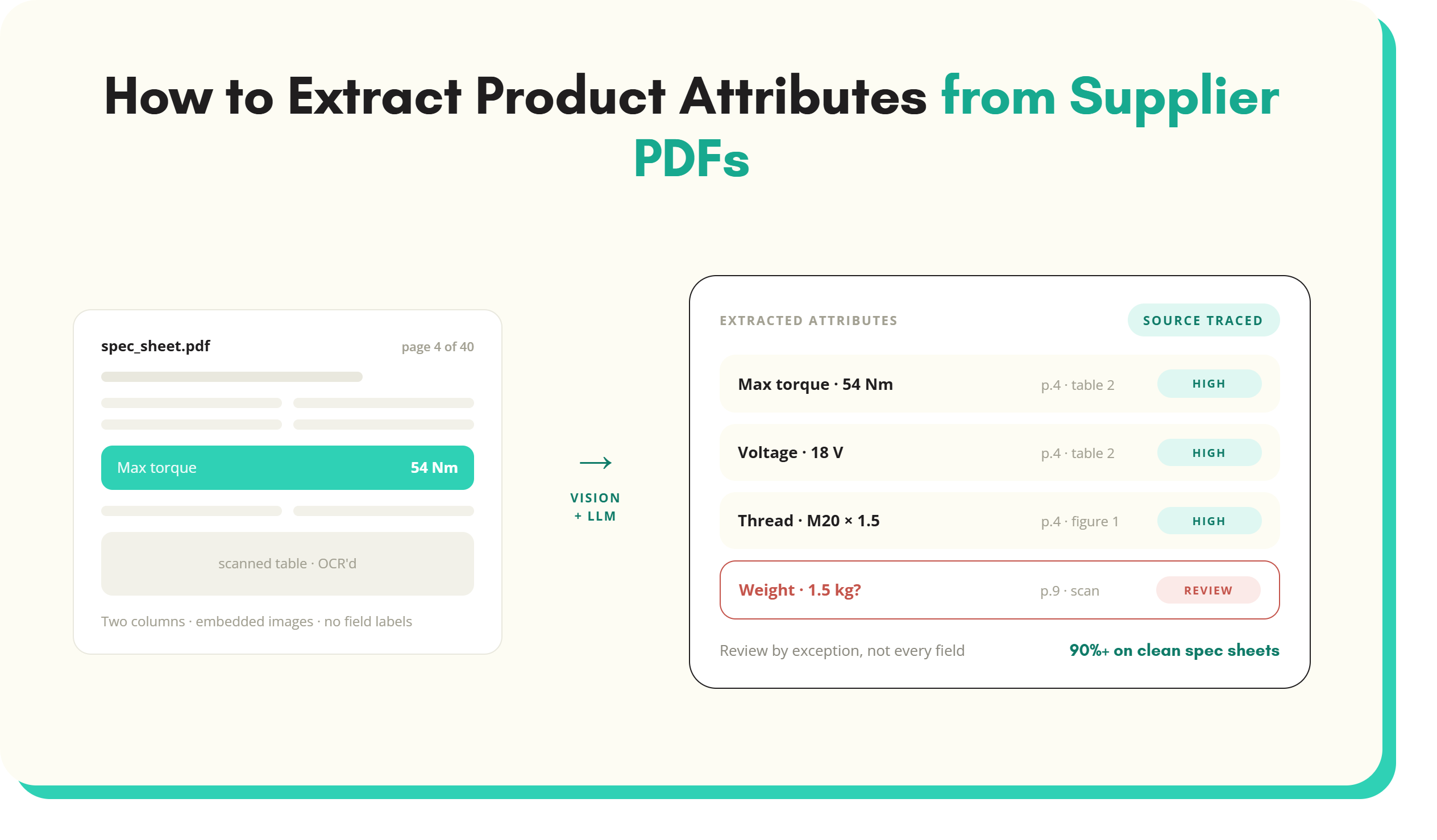
AI models handle the long tail rules cannot. Values buried in a product name ("3G2.5 flex white 50m"), synonyms nobody wrote down, a supplier's new abbreviation. A language model can read the context and propose the canonical value. It can also be wrong, so its output should be constrained to the value list and checked.
A practical split: use rules for units, number formats, casing and known mappings. Use AI to propose mappings for values the rules do not recognise, constrained to the allowed list. Send low-confidence proposals to a person for review. Every approved proposal becomes a new mapping, so the rules cover more each month. This is the approach behind SKULaunch's mapping and normalisation layer.
Where data normalisation sits in the onboarding flow
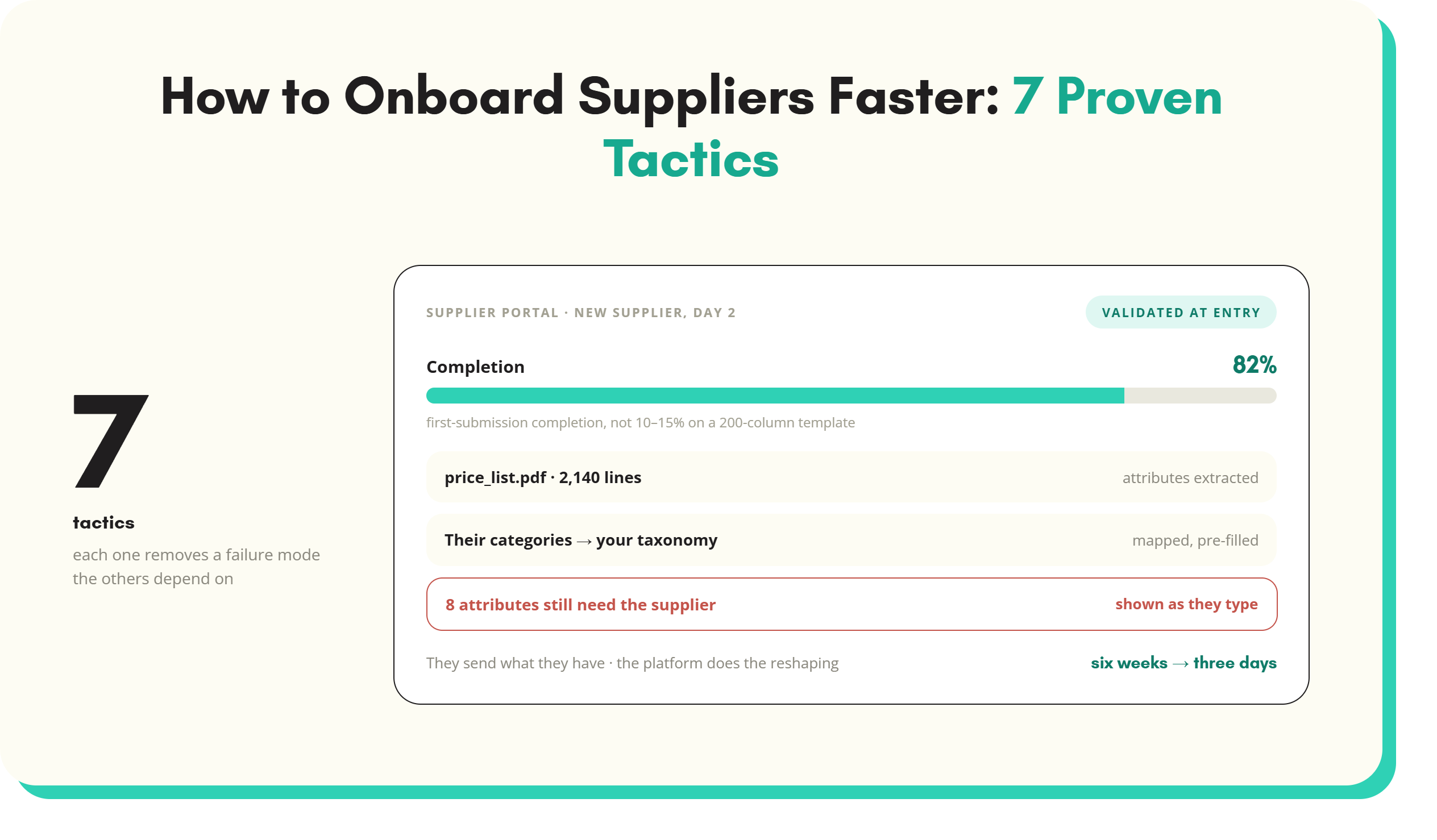
Normalisation belongs early, between import and enrichment. A typical flow:
- Import: receive the supplier spreadsheet, feed or PDF.
- Map attributes: match incoming columns to schema attributes.
- Normalise values: units, value lists, casing, identifiers.
- Classify: assign the category, which decides the required attributes.
- Enrich: fill gaps through extraction, research or generation.
- Validate and approve: check completeness and rules before publishing.
- Publish: push to the PIM, ecommerce site and channels.
Normalising before enrichment means gap-filling works on clean data and generated content uses consistent values. Normalising in the search index or the channel feed instead fixes the symptom in one place and leaves it broken everywhere else. The same logic underpins faceted search: clean filters start with clean records, not search engine synonym rules.
Normalisation is also not a one-off clean-up. A single project can tidy the existing catalogue, but every new supplier file reintroduces the variation. The value lists and mappings have to run on every import.
How to measure product data normalisation
Normalisation is measurable. Four measures tell you whether it is working.
- Distinct values per attribute. Count unique values for colour, material and other list attributes. A fall from 140 colour values to 18 is the clearest sign of progress.
- Value list conformance. The share of SKUs whose value for a list attribute matches an approved value. Track it per attribute and per category.
- Unmapped values per import. How many values in each new supplier file need human review. This should fall as mappings build up.
- Downstream rejections. Feed errors from marketplaces and Google Merchant Center caused by format problems, such as invalid units or malformed GTINs.
Report these per category, alongside completeness. A category can be 95% complete and still unusable if half the values sit outside the value list. For the wider picture, the product data enrichment guide covers how normalisation fits with classification and gap-filling.
Data normalisation FAQs
What does it mean to normalise data?
To normalise data means converting values that express the same thing in different ways into one consistent format. In product data, that covers units, number formats, synonyms, casing, attribute names and identifier formats. For example, "2.5mm²", "2.5 mm sq" and "2,5" all become 2.5 mm². In database design, normalisation has a separate meaning: organising tables into normal forms to reduce redundancy.
What is the difference between data normalisation and data cleansing?
Data cleansing is the broader job of fixing wrong, missing, duplicate or out-of-date data. Data normalisation is one part of it: making correct values consistent in format. Cleansing might remove a duplicate SKU or correct a wrong weight. Normalisation makes sure every weight is in kilograms and every colour comes from the same list. Most product data projects need both, usually in the same pass.
What is product data normalisation?
Product data normalisation converts every supplier's way of writing product values into one agreed format, so the same fact looks the same on every SKU. It covers units of measure, controlled value lists and synonyms, casing and naming, attribute name mapping across suppliers, and identifier formats such as GTINs. It is what makes filters, product comparisons and channel feeds work across a multi-supplier catalogue.
Is data normalisation the same as database normalisation?
No. Database normalisation is a design technique for relational databases. It organises tables into normal forms, such as third normal form, to remove redundancy and update anomalies. Product data normalisation is about values inside records: converting units, mapping synonyms to controlled lists and standardising names and identifiers. The two share a word but solve different problems, and a well-designed database can still hold badly normalised product values.
Can AI normalise product data?
AI can normalise product data well when it is constrained to an approved value list and its output is checked. It is strongest on the long tail: values buried in product names, unfamiliar abbreviations and synonyms nobody wrote a rule for. Simple, repeatable cases such as unit conversion are better handled by rules. Most teams use rules first, AI for the remainder and human review for low-confidence results.
When should product data be normalised?
Product data should be normalised at the point of onboarding, after attribute mapping and before enrichment and publishing. Normalising early means every later step works on consistent values, and every channel inherits the fix. Normalising late, in the search index or a channel feed, fixes the symptom in one place only. The value lists and mappings should run on every new supplier file, not just once.
Key takeaways
- Product data normalisation makes the same fact look the same on every SKU. It is not database normalisation into normal forms.
- There are five kinds: units and number formats, controlled values and synonyms, casing and naming, attribute name mapping and identifier formats.
- Build value lists from the distinct values already in the catalogue, record every mapping and give each list an owner.
- Use rules for predictable cases and AI for the long tail, constrained to the value list and reviewed where confidence is low.
- Normalise at onboarding, before enrichment, and run it on every import, not as a one-off clean-up.
- Measure distinct values per attribute, value list conformance, unmapped values per import and downstream feed rejections.
See it in practice: clean up inconsistent values across the whole catalogue, map supplier columns to your attributes and validate GTINs and barcodes.
See SKULaunch in action
Watch how we handle AI enrichment, supplier onboarding, and catalogue scale in a live 30-minute demo.

.avif)