
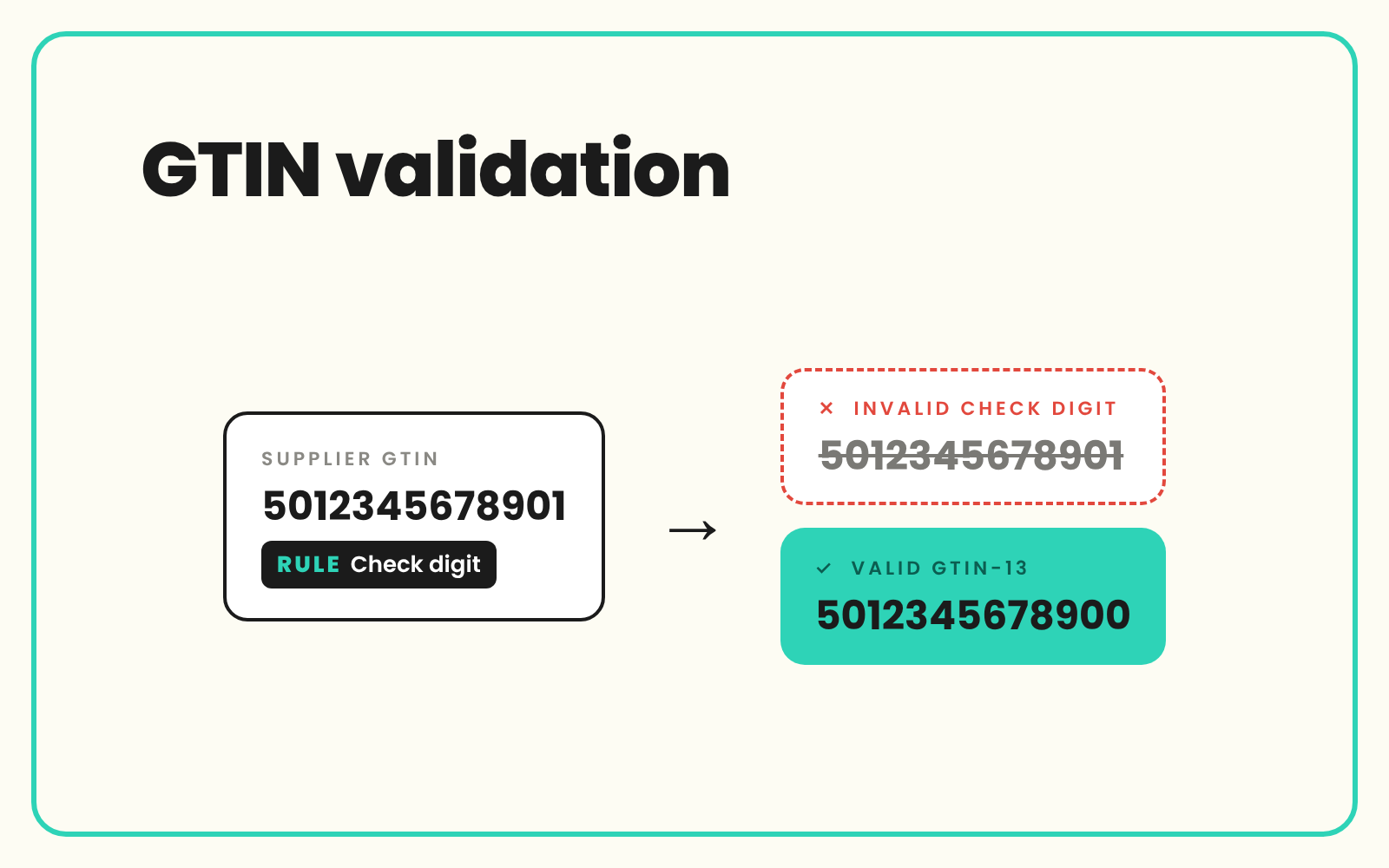
GTIN validation checks that every barcode in your catalogue is the right length, has a correct check digit, is not duplicated and sits on the right product. Bad GTINs are one of the most common reasons listings are rejected by marketplaces and Google Merchant Center, or matched to the wrong product. SKULaunch catches GTINs that are missing, duplicated or the wrong length or format with validation rules, and sends the failures back to the suppliers who can fix them.
The problem
GTINs arrive from dozens of suppliers in different states. One file has been through Excel and shows barcodes as 5.06012E+12. Another has UPCs with the leading zero missing. A third pastes the same EAN on every colour, or puts the GTIN on the parent product and leaves the variants blank. Some suppliers put their own item code in the barcode column. A case GTIN-14 turns up in the field meant for the single unit.
None of this is visible until it costs you. A listing is disapproved for an invalid GTIN, two products merge into one listing on a marketplace, a barcode lookup returns someone else's images, or goods in cannot scan a delivery.
Before and after
An illustrative example from a toys and gifts retailer's supplier file.
Before: the barcode column
Row 14: 5.06012E+12. Row 15: 12345678905. Rows 16 and 17: red and blue variants, both 5060123456783. Row 18: parent "Wooden train set" with an EAN, variants blank. Row 19: 5060123456781.
After: validated in SKULaunch
- Row 14: flagged, digits lost to scientific notation, supplier asked to resend the value as text
- Row 15: 11 digits, a UPC-A that lost its leading zero, restored to 012345678905 and confirmed with the supplier
- Rows 16 and 17: duplicate flagged, supplier provides the correct GTIN for the blue variant
- Row 18: GTIN moved from the parent to the variant it belongs to
- Row 19: check digit does not match, returned to the supplier for correction
How it works in SKULaunch
- Set format rules. Validation rules on the GTIN attribute require digits only and an allowed length of 8, 12, 13 or 14.
- Check for duplicates. Find GTINs that appear on more than one SKU, and GTINs held on parent products rather than variants.
- Filter the failures. Pull a list of every SKU failing a rule, by supplier, category or channel.
- Send fixes back to suppliers. Request corrections through the supplier portal and review returned values before they go live.
Check digit validation can be added depending on your set-up. Ask us to confirm it for your account.
GTIN validation basics: lengths and the check digit
GTIN is the GS1 family of product identifiers. Four lengths are in use:
- GTIN-8 (EAN-8): small packs where a full barcode will not fit.
- GTIN-12 (UPC-A): used mainly in North America.
- GTIN-13 (EAN-13): used across most of the rest of the world, including the UK and Australia.
- GTIN-14: trade units such as cases and outers, often printed as an ITF-14 barcode.
All four can be stored in a 14-digit field by adding zeros on the left. A UPC-A gets two leading zeros and an EAN-13 gets one. Padding does not change the number, so once everything is held at 14 digits, duplicate checks work across lengths.
The last digit is a check digit calculated from the others with a modulo 10 rule. Take every digit except the check digit. Starting from the right, multiply them alternately by 3 and 1. Add the results. The check digit is whatever brings that total up to the next multiple of 10, or zero if it already is one.
An illustrative worked example: the first 12 digits of an EAN-13 are 506012345678. From the right, 8x3, 7x1, 6x3, 5x1, 4x3, 3x1, 2x3, 1x1, 0x3, 6x1, 0x3, 5x1 add up to 87. The next multiple of 10 is 90, so the check digit is 3 and the full GTIN is 5060123456783. That is why row 19 above, ending in 1, fails.
A correct check digit proves the number is well formed. It does not prove the GTIN was issued by GS1 or that it belongs to that product. For that, check against the brand owner's data or GS1's own lookup services.
GTIN errors that cause rejections
- Scientific notation. Open a CSV in Excel and long barcodes can display as 5.06012E+12. Save it in that state and the digits are gone. Import barcode columns as text.
- Lost leading zeros. UPCs and GTIN-14s often start with zero, and spreadsheets drop it.
- Duplicates across SKUs. The same GTIN on two products means a copy and paste error or a duplicate record.
- GTINs on parents. Each sellable variant needs its own GTIN. The parent that groups them usually has none.
- Restricted circulation numbers. GTIN-13s starting with 2 are reserved for in-store use, such as variable weight items, and are not meant for products listed on other channels.
- The wrong level. A case GTIN-14 in the unit field, or a unit GTIN on the case.
- Placeholders. All zeros, "N/A" or the supplier's own item code in the GTIN field.
Fix at source, not in the feed
It is tempting to patch barcodes in a feed tool. The fix then lives in one channel and the bad value is still on the product. Correct the product record, ask the supplier to correct their file, and every channel gets the right value next time.
What changes
Bad barcodes are caught at import, listings stop bouncing for invalid GTINs, and suppliers fix their own data instead of your team retyping it.
Common questions
How do I check if a GTIN is valid?
Check it is digits only, one of the four valid lengths, and that the check digit matches the modulo 10 calculation. Then confirm it is registered to the brand owner and on the right product.
What is the difference between a GTIN, an EAN and a UPC?
GTIN is the umbrella term. An EAN-13 is a GTIN-13 and a UPC-A is a GTIN-12. Both can be stored as 14 digits with leading zeros.
Why does Excel turn my barcodes into numbers like 5.06E+12?
Excel treats long numbers as values and shortens the display. Format the column as text before you paste or import, or open the CSV through the import wizard and set the column to text.
Should GTINs go on the parent product or the variant?
On the variant. Each size or colour you sell is a different trade item and needs its own GTIN.
Does SKULaunch validate the GTIN check digit?
Length and format rules and duplicate checks use standard validation rules. Check digit validation depends on your set-up, so confirm it with us.
What if a product genuinely has no GTIN?
Own-made or custom products may not have one. Most channels have a way to declare that, so leave the field empty rather than inventing a number.
More on GTIN, UPC, EAN and MPN explained, validation rules on attributes, Google Merchant Center requirements and finding product data from a barcode.

.avif)