
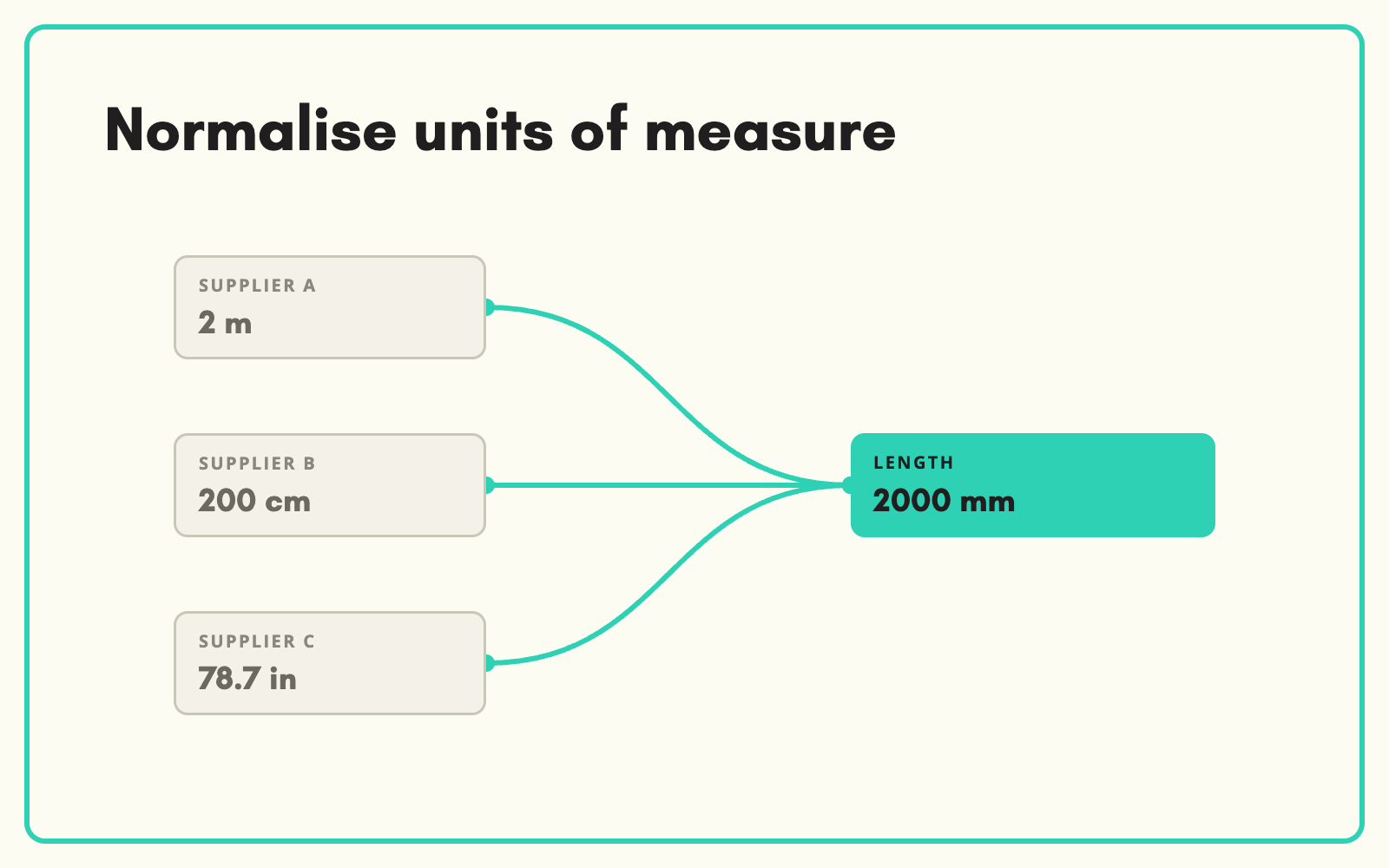
Units of measure arrive in every form: mm, cm, inches, "2 metre", "1.5mtr". SKULaunch converts them into one unit per attribute on the way in, so lengths, weights and capacities can be filtered, sorted and compared across every supplier.
The problem
Mixed units quietly break catalogues. A filter for cable length shows 2, 200 and 78 as separate options because they came in metres, centimetres and inches. Sorting by size puts a 10 mm product above a 2 m one. Comparisons mislead. And every supplier file needs the same conversions done again by hand.
Before and after
An illustrative example across three suppliers of hose.
Before: the values as supplied
Supplier A: "15m". Supplier B: "1500 cm". Supplier C: "50ft". Diameter: "1/2 inch", "12.5mm", "13 mm".
After: normalised in SKULaunch
- Length: 15 m, 15 m and 15.24 m, all in metres
- Internal diameter: 12.7 mm, 12.5 mm and 13 mm, all in millimetres
- Original supplier value kept for reference
- Filters and sorting now work across all three suppliers
How it works in SKULaunch
- Set the unit per attribute. Each measurement attribute has one standard unit, such as mm for diameter or m for length.
- Convert on the way in. Imported and extracted values are recognised with their unit and converted.
- Split combined values. "10 x 50 mm" becomes separate diameter and length values.
- Review edge cases. Ambiguous values, such as a number with no unit, are left for a decision.
Choose units for the customer, not the supplier
The right unit is the one your customers search and filter in. Trade buyers of fixings think in millimetres; garden customers buy hose in metres; some markets expect imperial alongside metric. Pick one display unit per attribute based on how customers buy, convert everything to it, and present alternatives in the description where they help.
What changes
Measurement filters show clean options, sorting works, and nobody converts units by hand again.
Common questions
Do we lose the supplier's original value?
No. The converted value is stored against your attribute, and the source is kept for reference.
What about fractions and imperial sizes?
Common formats such as 1/2 inch are recognised and converted.
Can we show two units on the website?
Yes. Hold the standard unit as data and add the alternative in copy or a secondary attribute.
See controlled value lists, attribute mapping, and the mapping and normalisation platform page.

.avif)