
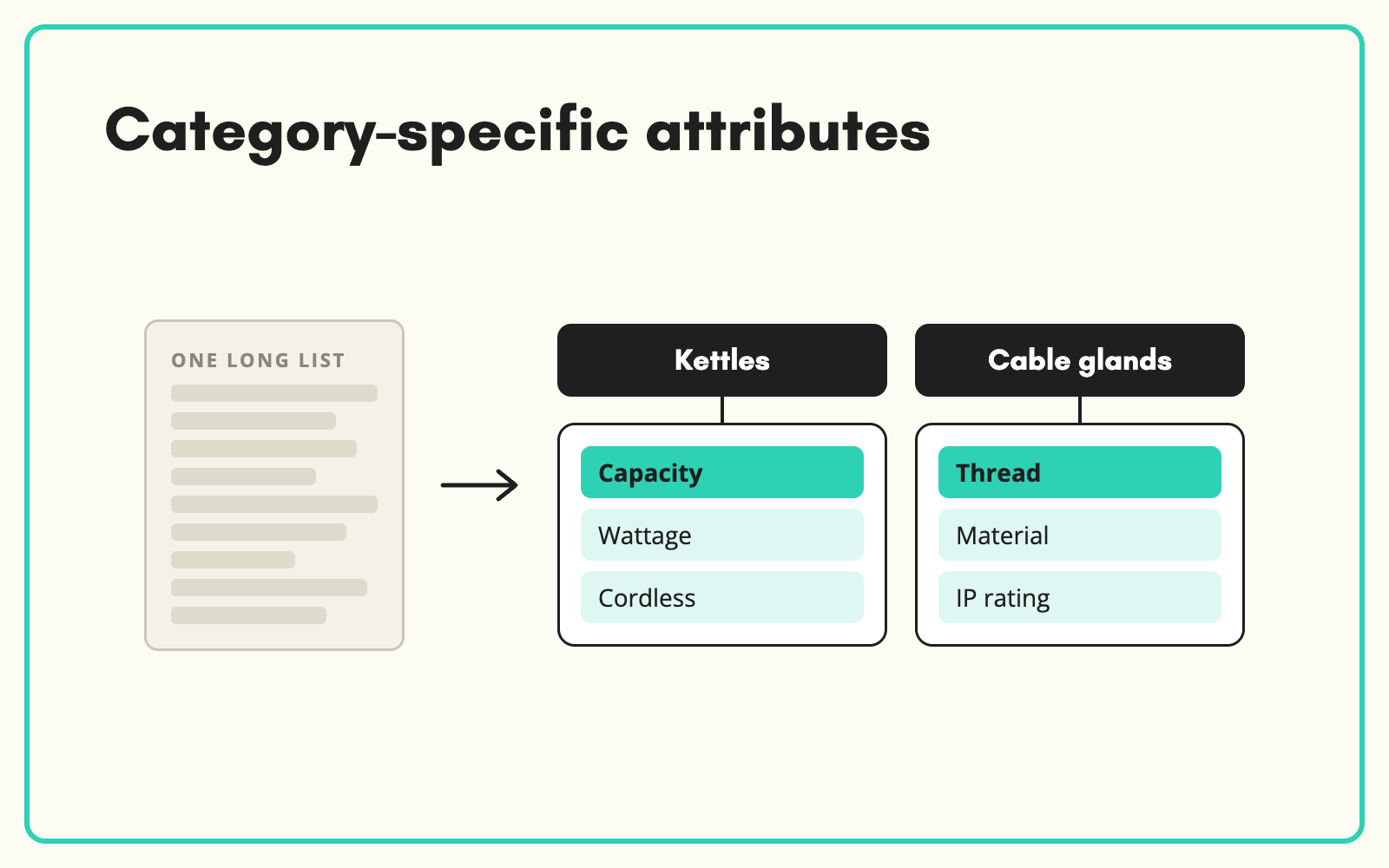
A kettle and a cable gland should not share an attribute set. SKULaunch scopes attributes to the categories they apply to, so each product type gets the fields that matter for it, suppliers get relevant templates, and your filters show options customers actually use.
The problem
Many catalogues use one long list of attributes for everything. Every product has 200 fields, most of them irrelevant, so nobody can tell which empty fields matter. Completeness scores are meaningless, supplier templates are enormous, and filters on the website show options that apply to nothing in the category.
Before and after
An illustrative example across two categories.
Before: one shared attribute set
Every product has the same 180 attributes, including "Thread size" on kettles and "Capacity (litres)" on cable glands. Completeness looks low everywhere.
After: category-specific attributes in SKULaunch
- Kettles: capacity, power, material, cordless, limescale filter
- Cable glands: thread size, cable diameter range, material, IP rating
- Shared attributes, such as brand and EAN, held once for all categories
- Completeness measured against what each category actually needs
How it works in SKULaunch
- Define attributes once. Each attribute has a type, unit and value list.
- Assign to end nodes. Attributes are scoped to the taxonomy nodes they apply to.
- Set requirements per category. Mark which attributes are required, and which suppliers must provide.
- Everything follows the scope. Templates, enrichment, completeness and exports all use the category's attribute set.
How many attributes per category
More is not better. Aim for the attributes that drive filters, comparisons and buying decisions, typically 8 to 25 per end node, plus a small shared set. Each extra attribute is work for suppliers and enrichment, so it should earn its place by being something a customer filters on, compares, or needs to know before buying.
What changes
Every product type gets the right fields, completeness becomes meaningful, and filters show options that apply.
Common questions
Can an attribute apply to several categories?
Yes. Assign it to every node it applies to and it behaves the same in each.
Can we import our attribute model?
Yes. Import taxonomy and attributes together, linked by node IDs.
What about attributes needed by only one channel?
Channel scoping controls which attributes go to which channel.
See the schema and attributes platform page, product attributes, and supplier templates by category.

.avif)