
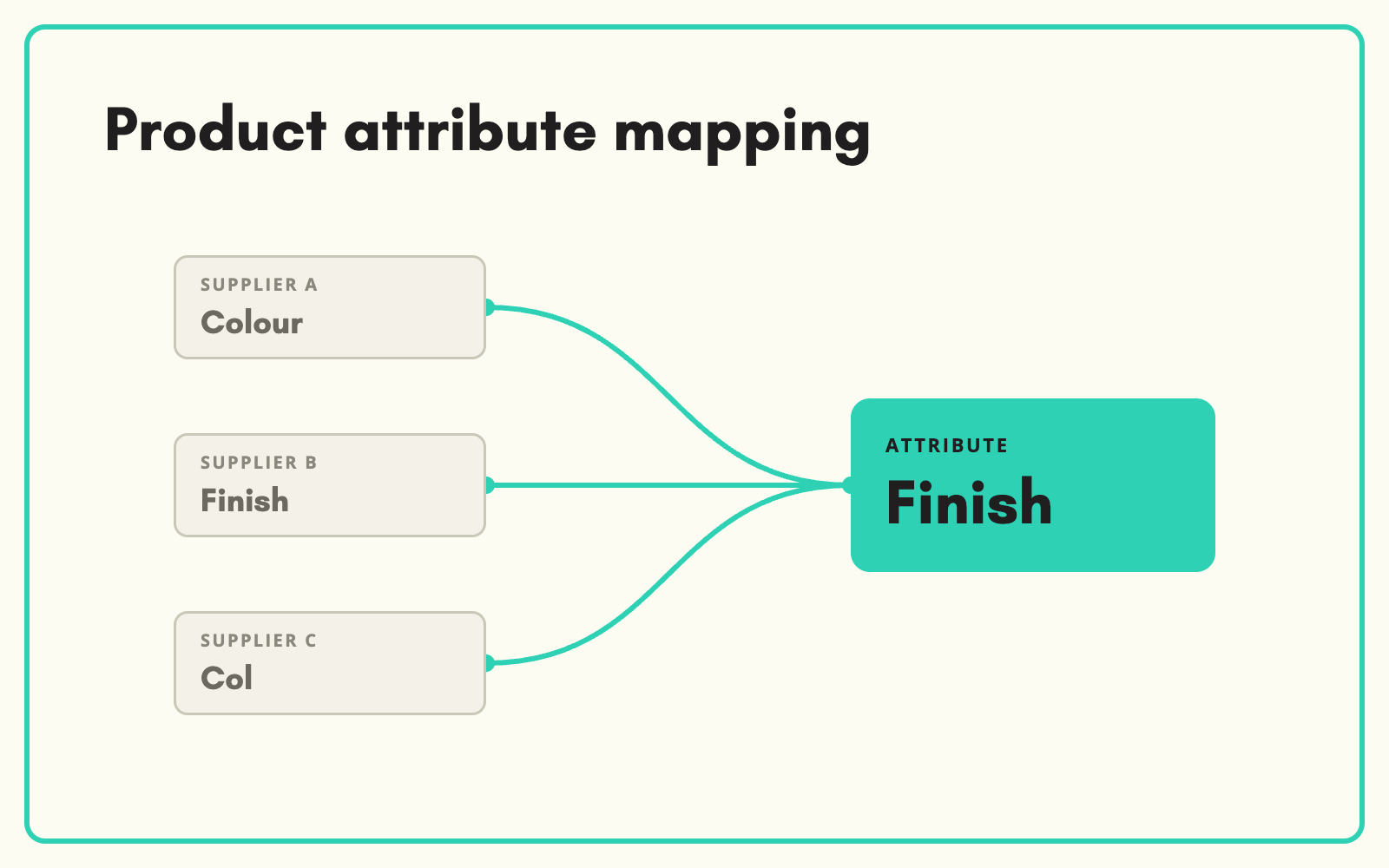
Product attribute mapping connects the way each supplier describes a product to the way you do. SKULaunch maps supplier fields to your attributes and supplier values to your allowed values, saves those mappings per supplier, and applies them every time a new file arrives.
The problem
Every supplier has its own vocabulary. One sends "Colour", another "Finish", a third "Col". One writes "Stainless Steel", another "S/S", another "304". Unless those are mapped to a single attribute with a single set of values, your filters fragment, search misses products and comparisons fall apart. Most teams fix it file by file in spreadsheets, which means the same mapping decisions are made again every month.
Before and after
An illustrative example across three suppliers of kitchen taps.
Before: three supplier files
Supplier A: Finish = "Brushed SS". Supplier B: Colour = "Stainless". Supplier C: Col/Fin = "BRSH NICKEL".
After: one attribute, one set of values
- Attribute: Finish
- Supplier A "Brushed SS" to Brushed stainless steel
- Supplier B "Stainless" to Stainless steel
- Supplier C "BRSH NICKEL" to Brushed nickel
- One Finish filter on the website with three clean options
How it works in SKULaunch
- Map fields. On import, each supplier column is matched to one of your attributes, with suggestions based on the column name and contents.
- Map values. For select attributes, supplier values are matched to your controlled list, so "S/S" and "Stainless" become the same value.
- Save the mapping. Field and value mappings are saved as a template for that supplier and reused on every future file.
- Handle the leftovers once. New fields or values that have no mapping yet are raised for a decision, then added to the mapping for next time.
Field mapping is the easy half
Most tools stop at matching column headers. That is the easy half. The hard half is value mapping: deciding that "BZP", "Zinc plated" and "ZP" are one value, that "2m" belongs in a length attribute in millimetres, and that "Yes" in a column called "Batt" means a battery is included. Value mapping is what makes filters work and what makes data from fifty suppliers look like it came from one. It is also where most of the manual effort hides, which is why it needs to be saved and reused rather than redone.
What changes
New supplier files arrive already speaking your language. The mapping effort falls with every file, because decisions made once are applied automatically next time.
Common questions
Do we need a mapping for every supplier?
Each supplier gets its own saved mapping, but common mappings can be reused across suppliers who use the same terms.
What if our attribute model changes?
Update the mapping for the affected attributes. Other mappings are unaffected.
Does mapping work for standards like ETIM?
Yes. ETIM features and values are mapped to your attributes in the same way, so ETIM and non-ETIM suppliers end up consistent.
See the mapping and normalisation platform page, how to import supplier spreadsheets, and our guide to product attributes.

.avif)