
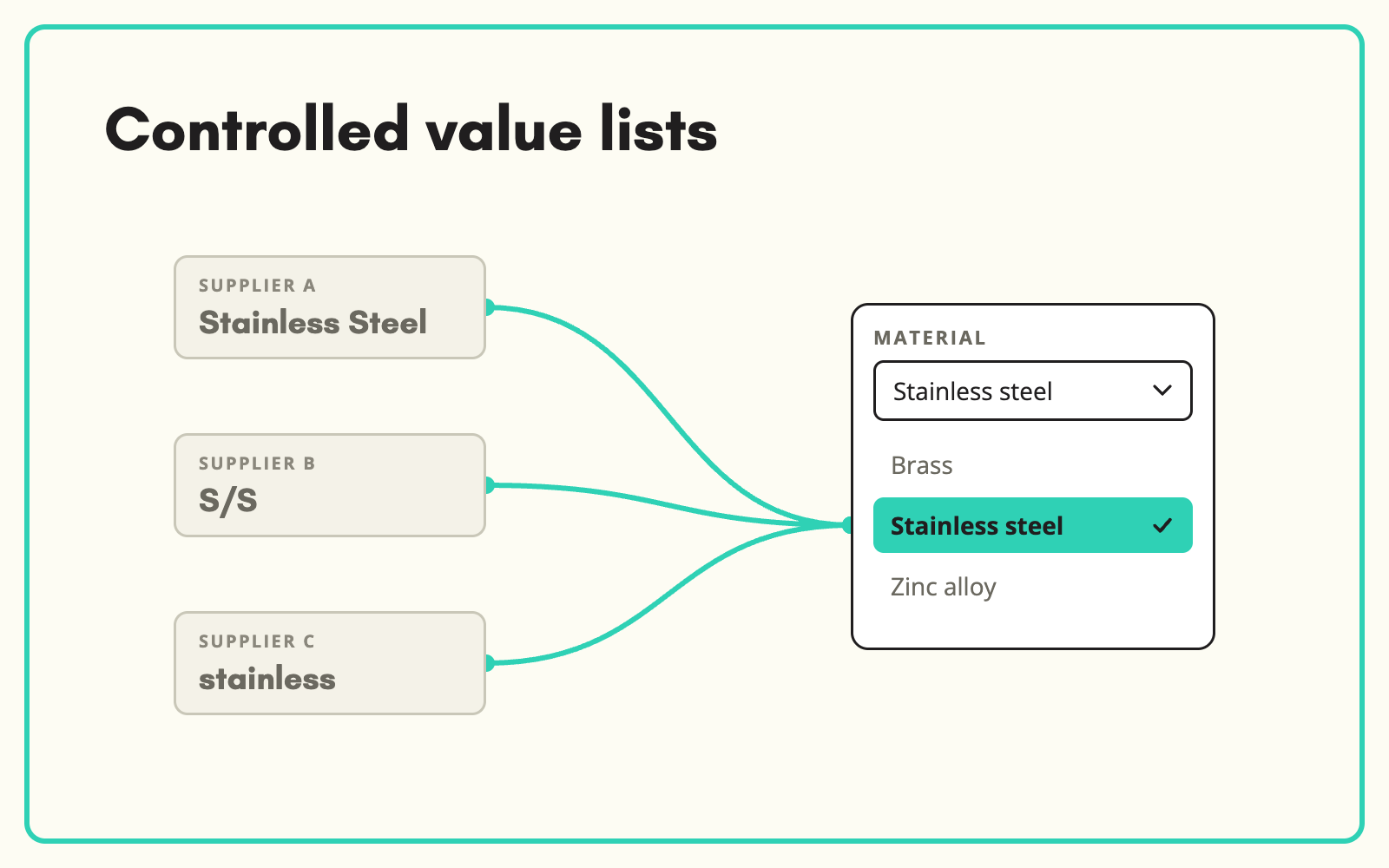
Free text is where filters go to die. SKULaunch turns free-text attribute values into controlled value lists, so "Stainless Steel", "S/S" and "stainless" become one value, and every filter on your website shows a short, clean set of options.
The problem
When attributes accept any text, every supplier and every team member writes values their own way. The Material filter ends up with forty options for six real materials. Customers tick "Stainless steel" and miss half the products, which are stored as "S/Steel" or "304 SS". Search and comparisons suffer the same way.
Before and after
An illustrative example for one attribute.
Before: the Material values in use
Stainless Steel, stainless, S/S, SS, 304 SS, St. Steel, Stainless steel 304, Inox. 1,840 products.
After: one controlled list in SKULaunch
- Material: Stainless steel
- Grade held separately: 304
- All eight variants mapped to the one value
- New supplier values mapped on import, not added as new options
How it works in SKULaunch
- Define the list. Set the allowed values for each select attribute, scoped to the categories that use it.
- Map existing values. Variants already in your data are matched to the right controlled value.
- Map on import. Supplier values are matched as they arrive, with value mappings saved per supplier.
- Raise new values once. Anything genuinely new is raised for a decision, not silently added.
Keep lists short and specific to the category
A controlled list should contain only the values that make sense for the category. Material for cookware and material for fixings are different lists, even if both include stainless steel. Splitting compound values, such as material and grade, into separate attributes keeps each list short and makes filters more useful.
What changes
Filters show a handful of clean options, customers find every matching product, and value lists stop growing with each supplier.
Common questions
Can lists differ by category?
Yes. Lists are scoped to the categories where they apply.
Can a product have more than one value?
Yes. Multiselect attributes hold several values from the list.
Do value IDs matter?
SKULaunch supports IDs for list options, so the label customers see can change without breaking integrations.
See cleaning inconsistent values, attribute mapping, and filterable catalogues.

.avif)