
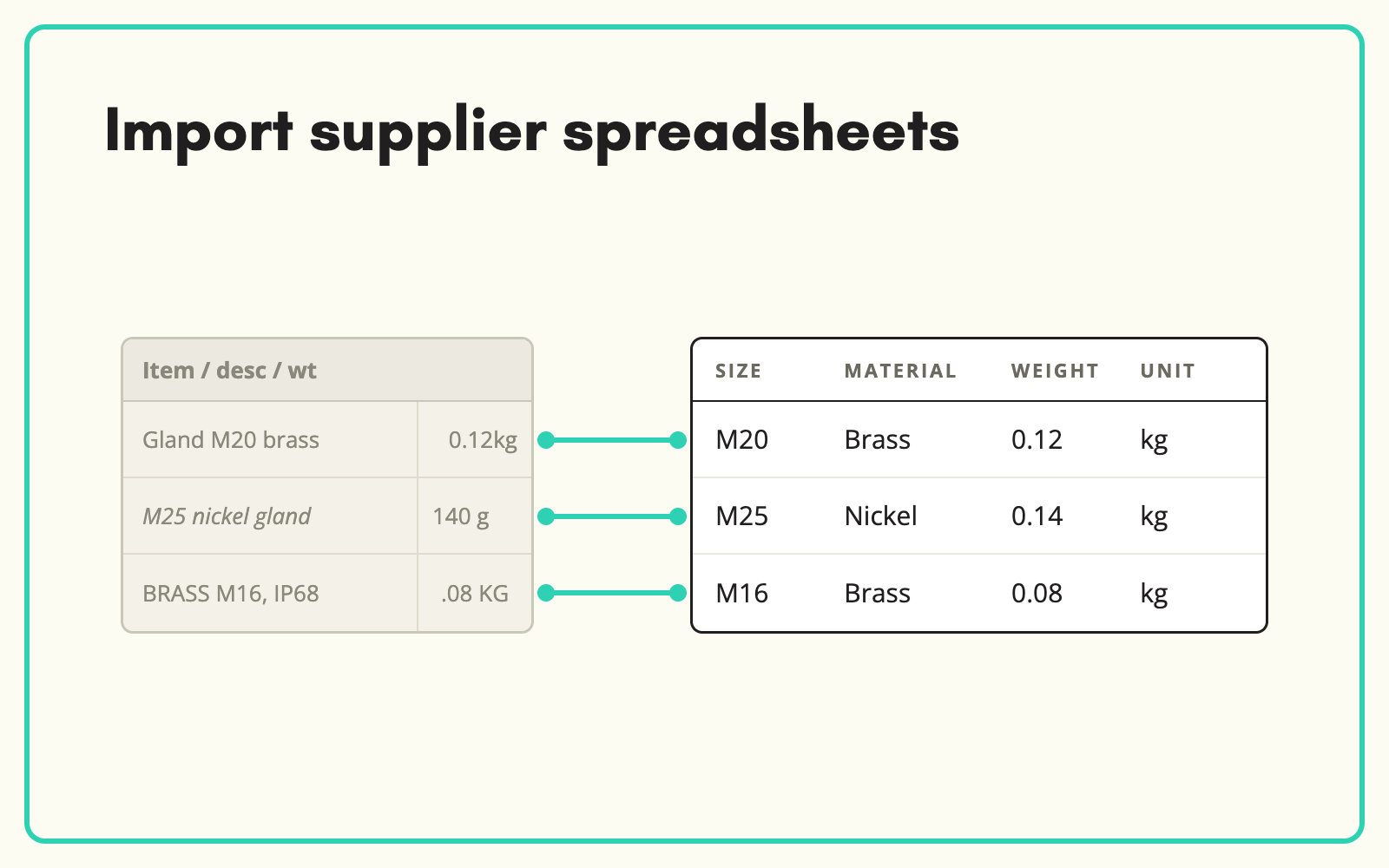
Importing supplier spreadsheets should take minutes, not a day of reformatting. SKULaunch takes the file as the supplier sent it, CSV, XLSX, JSON or XML, maps each column to your attribute model, previews the result and flags problems before anything is written.
The problem
No two suppliers send the same file. Headers are named differently, one supplier puts dimensions in a single cell and another splits them across three, units sit in the value column, and some files arrive with merged cells, hidden rows and a logo in row one. Before anything can go into the PIM or ecommerce platform, someone rebuilds the file by hand. That person becomes the bottleneck for every new range.
Before and after
An illustrative example from an industrial fixings supplier.
Before: the supplier file
Columns: Item, Desc, Size (mm), Matl, Finish/Coating, Qty/Box, EAN. Row 4: "M10x50 HEX BOLT 8.8 ZP", "10 x 50", "STEEL", "BZP", "100".
After: what is imported into SKULaunch
- Supplier part number: mapped from Item
- Thread diameter: M10. Length: 50 mm, split from the combined size
- Material: Steel. Property class: 8.8
- Finish: Bright zinc plated, mapped from BZP to your controlled value
- Pack quantity: 100
- Category: Hexagon bolts, assigned on import
How it works in SKULaunch
- Upload or paste. Drop in the file as received, or paste rows straight from a spreadsheet for small batches.
- Map columns once. SKULaunch suggests the target attribute for each column. Confirm or change it, and save the mapping as a template for that supplier.
- Preview and validate. See exactly what will be created or updated, with missing identifiers, invalid values and duplicates flagged before you commit.
- Import, classified or not. Import into known categories, or use an unclassified import and let auto-classification place each product afterwards.
Where supplier imports usually go wrong
Three things cause most failed imports. Identifiers: decide which field matches existing products, whether your SKU, the supplier part number or the EAN, before the first import, or you will create duplicates. Combined fields: dimensions, pack sizes and ratings packed into one cell need splitting into separate attributes, not storing as text. Values: abbreviations such as BZP, SS or Blk must map to your controlled values at import, or filters break later. Handle those three and most supplier files import cleanly.
What changes
Supplier files go in as they arrive. The mapping work happens once per supplier instead of once per file, and the person who used to reformat spreadsheets spends that time on the range instead.
Common questions
Which file types can we import?
CSV, XLSX, JSON and XML, plus pasted rows. There is no cap on the number of rows per file.
Can one import update existing products?
Yes. Match on the identifier you choose and the import updates existing records rather than creating duplicates.
What if the supplier changes their layout?
Adjust the saved mapping for the changed columns. Everything else carries over.
More on catalogue enrichment, the imports and spreadsheets platform page, and how to map supplier attributes to your model.

.avif)