
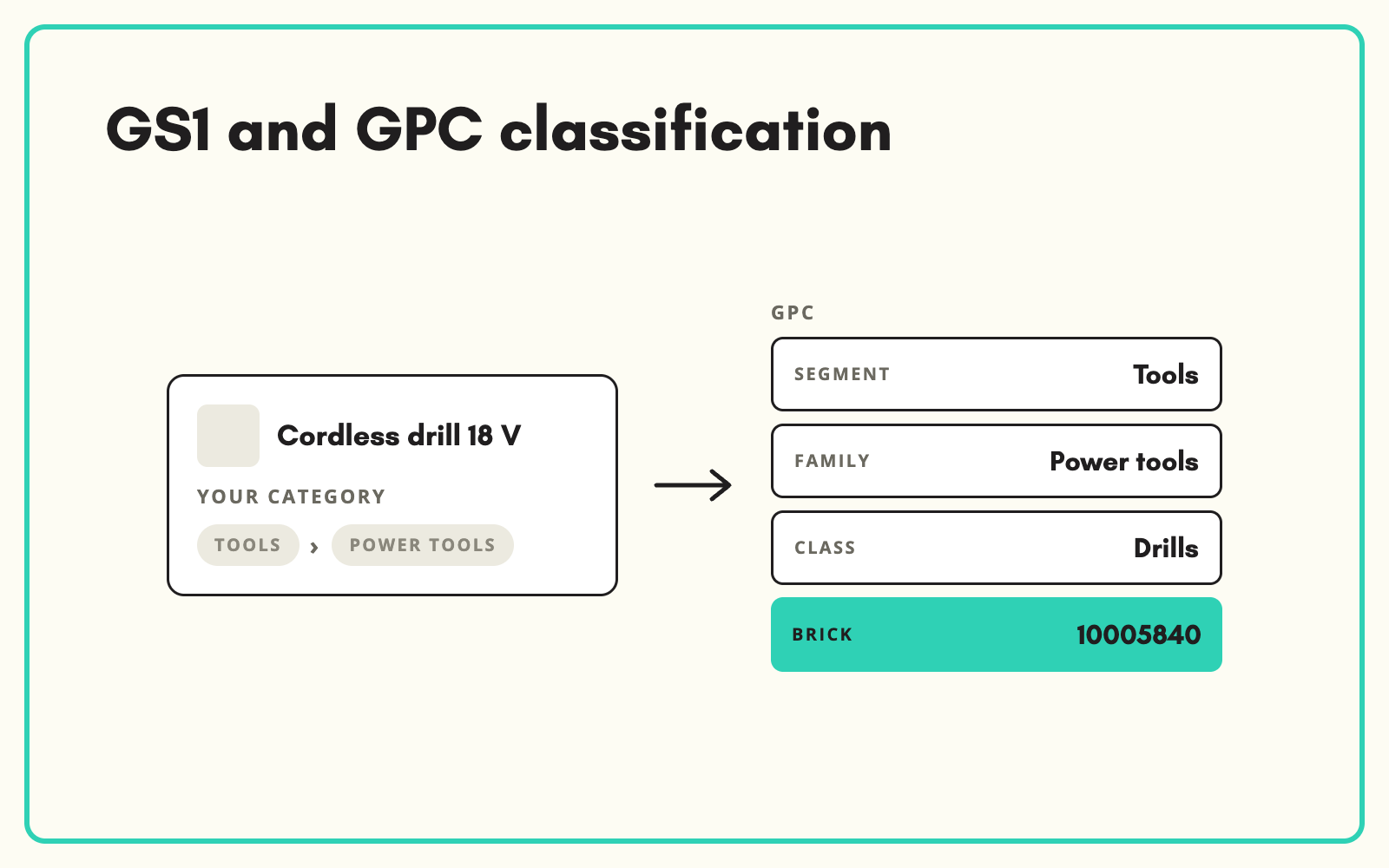
GS1's Global Product Classification, GPC, is how many retailers and data pools classify products in the retail supply chain. SKULaunch holds GPC codes alongside your own taxonomy, assigns them across your catalogue, and exports them where retail partners require them.
The problem
A retailer or data pool asks for a GPC brick code on every product, and your catalogue uses your own categories. Finding the right brick means navigating segments, families and classes for each product type, and the closest match is not always obvious. Doing it by hand for thousands of SKUs is slow, and inconsistent choices cause rejections.
Before and after
An illustrative example for a household product.
Before: your record
"Washing-up liquid, lemon, 500 ml", category Household > Cleaning. GPC: blank.
After: in SKULaunch
- GPC brick assigned for dishwashing detergents
- Held as a separate attribute alongside your own category
- GTIN, brand and net content confirmed on the record
- Exported in the retailer's template
How it works in SKULaunch
- Map categories to bricks. Where an end node maps to one GPC brick, set it once for every product in it.
- Classify the rest. Where a node spans several bricks, classify products individually.
- Review. Check assignments in the grid.
- Export. Send GPC codes in the format your partners request.
GPC is not your website taxonomy
GPC is designed for supply chain consistency, not shopper navigation. Bricks group products by what they are, not how customers browse. Keep your own taxonomy for the website and hold GPC as a second classification on each product. That keeps retail partners happy without forcing your navigation into a structure built for data exchange.
What changes
Retail partner requirements stop blocking listings, and GPC is maintained as part of normal product set-up.
Common questions
Do we need to change our categories?
No. GPC sits alongside your own taxonomy.
What about GTINs?
GTINs are held as identifiers on each product and can be checked for format and check digit.
Is this available on every plan?
Standards mapping depends on your set-up. Confirm with us for your catalogue.
See UNSPSC codes, ETIM classification, and classification standards.

.avif)