
UNSPSC codes classify products and services for procurement. Corporate buyers, public sector frameworks and eProcurement platforms use them to report spend, route approvals and find what they need, which is why so many procurement customers now ask suppliers for a UNSPSC code on every line. SKULaunch assigns UNSPSC codes across your catalogue from the data you already hold and keeps them on each product record.
The problem
A procurement customer sends a catalogue template with a UNSPSC column, and your data has no codes. Finding the right commodity for each product means searching a code set of tens of thousands of entries, and the obvious match is often one level too broad. Doing it by hand for a few thousand lines takes weeks, and the person who does it rarely documents why each code was chosen, so the next update starts from scratch.
Before and after
An illustrative example from an MRO and office supplies catalogue.
Before: the line in your catalogue
NB-15-I5, 15.6 inch laptop, Core i5, 16GB RAM, 512GB SSD. UNSPSC: blank.
After: classified in SKULaunch
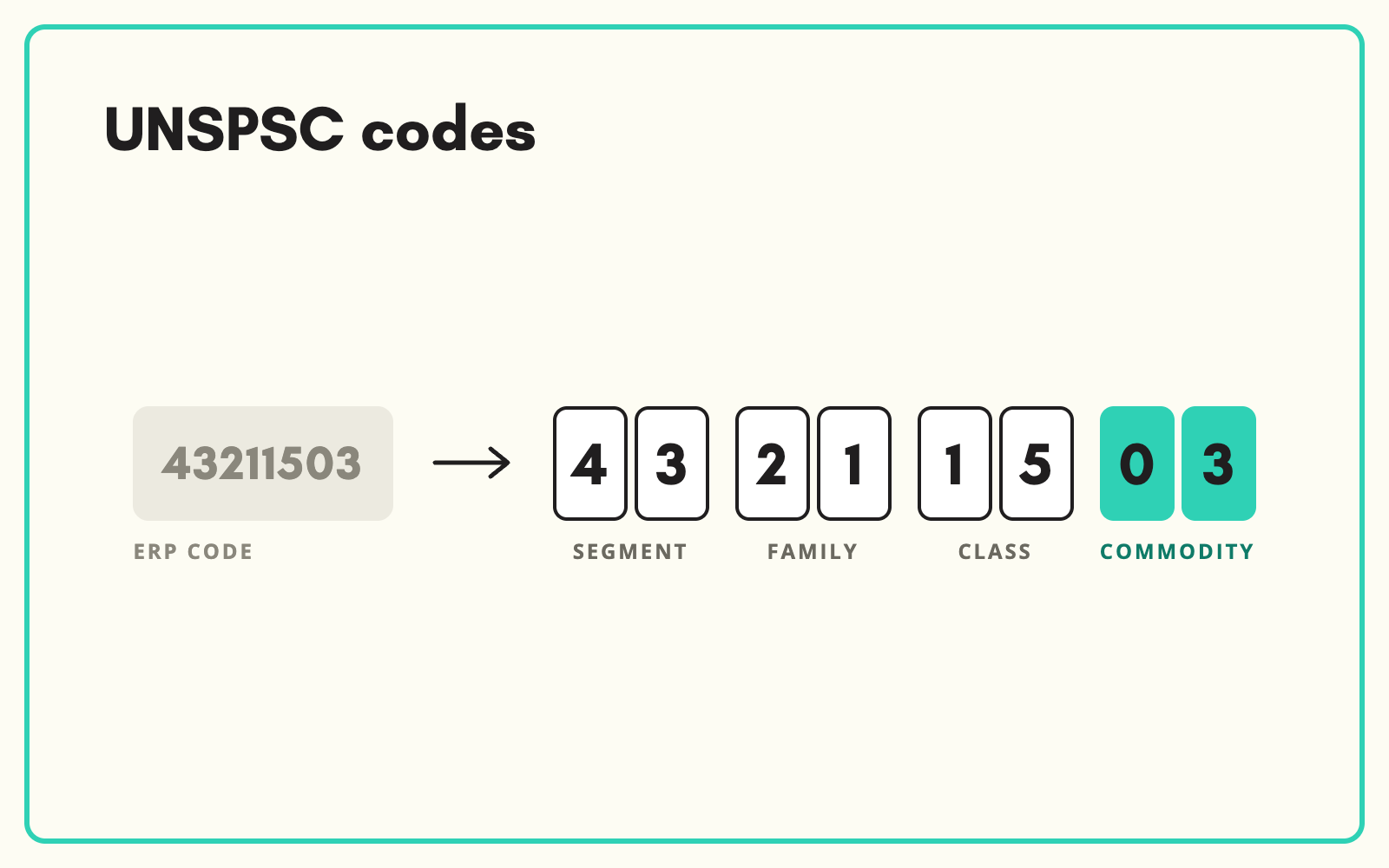
- UNSPSC: 43211503, Notebook computers
- Segment 43: Information technology, broadcasting and telecommunications
- Family 4321: Computer equipment and accessories
- Class 432115: Computers
- Commodity 43211503: Notebook computers
How it works in SKULaunch
- Link your categories to UNSPSC. Where an end node in your taxonomy maps cleanly to one commodity, the mapping is set once and applied to every product in it.
- Classify product by product where needed. Where a node spans several commodities, products are classified individually using their title, description and attributes.
- Review before you send. Codes are written to a UNSPSC attribute on each product and reviewed in the grid alongside the rest of the record.
- Export in the customer's template. Send the catalogue with UNSPSC codes in the columns your procurement customers ask for.
How UNSPSC codes are structured
A UNSPSC code is eight digits in four pairs. The first two digits are the segment, the broadest grouping. The next two add the family, then the class, then the commodity, the most specific level and the one procurement teams usually want. So 43211503 reads as segment 43, family 21, class 15, commodity 03. The code set is maintained centrally and updated periodically, so a code that was right a few years ago may now have a more specific alternative. Always classify to commodity level where one exists, and record which version of the code set you used.
UNSPSC, ETIM and GS1 are not interchangeable
Each solves a different problem. UNSPSC answers "what kind of spend is this?" for procurement. ETIM describes technical products in detail with defined features and values. GS1 identifies items and, through GPC, classifies them for retail supply chains. Many distributors need all three on the same product for different customers. Holding them as separate attributes on one record, rather than choosing one, is what keeps every customer's template answerable.
Common questions
Which UNSPSC version do you use?
The version your customers specify. If different customers want different versions, the code can be held per version.
Can we classify to UNSPSC without changing our own categories?
Yes. UNSPSC is held as an attribute on each product, alongside your own taxonomy.
What if a product does not fit any commodity well?
Classify to the most specific class that fits and note it for review. Forcing a wrong commodity causes more problems for the buyer than a correct class.
More on product classification standards, our explainer on what UNSPSC is, and data for industrial and MRO distributors.

.avif)