
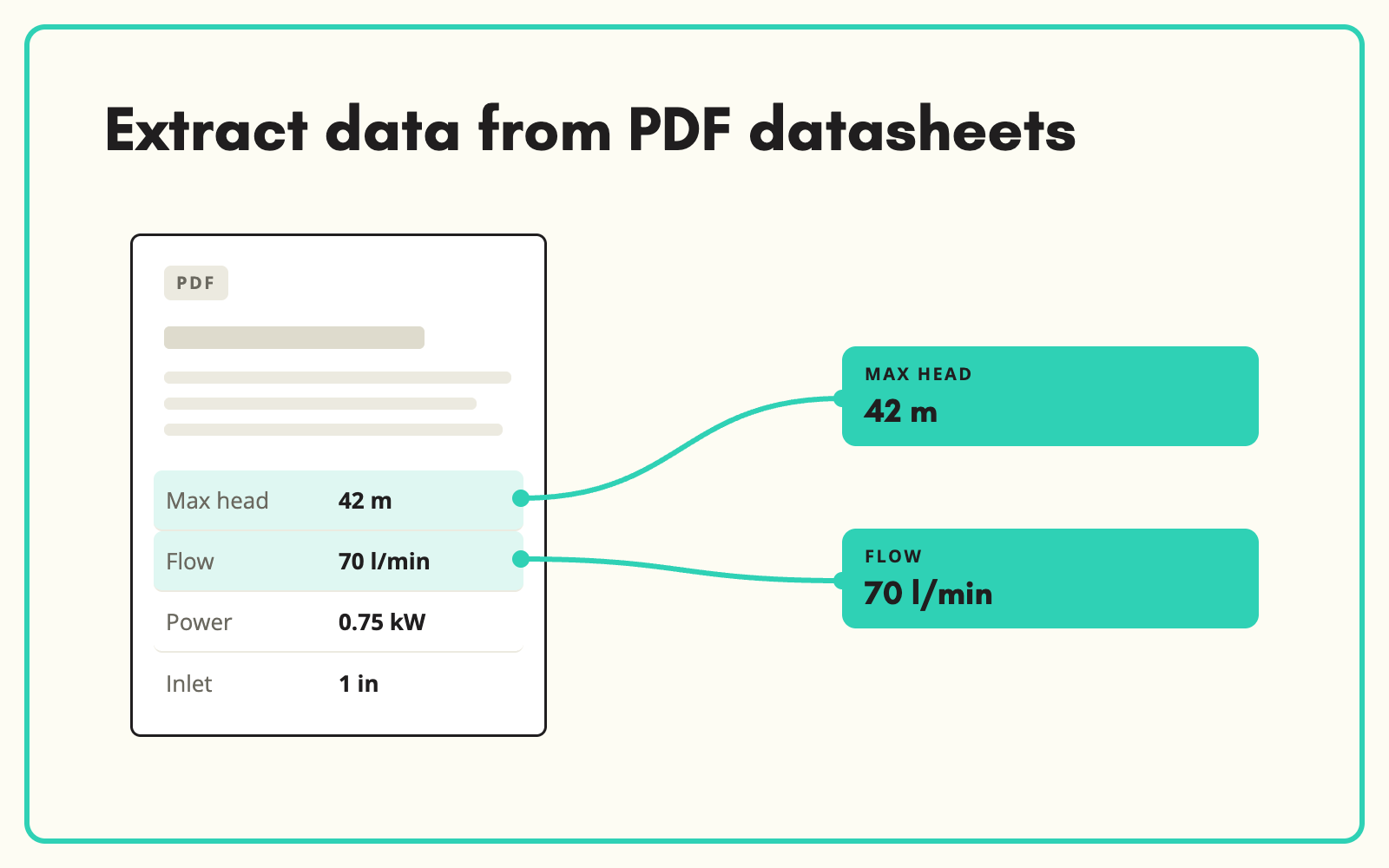
Extracting data from PDF datasheets is where most catalogue teams lose the most time. SKULaunch reads supplier datasheets, specification sheets and technical documents, pulls out the values your attributes need, normalises units and writes them against the right product for review.
The problem
Supplier PDFs hold the most accurate specs you will get, and they are the hardest to use. Values sit in tables that break when copied, units vary from page to page, one datasheet often covers six variants in a single grid, and footnotes change what a number means. Someone opens the PDF in one window and the PIM in another and types. At a few minutes per attribute and dozens of attributes per product, a range of a few thousand SKUs becomes months of work.
Before and after
An illustrative example from a pump supplier datasheet.
Before: page 2 of the PDF
Technical data table: Model / Max head (m) / Max flow (l/min) / Motor (W) / Inlet. Rows for three models. Footnote: flow measured at 0 m head. Materials listed in a paragraph on page 3.
After: attributes written to each product
- Maximum head: 42 m
- Maximum flow rate: 70 l/min, at 0 m head
- Motor power: 750 W
- Inlet connection: 1 inch BSP
- Pump body material: Stainless steel, from the page 3 paragraph
- Each value matched to the right model row, not copied across all three
How it works in SKULaunch
- Attach or upload the PDF. Use the datasheet the supplier sent, one already linked to the product, or a set of PDFs for a whole range.
- Extract against your attributes. The extraction works to your attribute model for that category, so it looks for the values you need rather than dumping every number on the page.
- Units and values are normalised. Values are converted to your units and select values are matched to your controlled lists.
- Review before it is approved. Extracted values go into the grid for review, alongside anything already supplied, and nothing is published until you approve it.
What makes PDF extraction accurate
Generic PDF-to-text tools fail on product datasheets for three reasons. They do not know which numbers matter, so you get every figure on the page. They lose table structure, so values from one model end up against another. And they ignore context, so a footnote that changes the meaning of a value disappears. Extraction that is driven by the category's attribute model, and that keeps model rows separate, is what turns a PDF into data you can trust.
What changes
90 to 95% extraction accuracy on supplier datasheets, with the remainder flagged for review rather than guessed. The work moves from typing to checking, which is where your team's product knowledge is actually useful.
Common questions
Does it work on scanned PDFs?
Text-based PDFs give the best results. Scanned documents can be read, but image quality affects accuracy, so expect more values to be flagged for review.
What about one datasheet covering several products?
Multi-model tables are handled by matching each row to the right product using the model or part number.
Can it read other documents, not just datasheets?
Yes. Installation guides, declarations and safety documents can be used as sources too, depending on which attributes you need.
Read the full guide to AI product data extraction, the product data extraction platform page, and our article on extracting product attributes from PDFs.

.avif)