
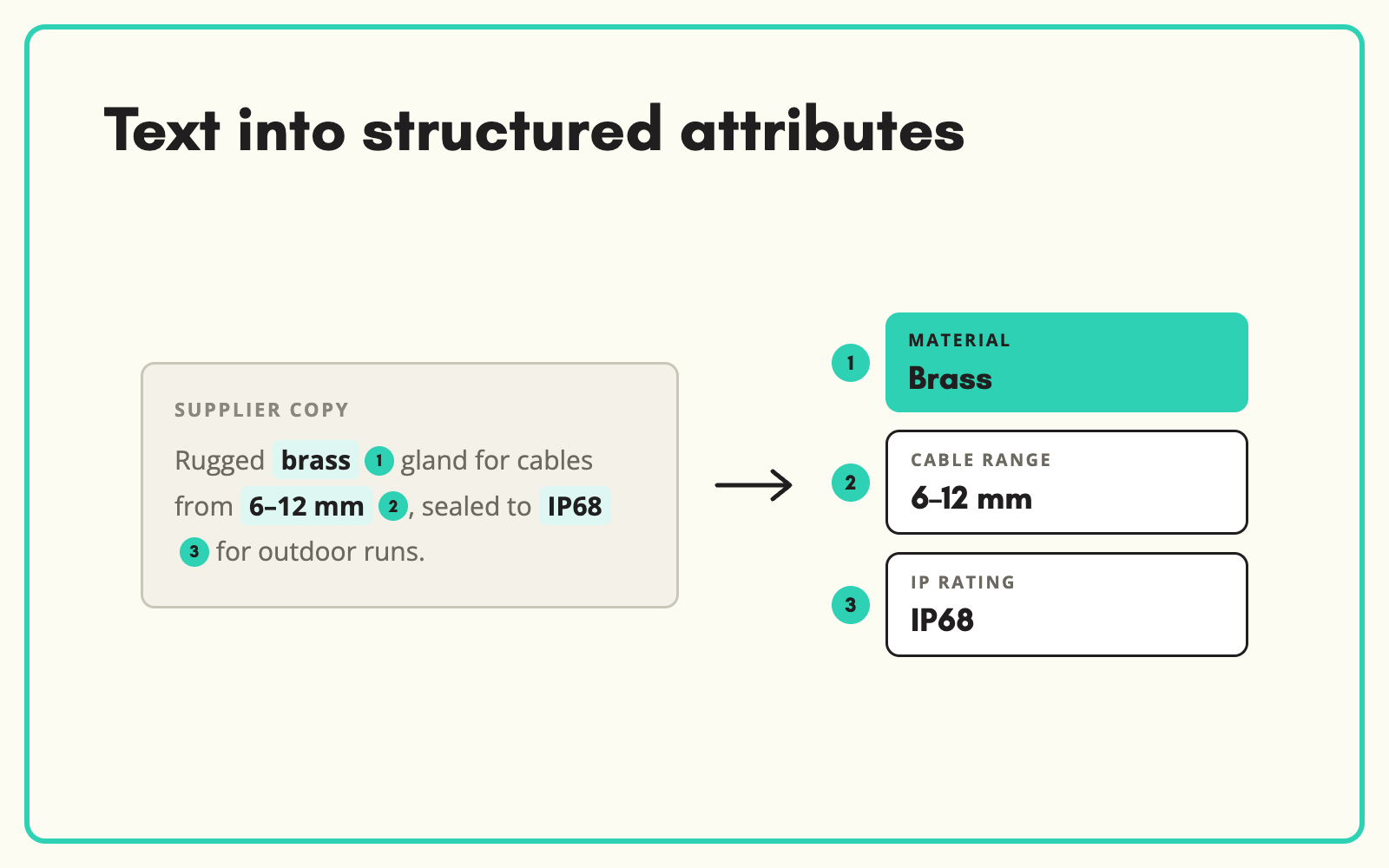
Supplier descriptions often contain the specs, just not in a form you can filter on. SKULaunch's Text Extraction reads long descriptions, picks out the values your attributes need and writes them as structured data, so the facts buried in a paragraph become filters and comparisons.
The problem
Suppliers write descriptions, not data. Voltage, material, size and compatibility appear somewhere in a paragraph of marketing copy. Your website cannot filter on prose, so the product is invisible to anyone using filters. Pulling the values out by hand means reading every description in full, and it is easy to miss one buried mid-sentence.
Before and after
An illustrative example from a supplier description.
Before: the supplier's paragraph
"Our robust 20 litre wet and dry vacuum features a powerful 1400W motor, stainless steel drum and a 5m power cable, and comes with a 2.5m hose and crevice tool."
After: structured attributes in SKULaunch
- Tank capacity: 20 l. Type: wet and dry
- Motor power: 1400 W
- Drum material: Stainless steel
- Cable length: 5 m. Hose length: 2.5 m
- Accessories included: crevice tool
How it works in SKULaunch
- Point at the text. Use supplier descriptions, notes or any long text field on the product.
- Extract against the category. Text Extraction looks for the attributes defined for that product's category.
- Normalise. Values are converted to your units and matched to your value lists.
- Review. Approve the structured values, then rewrite the description from them if you want consistent copy.
Extract, then rewrite
Once the facts are structured, the original supplier copy becomes optional. Many teams extract first, then generate a fresh description from the verified attributes. That fixes two problems at once: the data becomes filterable, and the copy stops being identical to every other stockist's.
What changes
Facts locked in prose become filterable attributes, and products start appearing where customers look for them.
Common questions
Does it change the original description?
No. The source text is kept unless you choose to replace it.
What if the text contradicts the datasheet?
Source priority decides. Datasheet values rank above supplier copy by default.
Can it handle abbreviations?
Yes. Common abbreviations are recognised and mapped to your values, with anything unclear left for review.
See AI product data extraction, replacing duplicate supplier copy, and filling missing attributes.

.avif)