
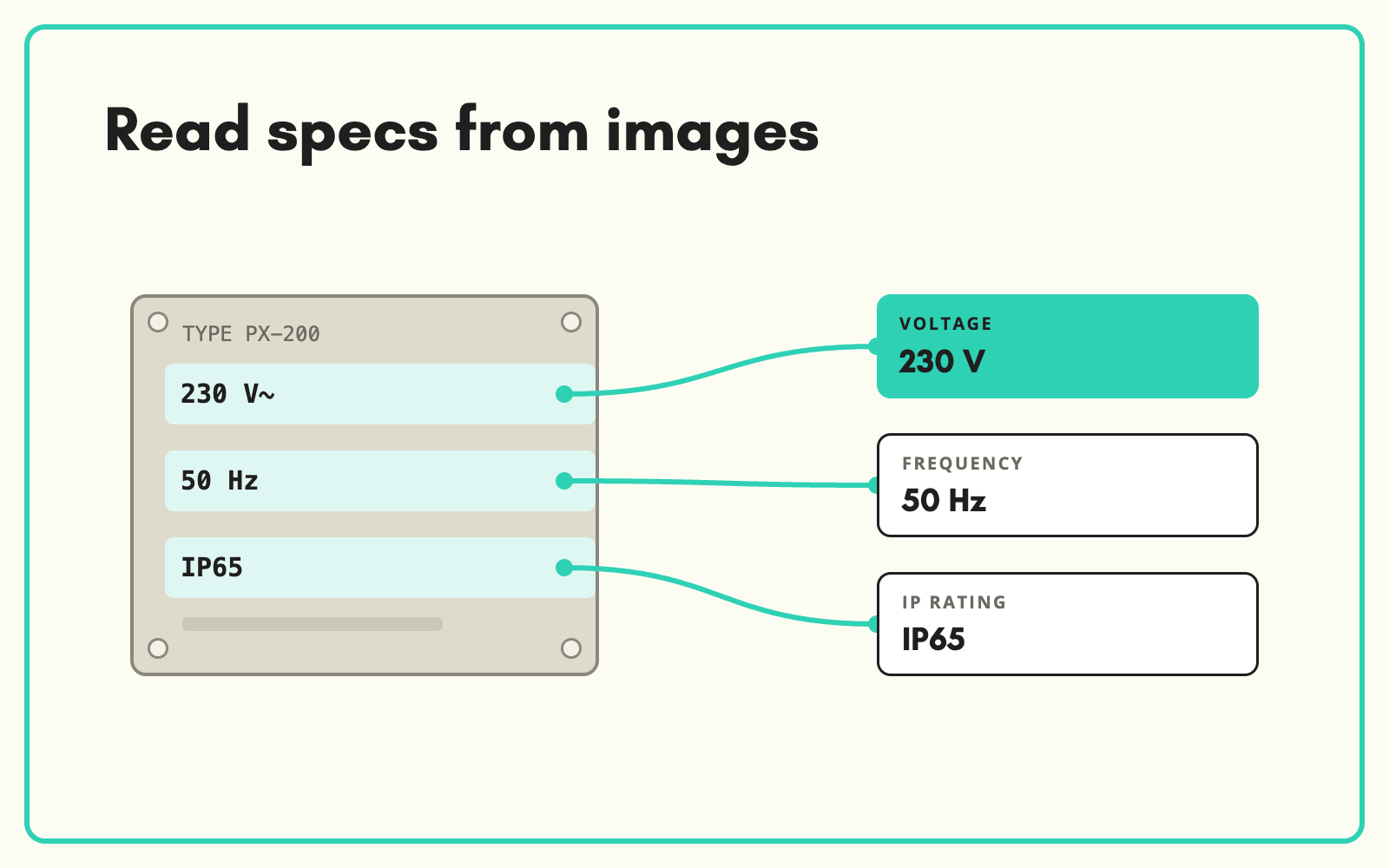
Sometimes the only source is the product itself: a photo of the box, the rating plate or the label. SKULaunch's Image Extractor lets you extract text from product images and packaging, then writes the values to your attributes for review.
The problem
Packaging and rating plates hold exactly the data catalogues need: voltage, power, dimensions, materials, certifications. But it is locked in images. Someone zooms in on each photo and types what they can read, often getting units or decimals wrong. For products with no datasheet, this is the only way to get complete data, and it rarely gets done.
Before and after
An illustrative example from an electrical heater range, using a rating plate photo.
Before: what the image shows
A photographed rating plate: "230V~ 50Hz 2000W IPX4 Class I", plus a CE mark and the model number.
After: attributes in SKULaunch
- Rated voltage: 230 V AC. Frequency: 50 Hz
- Power: 2000 W
- Ingress protection: IPX4. Protection class: Class I
- Model number confirmed against the record
- Values sent to review alongside the source image
How it works in SKULaunch
- Use the images you hold. Product images, packaging shots or rating plate photos already on the record, or uploaded by the supplier.
- Run the Image Extractor. Text and values are read from the image against your category's attributes.
- Normalise. Values are converted to your units and matched to your controlled lists.
- Review. Check extracted values against the image before approval.
Where it pays to extract text from product images
Not every image is worth reading. The ones that carry data are usually:
- Rating plates, for voltage, power, frequency and protection ratings.
- Back-of-pack panels, for dimensions, contents and pack quantity.
- Care and composition labels, for materials.
- Outer carton labels, for case quantities and model numbers.
Watch for the usual traps when reviewing. Symbols such as a CE mark are not text, so record them deliberately. European packaging often uses a decimal comma, so "2,5 m" means 2.5 m. And small print is where IPX4 becomes IP44, so check ratings against the image.
Get better images, get better data
Extraction accuracy depends on the photo. Ask suppliers for straight-on shots of rating plates and back-of-pack panels, in focus, with nothing covering the text. A dedicated label image is worth more for data than three lifestyle shots.
What changes
Products with no datasheet still get complete technical data, read from the packaging instead of typed from it.
Common questions
What kinds of images work best?
Clear, front-on photos of labels, rating plates and packaging panels.
Can it read multiple languages?
Packaging often carries several languages. Numbers and units are extracted regardless, and text is matched to your attributes.
Is every value checked?
Every extracted value goes through review before approval.
Should we use images if we have a datasheet?
Use the datasheet first. Images are best for filling the gaps it leaves.
More on AI product data extraction, automating image and spec sheet processing, extracting from PDF datasheets and filling missing attributes.

