
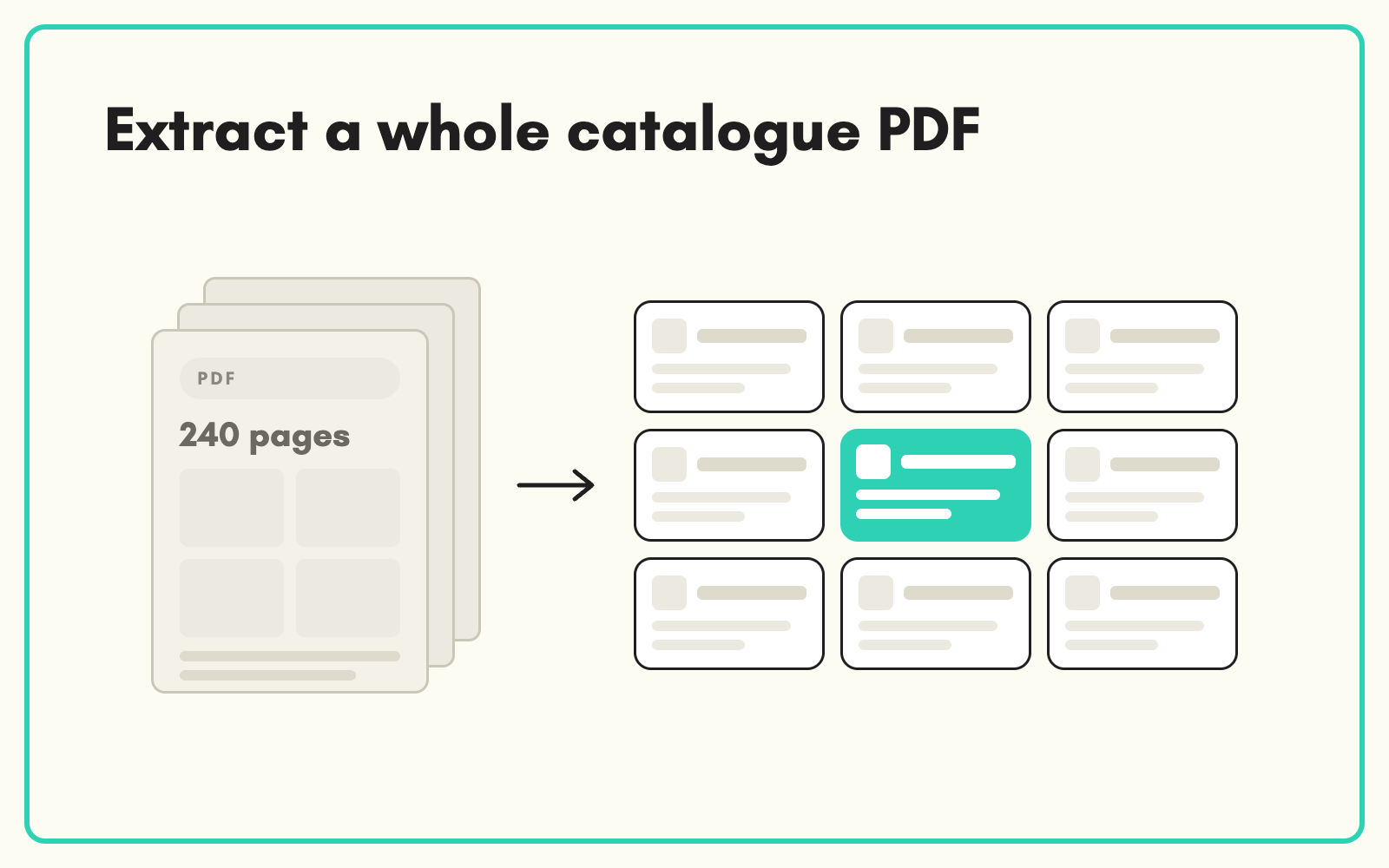
Some suppliers send a 200-page PDF catalogue instead of a data file. SKULaunch extracts product data from catalogue PDFs into structured records against your attribute model, so a printed catalogue becomes an importable range instead of weeks of typing.
The problem
Catalogue PDFs are designed for print. Products sit in grids and tables across many pages, specs are split between a family introduction and per-model rows, and images are embedded alongside. Turning that into rows of product data by hand is the most tedious job in catalogue management, and it is often the only route for smaller suppliers.
Before and after
An illustrative example from an industrial fasteners catalogue.
Before: page 46 of the catalogue
Family heading "Stainless hex bolts, A2-70", a paragraph on material and finish, then a table of sizes M6 to M20 with lengths, pack quantities and part numbers.
After: in SKULaunch
- One product per table row, keyed on the supplier part number
- Thread size, length and pack quantity from the table
- Material grade A2-70 applied from the family heading to every row
- Records classified and ready for review
How it works in SKULaunch
- Upload the catalogue. Add the PDF as a source for the supplier's range.
- Extract by product. Rows and sections are turned into product records, with family-level details applied to each product.
- Map to your model. Values are matched to your attributes, units and value lists.
- Review and enrich. Check the records, fill remaining gaps and approve.
Family details are the hard part
Catalogue tables rarely repeat what the heading already says. The material, standard or finish stated once for a family applies to every row beneath it. Extraction that reads rows in isolation misses those values. Applying family-level context to each product is what makes catalogue extraction usable rather than half complete.
What changes
Suppliers who only have a catalogue can be onboarded at the same speed as those with a data file.
Common questions
Does it work on any catalogue?
Text-based PDFs work best. Heavily designed or scanned pages need more review. Talk to us about your catalogue before committing a full range.
Are images extracted too?
Images can be sourced separately and linked by part number.
Can we start with a few pages?
Yes. Test a section first to check accuracy before running the whole catalogue.
See extracting from PDF datasheets, AI product data extraction, and supplier onboarding.

.avif)