
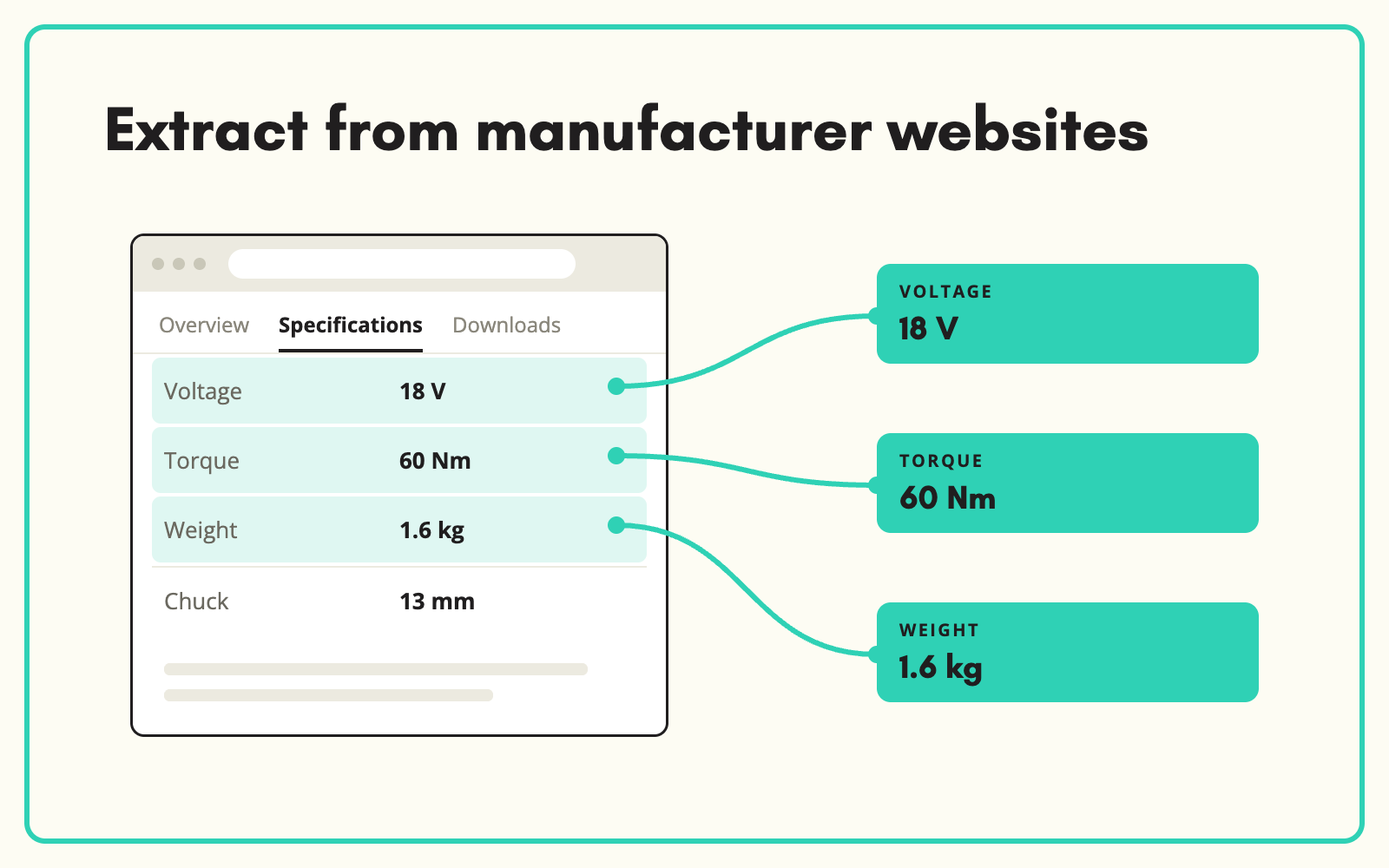
The information you need is usually already published on the manufacturer's website. SKULaunch reads manufacturer product pages, extracts the specifications, features and assets that match your attribute model, and writes them to your products for review, without anyone copying and pasting.
The problem
Supplier files are thin, but the brand's own product page is often complete: full specifications, feature lists, downloadable datasheets and images. Getting that information into your catalogue means opening each page, finding the spec tab, and copying values field by field. Generic scraping tools do not help much, because they return raw page text rather than your attributes, and break as soon as page layouts differ between brands.
Before and after
An illustrative example for a cordless power tool.
Before: what the supplier file contains
DCD796N, 18V XR Brushless Combi Drill, Bare Unit, RRP and trade price.
After: what SKULaunch extracts from the manufacturer page
- Voltage: 18 V. Battery included: No
- Motor type: Brushless
- Maximum torque: taken from the specification table
- Chuck capacity and number of speeds
- Weight with and without battery
- Datasheet and product images linked to the record
How it works in SKULaunch
- Point SKULaunch at the source. Use a product URL you already hold, or let SKULaunch find the right manufacturer page from the part number, EAN or brand and model.
- The Page Scraper reads the page. It extracts against the attribute model for that category, so it looks for the values you need, not every line of text.
- Values are normalised. Units are converted and values matched to your controlled lists, so the result is filterable data rather than copied text.
- Review and approve. Extracted values go to the grid for review. Source priority means a value from the supplier feed or datasheet is not overwritten by the website without your say.
Scraping versus extraction
Scraping copies a page. Extraction understands it. For product data, the difference matters. A scraped page gives you a block of text that still needs a person to read it. Extraction maps "Max. torque 70 Nm" to your Maximum torque attribute with the value 70 and the unit Nm, recognises that "Bare unit" means no battery is included, and ignores the marketing copy around it. The output is the same structured record you would have keyed by hand.
What changes
Thin supplier records become complete products using information that was already public. Your team checks values instead of typing them, and ranges that were stuck waiting on supplier data can go live.
Common questions
Do we need the URL for every product?
No. If you do not hold the URL, SKULaunch can find the right page using identifiers such as part number, EAN or brand and model.
Is it allowed to use manufacturer content?
Specifications are facts and are generally used by resellers. For images and marketing copy, use what your supplier agreements permit. SKULaunch writes its own descriptions from the extracted attributes rather than copying page text.
What if the manufacturer and supplier disagree?
Source priority decides. By default the supplier feed and datasheet rank above web data, and conflicts are flagged for review.
See AI product data extraction, how to find missing data with AI web search, and how to extract data from PDF datasheets.

.avif)