
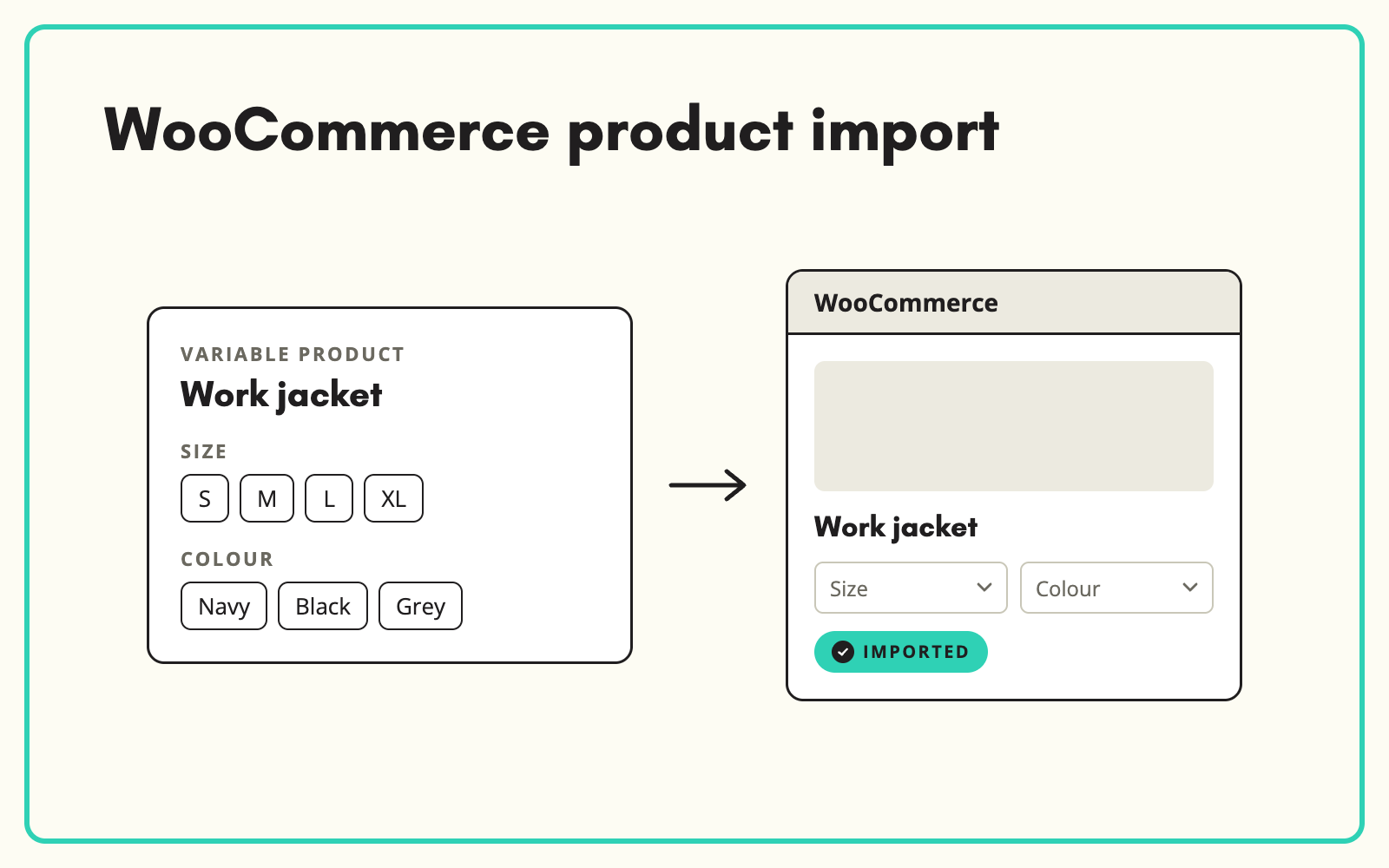
A WooCommerce product import fails most often on variable products and attributes. SKULaunch prepares the whole record, parents, variations, attributes, categories and images, and exports it in the structure WooCommerce expects, so ranges go live complete instead of half imported.
The problem
WooCommerce's CSV importer is strict. Variable products need a parent row and a row per variation, linked correctly. Attributes need names, values, visibility and a global or local setting, numbered per column. Categories need the right hierarchy separators, and images need working URLs. Supplier files look nothing like this, so someone builds the import file by hand, imports, finds broken variations, and starts again.
Before and after
An illustrative example for a variable product.
Before: the supplier rows
LED bulb E27 4W warm white; LED bulb E27 4W cool white; LED bulb E27 8W warm white. Each a separate product with its own description.
After: exported from SKULaunch for WooCommerce
- One variable product: LED bulb E27, with shared description and images
- Attributes: Wattage (4 W, 8 W) and Colour temperature (Warm white, Cool white), set as global and used for variations
- Each variation with its own SKU, price, stock fields and image
- Category path in WooCommerce hierarchy format
- Other specifications, such as base type and lumen output, as visible attributes
How it works in SKULaunch
- Enrich and model the products. Fill attributes, group variants under a parent and set the variation axes in SKULaunch.
- Set up the WooCommerce channel. Choose which attributes go to WooCommerce, which drive variations and which are shown on the product page.
- Export. SKULaunch produces the WooCommerce structure with parents, variations, attributes, categories and image URLs in place.
- Import and update. Load into WooCommerce. When data changes, export again and update by SKU.
Getting WooCommerce attributes right
WooCommerce has two kinds of attribute. Global attributes are defined once for the store and power layered navigation and filters. Local attributes exist only on one product. For anything customers filter on, such as size, colour or material, use global attributes with consistent values, or your filters fill with near-duplicate options. Only attributes marked for variations become selectable options. Everything else displays as specification. Most broken WooCommerce catalogues come from mixing these up during a manual import.
What changes
Supplier ranges reach WooCommerce as proper variable products with clean, filterable attributes, and updates go out from one place instead of being rebuilt in spreadsheets.
Common questions
Does this replace the WooCommerce importer?
No. SKULaunch prepares the data and the structure. WooCommerce still imports it.
Can we update existing products?
Yes. Exports match on SKU, so existing products are updated rather than duplicated.
What about images?
Images are exported as URLs, from SKULaunch's Files Store or DAM, which WooCommerce downloads on import.
See ecommerce sync, how to model product variants, and catalogue enrichment.

.avif)