
Amazon suppresses listings that are missing required attributes, and Seller Central rarely makes the fix easy. SKULaunch measures each product against the attributes your Amazon categories require, fills the gaps from real sources, and prepares complete listing data so suppressed products come back and new ones go live complete.
The problem
Amazon's requirements vary by product type and change over time. Listings go inactive for a missing item type keyword, bullet points or a key attribute such as material or voltage. Fixing them one by one in Seller Central is slow, and the same gaps keep appearing because the source data never had those fields.
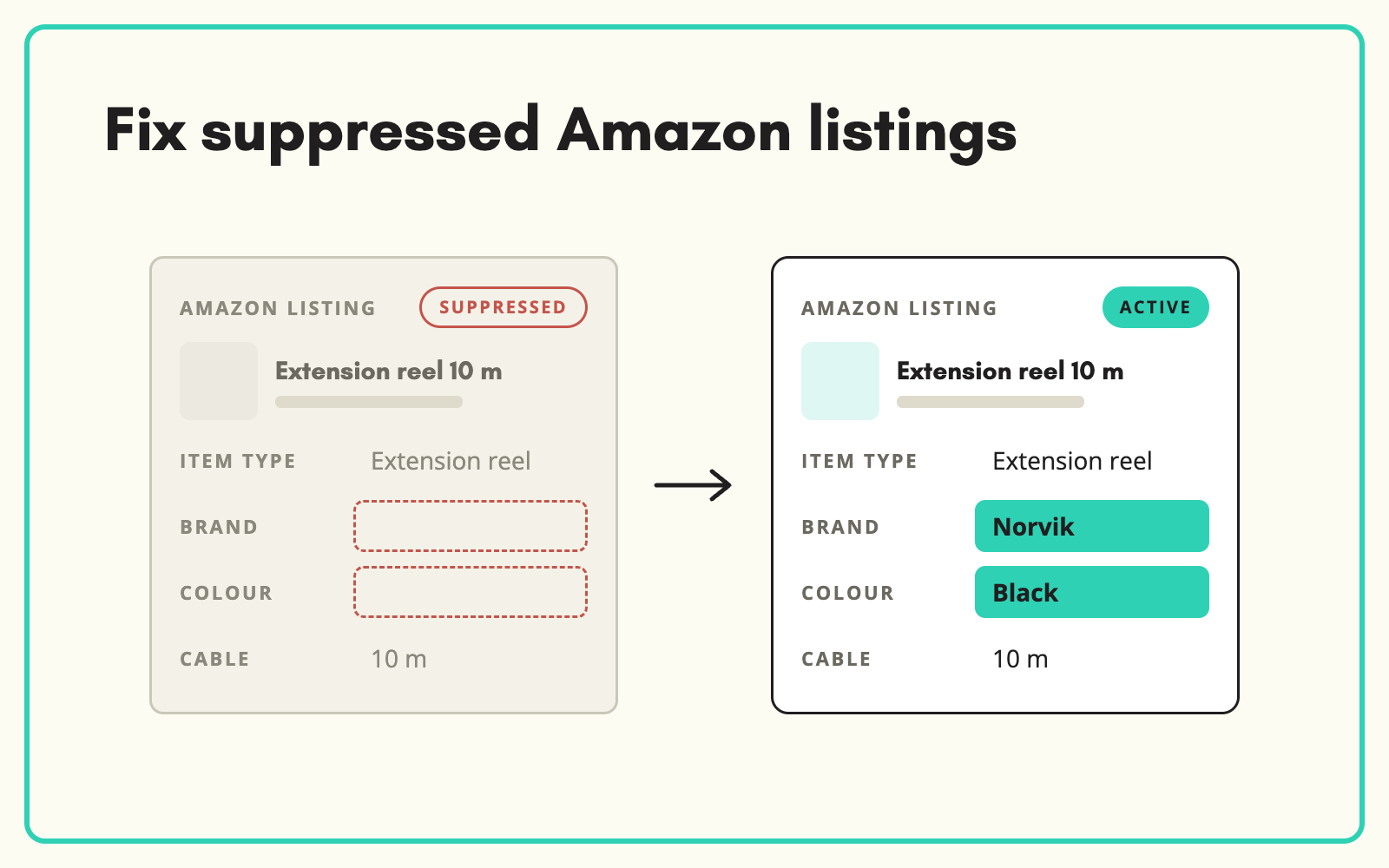
Before and after
An illustrative example for a suppressed listing.
Before: in Seller Central
Status: Suppressed. Reason: missing required attributes. Title over the length limit, no bullets, material blank.
After: prepared in SKULaunch
- Required attributes for the product type identified and filled
- Title rebuilt to Amazon's length and format
- Five bullets written from verified attributes
- Listing data exported for upload, ready to reactivate
How it works in SKULaunch
- Set up an Amazon channel. Define which attributes your Amazon product types require.
- Measure readiness. See completeness against Amazon's requirements, product by product.
- Fill and write. Enrich missing attributes and generate titles and bullets to Amazon's rules.
- Export. Produce listing data in the format you upload. Confirm the right route for your account with us.
Fix the source, not the listing
Editing in Seller Central fixes one listing on one channel. Fixing the product record fixes it everywhere and stops it breaking again on the next feed. Hold Amazon-specific fields, such as the shorter title and bullets, as channel attributes on the same record, so a spec change updates Amazon along with every other channel.
What changes
Suppressed listings come back, new listings go live complete, and the same gaps stop recurring.
Common questions
Does SKULaunch connect directly to Amazon?
Listing data is prepared and exported for upload. Talk to us about the best route for your Seller Central or Vendor Central set-up.
Can we prioritise our best sellers?
Yes. Filter by any attribute and start with the products that matter most.
Does this help with Vendor Central?
Yes. The same data preparation applies, with the format adjusted.
See Amazon listing optimisation, feature bullets, and copy per channel.

.avif)