
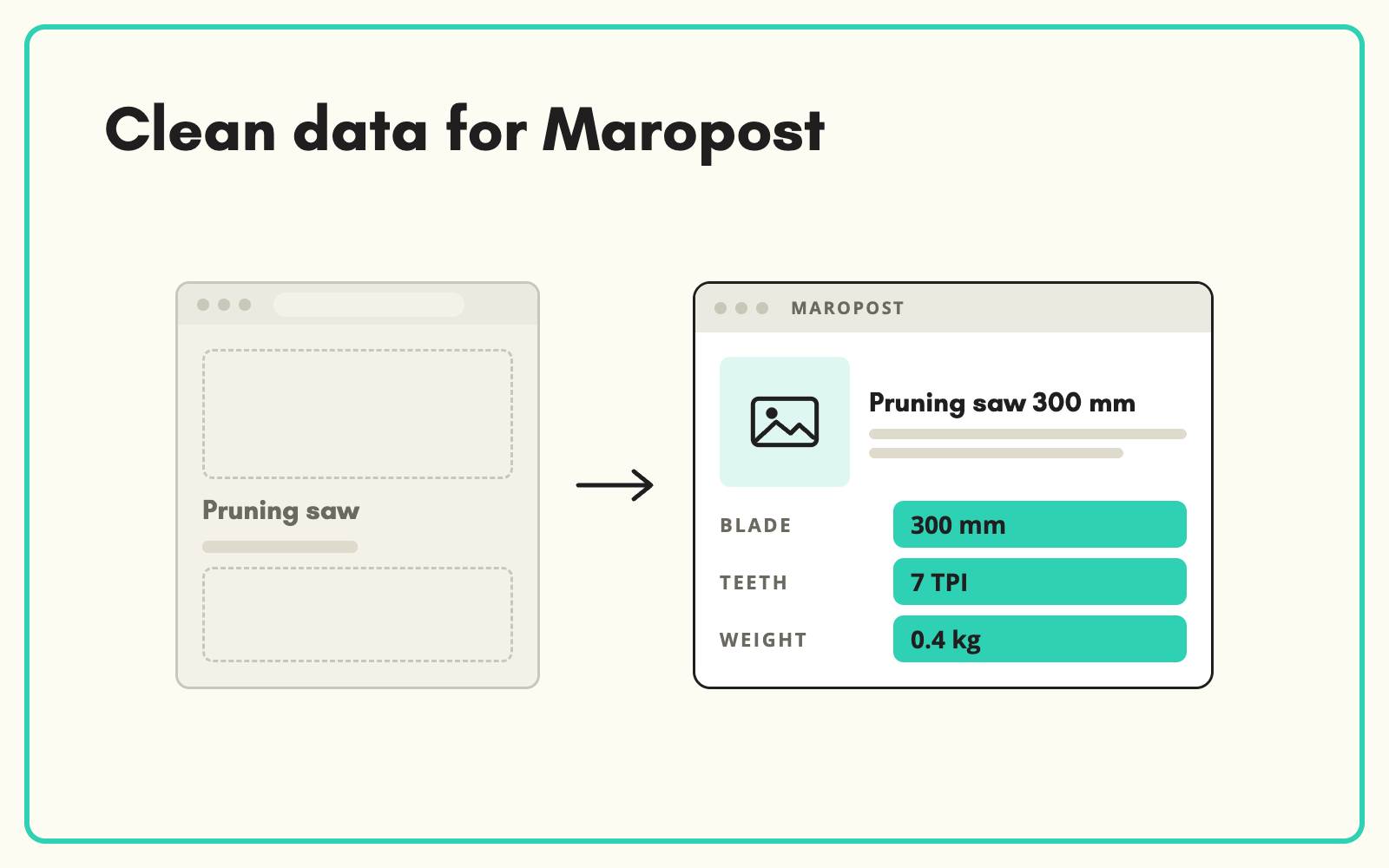
Maropost product data is usually thin: supplier titles, a couple of specifications and a description copied from the brand site. SKULaunch takes that data out through an export, models variants, fills attributes and writes content, then prepares a file in the shape your Maropost import expects. You fix the catalogue in bulk instead of one product screen at a time.
The problem
Maropost, formerly Neto, runs a large share of Australian online stores. It holds the range, prices, stock and orders well. The product content inside it is another matter. New lines arrive from suppliers as spreadsheets, someone keys in the minimum to get them live, and the rest waits for a tidy-up that never comes.
The result is familiar. Filters show a handful of options because the specifics behind them are empty. Comparison is impossible because one product says 18V and the next says 18 Volt. Descriptions match every other stockist word for word. Variants are loosely linked, so the same jacket appears three times in search. Bulk editing inside the platform is slow, so enrichment stalls at a few hundred SKUs.
Before and after
An illustrative example from an Australian outdoor and workwear retailer on Maropost.
Before: in Maropost
SKU WJ-220-NVY-L. Name: "WORKJKT 220 NAVY L". Brand blank. Two specifics: colour and size. Description copied from the brand site. Navy, black and orange versions listed as separate products with no shared parent.
After: from SKULaunch
- One parent, "Hi-vis softshell work jacket", with nine variants across colour and size, each keeping its own SKU
- Brand, material, closure, pocket count, water resistance and compliance standard filled from the supplier datasheet
- Colour values standardised to one list, so "NVY", "Navy Blue" and "navy" become Navy
- A unique title and description in your voice, written from the verified attributes
- An import file with SKU as the match key and variants linked to the parent SKU
How it works in SKULaunch
- Export from Maropost. Take a product export for the categories you want to fix and import it into SKULaunch with a saved column mapping, so the next export loads the same way.
- Model and enrich. Classify products to your taxonomy, group variants under parents, then fill attributes from datasheets, PDFs, images and manufacturer websites.
- Review. Check values in a grid and approve in bulk before anything goes back to the store.
- Export for Maropost. Produce the file your Maropost import uses, matched on SKU. The exact route depends on your set-up, so confirm it with us.
Getting Maropost product data right: variants first
Maropost relies on parent and child relationships for options such as size and colour. If those links are loose or inconsistent, enrichment work is wasted on duplicates: you write three descriptions for one jacket and fill the same material attribute three times. Fix the structure before you fill anything.
The working rule is simple to state and easy to break. Shared content lives on the parent: name, description, brand, material, features and images that apply to every option. Specifics that change by option live on each variant: colour, size, barcode, weight and the variant image. When a supplier sends each option as its own row with its own description, collapse them first, keep the best source text, and enrich once at the parent.
A practical checklist for Maropost catalogues
- Match on SKU. Keep Maropost SKUs unchanged through the whole process so the import updates products rather than creating new ones.
- Link variants to a parent SKU. Every child should point at one parent, and every parent should have at least one child or be a standalone product.
- Standardise option values. One spelling per colour and one size scale per category, or filters split into near-duplicates.
- Fill the specifics behind your filters first. Look at the filters on your top category pages and complete those attributes before writing any copy.
- Use Australian units and spelling. Millimetres, kilograms, litres and colour, consistently, including in titles.
- Write descriptions last. Copy generated from complete attributes is accurate. Copy written before the specifications are known invents them.
- Check images per variant. A navy variant showing an orange jacket costs more returns than a missing image.
Manual versus at scale
For a few dozen products, editing in the Maropost control panel is fine. Beyond that, the per-product screens become the bottleneck. Teams export to Excel, enrich there, and re-import, which works until two people edit the same file or a column shifts and overwrites the wrong field. Doing the work in SKULaunch keeps one record per product, keeps the history of where each value came from, and lets you approve a whole category at once. If you also list on eBay or Google Shopping through Maropost, the same complete data improves those channels too.
What changes
Thin Maropost listings become complete, filterable products with one parent per range and copy that is your own. New supplier ranges go through the same process, so the catalogue stops slipping back.
Common questions
Is there a direct Maropost connector?
Data is prepared in the format your Maropost import uses and matched on SKU. Whether that runs as a file import or another route depends on your store set-up, so confirm it with us before you plan around it.
How do I bulk update product data in Maropost?
Export the products, change the data outside the platform and import again matched on SKU. SKULaunch is where the enrichment and review happen, so the file you import back is complete and checked.
Is Neto product data handled differently from Maropost?
No. Neto was renamed Maropost Commerce Cloud, and the product structure is the same. The same export, enrich and import approach applies.
Can we enrich one category first?
Yes. Start with the categories that drive the most traffic or have the emptiest filters, prove the process, then work through the rest.
Do you work with Australian retailers?
Yes. SKULaunch and its sister consultancy Start with Data work with many Australian retailers and distributors.
Will enrichment overwrite data we have already fixed?
Only if you approve it. Values are reviewed in a grid before export, and you choose which attributes go back into Maropost.
More on modelling product variants, filling missing attributes, standardising attribute values, eBay item specifics, spreadsheet imports and catalogue enrichment.

