
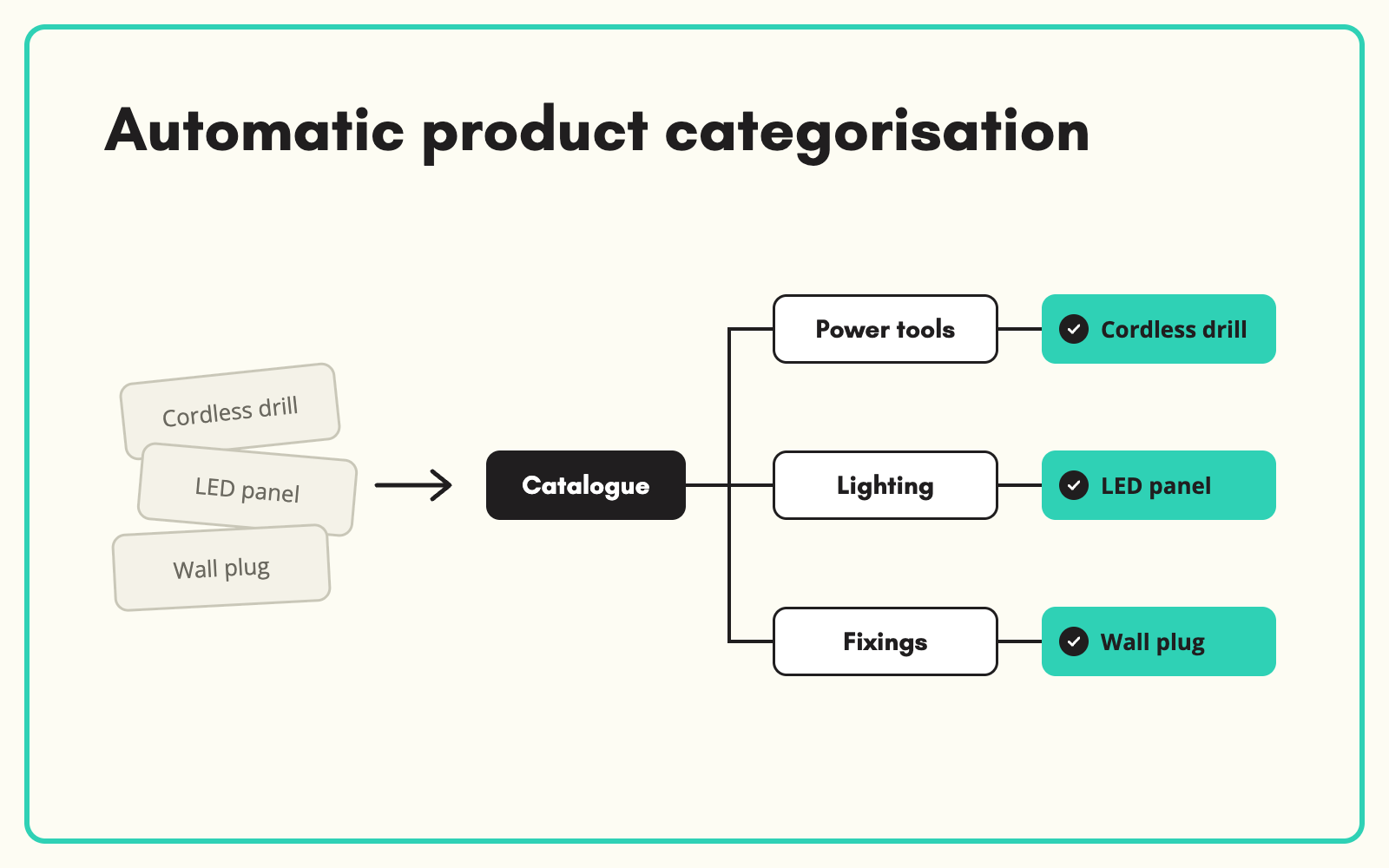
Automatic product categorisation places every product in the right node of your taxonomy using what is known about it: the title, the description, the supplier's category and any attributes already captured. SKULaunch classifies against your own category tree, not a generic one, and every placement is reviewed before it is approved.
The problem
Category placement drives almost everything downstream. It decides which attributes a product needs, which filters it appears under, which template a supplier gets and where a customer will find it. Yet thousands of SKUs typically sit in "Uncategorised", a catch-all node, or the supplier's own category, which rarely matches yours. Classifying by hand means a person reading each product and choosing from a tree of hundreds of nodes. It is slow, and two people will not make the same choice.
Before and after
An illustrative example from a mixed supplier file.
Before: how the products arrive
Supplier category "Plumbing Misc" for 340 products, including push-fit elbows, radiator valves, PTFE tape and a pipe cutter.
After: classified into your taxonomy
- Push-fit elbows: Plumbing > Pipe fittings > Push-fit fittings
- Radiator valves: Heating > Radiator accessories > Radiator valves
- PTFE tape: Plumbing > Sealants and tapes
- Pipe cutter: Tools > Plumbing tools > Pipe cutters
- Placements checked in the grid before approval
How it works in SKULaunch
- Load your taxonomy. Import your category tree, or build one in SKULaunch. Classification always works to your structure.
- Import products, classified or not. Use an unclassified import for mixed files, or bring products in from your PIM or ERP.
- Auto-classify. Each product is matched to the most specific end node using its title, description, supplier category and attributes.
- Review and approve. Check placements in the grid, filtered by category, and correct any that need it before the products move on to enrichment.
Why categorisation comes first
In a well-built catalogue, attributes belong to categories. A product in the wrong node gets asked for the wrong attributes, appears under the wrong filters and confuses search. That is why classification should happen before enrichment, not after: once a product sits in the right node, SKULaunch knows exactly which attributes to fill and which values are allowed. Getting the category right is the cheapest quality win in the whole process.
What changes
Mixed supplier files stop being a manual sorting job. Products land in the right node on import, the right attributes are requested, and the "Uncategorised" bucket stops growing.
Common questions
Does it work with our own taxonomy?
Yes. Classification is always against the taxonomy you load, at whatever depth you use.
Can it reclassify an existing catalogue?
Yes. If you redesign your category tree, existing products can be reclassified into the new structure in bulk.
What about products that could sit in two categories?
You decide the primary node, which drives the attribute set. Channel-specific categories can be handled separately on export.
More on catalogue enrichment, our guide to product taxonomy, and how to reclassify a catalogue into a new taxonomy.

.avif)