
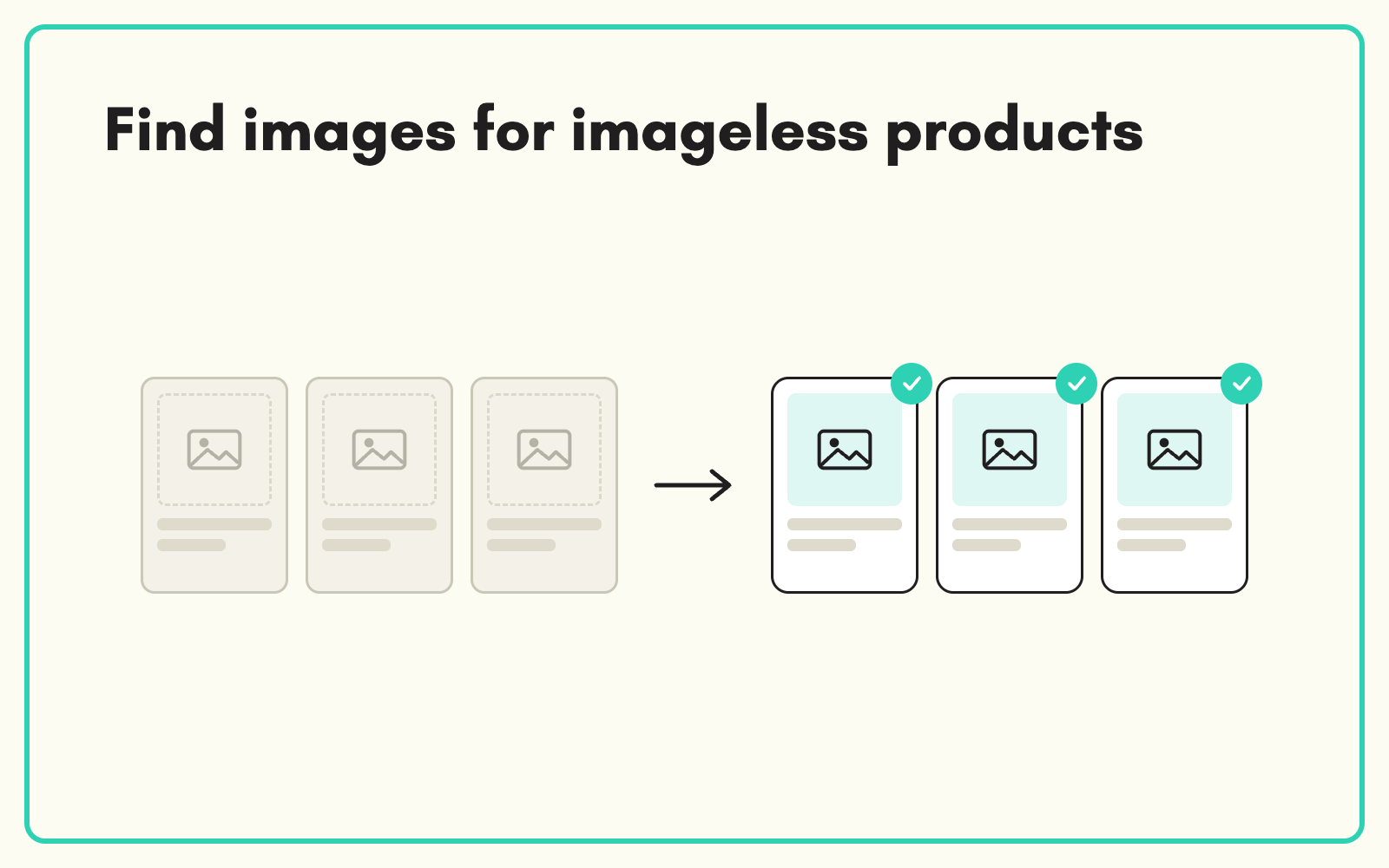
A product with no image barely sells. SKULaunch finds images for products that have none, using part numbers, EANs and manufacturer pages, and links them to the right SKU for review, so the gaps in your range stop being invisible.
The problem
In most catalogues a share of the range has no image: discontinued supplier contacts, long-tail lines, products added in a hurry. Chasing suppliers rarely works, and searching for images one by one is slow and risky, because a similar-looking product from another brand is easy to grab by mistake.
Before and after
An illustrative example from a hardware range.
Before: the gap
1,150 of 3,400 products with no main image. Supplier asked twice. No response.
After: in SKULaunch
- Images sourced for products with a confident match on brand and part number
- Linked to the right SKU and stored with the product
- Products without a confident match left visible for manual follow-up
- All sourced images reviewed before approval
How it works in SKULaunch
- Filter to the gap. List every product with an empty image field.
- Source by identifier. SKULaunch searches manufacturer pages and listings using part numbers, EANs and brand.
- Link and store. Matching images are linked to each product.
- Review. Check every image before approval so nothing wrong goes live.
Mind the rights
Manufacturer images are usually supplied for resellers to use, but terms vary. Prefer the manufacturer's own media over third-party listings, keep a note of the source, and follow your supplier agreements. Where you cannot confirm the right to use an image, ask the supplier or commission your own. Finding the image is the easy part; publishing the right one is what matters.
What changes
The image gap shrinks fast, and the products that remain are a short, specific list for follow-up.
Common questions
Where do the images come from?
Public product pages, preferring manufacturer sources.
Can we approve images in bulk?
Yes, after review in the grid.
Do sourced images go into the DAM?
They are stored with the product and can be held in the DAM if you use it.
See finding data by barcode, the DAM, and AI product data extraction.

.avif)