
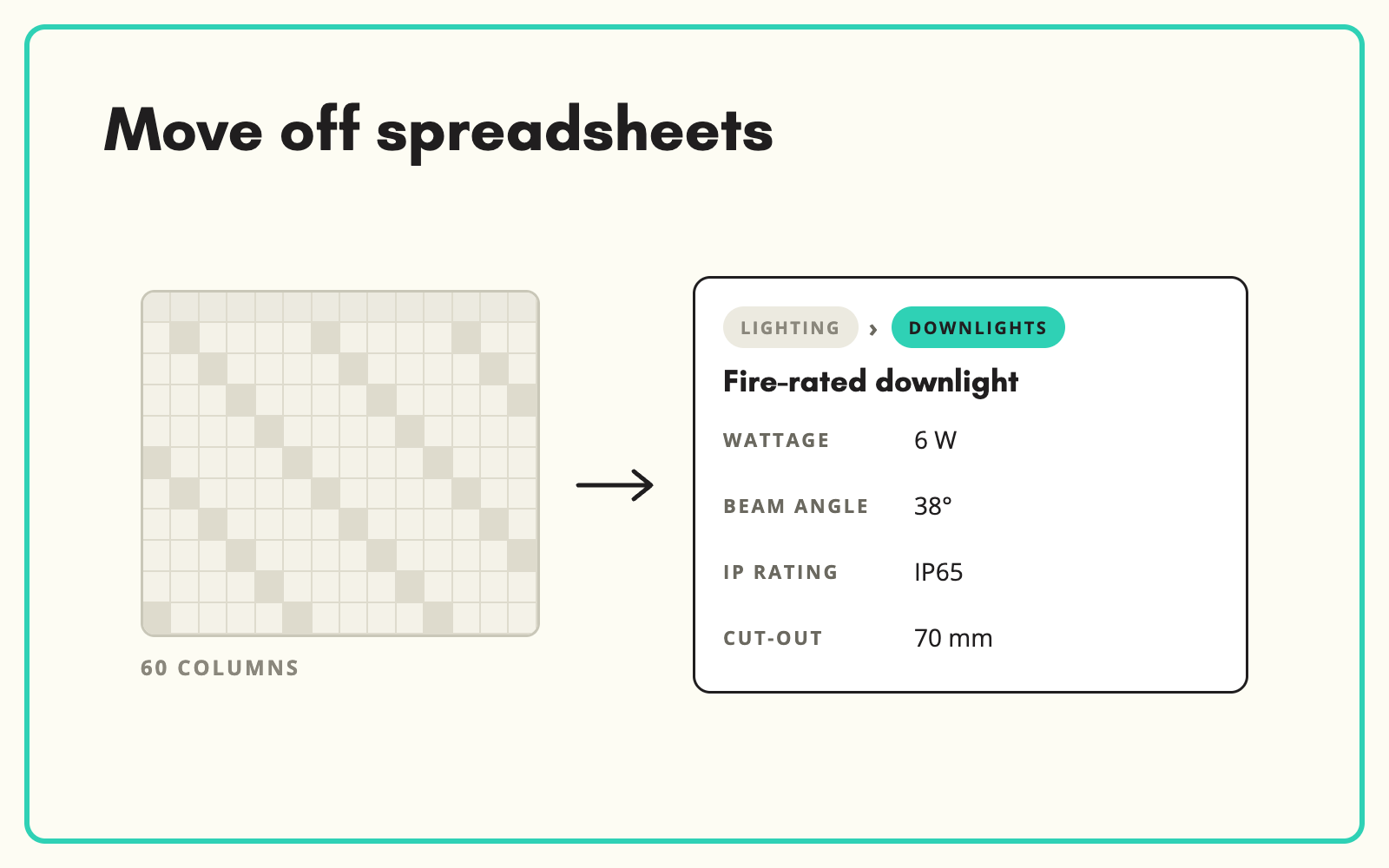
Moving your catalogue off spreadsheets does not have to mean a six-month PIM project. SKULaunch gives you a structured product master, with categories, attributes, statuses and channels, loaded from the spreadsheet you already have.
The problem
The product master is a spreadsheet with 60 columns, colour-coded tabs and formulas only one person understands. Versions multiply by email, columns mean different things to different people, and every channel export is rebuilt by hand. Everyone agrees it needs replacing, but a full PIM project feels too big, too slow and too expensive.
Before and after
An illustrative example from a growing online retailer.
Before: the master spreadsheet
"Products_MASTER_v14_FINAL.xlsx", 4,200 rows, 63 columns. Columns AF to AR used for lighting only. Three people editing copies.
After: in SKULaunch
- One product master, one version, edited by the whole team
- Categories with their own attribute sets, instead of shared columns
- Status on every product, from draft to approved
- Channel exports generated from the same records
How it works in SKULaunch
- Import the spreadsheet. Load the master file as it is and map its columns.
- Give it structure. Classify products into categories and move category-specific columns into node-scoped attributes.
- Fill the gaps. Enrich missing attributes and content in bulk.
- Work from one record. Edit in the grid, track status and export to each channel without rebuilding files.
Signs the spreadsheet has run its course
Spreadsheets fail gradually. Watch for columns that only apply to some rows, multiple people editing copies, channel files rebuilt manually each week, and nobody able to say which version is current. Once two of those are true, the cost of staying is usually higher than the cost of moving, especially when the move can start from the file you already have.
What changes
One product master the whole team works in, with structure that grows with the range.
Common questions
Is SKULaunch a PIM?
It includes a lightweight PIM layer, so it can be your product master if you do not have one, or sit alongside a PIM if you do.
Can we still export to spreadsheets?
Yes. Export filtered sets with the columns you choose.
How long does it take to move?
The import itself is quick. Most of the time goes on agreeing categories and attributes, which SKULaunch helps structure.
See the PIM platform page, PIM versus spreadsheet, and product data management for distributors.

.avif)