
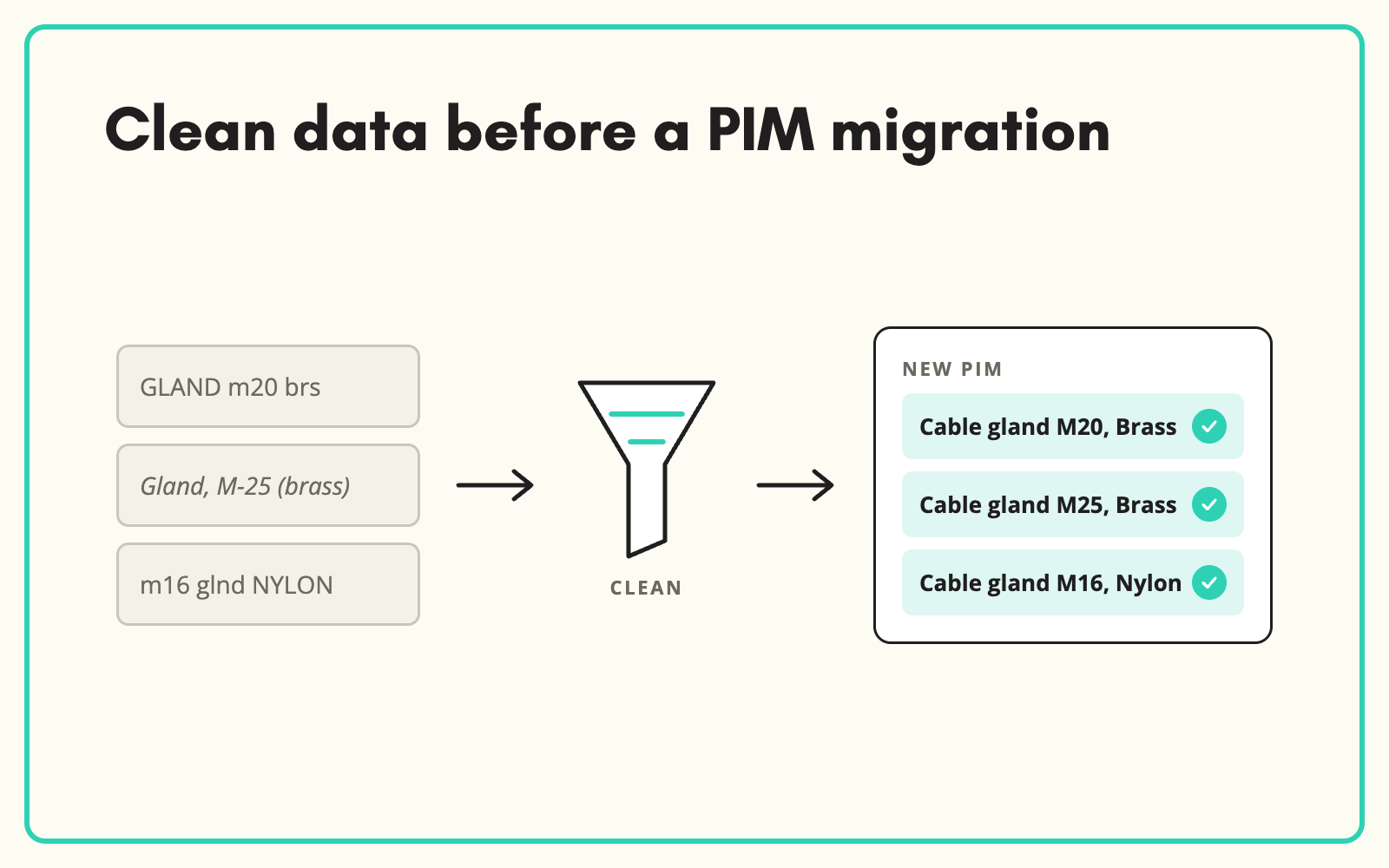
A PIM data migration is the best chance you will get to fix product data, and the easiest moment to waste. SKULaunch cleans, classifies and enriches legacy data before it moves, so the new platform launches with complete, structured records instead of the same mess in a more expensive system.
The problem
PIM projects budget for configuration and integration, and assume the data will follow. It does, with every inconsistency intact: duplicate products, free-text values, wrong categories and empty attributes. The new PIM goes live, completeness scores are embarrassing, and the team spends the first year cleaning data the project was meant to fix.
Before and after
An illustrative example from a distributor moving to a new PIM.
Before: the legacy data audit
38,000 SKUs. 2,100 likely duplicates. 47 spellings of "stainless steel". 31 per cent of products in a catch-all category. Average completeness against the new model: 34 per cent.
After: migration-ready in SKULaunch
- Duplicates matched and merged on identifiers
- Values normalised to the new PIM's controlled lists
- Every product classified to the new taxonomy
- Required attributes filled from datasheets and manufacturer data
- Clean, structured records exported in the new PIM's format
How it works in SKULaunch
- Load the legacy data and the new model. Import current products and the taxonomy and attributes designed for the new PIM.
- Clean and classify. Match duplicates, normalise values and classify every product to the new structure.
- Enrich to the new standard. Fill the attributes the new model requires before migration, not after.
- Export in the target format. Hand the PIM team clean data that loads first time.
Clean before you migrate, not after
Data cleaned before migration is cleaned once. Data cleaned after is cleaned in a live system, with integrations already depending on it and every change visible to customers. Running the clean-up alongside PIM configuration also exposes model problems early: if thousands of products will not fit a family, it is far cheaper to find out before go-live.
A PIM data migration checklist
- Agree the match key for every product before anything moves.
- Map every legacy category to a node in the new taxonomy, including the catch-alls.
- Define controlled value lists for the attributes that drive filters.
- Decide what not to migrate. Discontinued lines with no stock rarely earn a place.
- Measure completeness against the new model by category, before and after clean-up.
- Trial load a sample into the new PIM before the full run.
What changes
The new PIM launches with data worth managing, and the project delivers what the business case promised.
Common questions
Does SKULaunch replace the new PIM?
No. It prepares the data for whichever PIM you are moving to, including Akeneo, Plytix and others.
When should we start?
As soon as the new data model is drafted. Clean-up can run alongside configuration.
Can we audit the data first?
Yes. Load it and measure completeness against the new model before committing to the scope.
Should we migrate discontinued products?
Usually not into the main catalogue. Keep them in an archive export if you need the history.
More on auditing data before a PIM go-live, cleaning up inconsistent values, what to do before a PIM or replatform and the PIM platform.

