
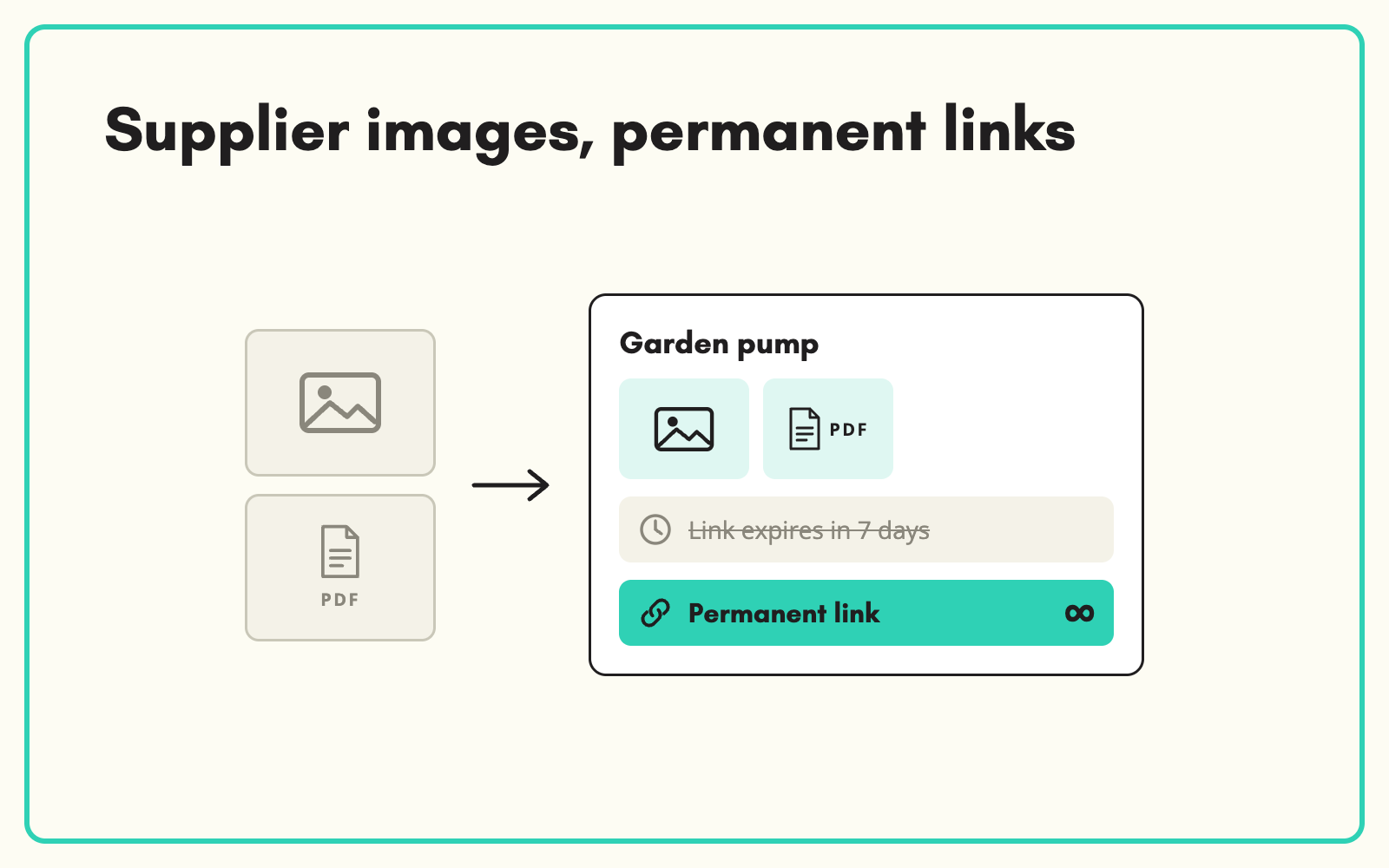
Supplier images and documents should arrive attached to the right product, not to an email. SKULaunch lets suppliers upload images, datasheets and certificates straight into the portal, stores them against each product, and gives every file a permanent link you can publish to any channel.
The problem
Supplier assets usually arrive as email attachments, zip files or shared drive links that expire after seven days. Someone downloads them, renames them, works out which image belongs to which SKU, and uploads them again. Files go missing, the wrong image ends up on the wrong product, and when a datasheet is updated nobody knows which version is live.
Before and after
An illustrative example from a bathroom fittings supplier.
Before: how the files arrive
A WeTransfer link with 312 images named IMG_4471.jpg to IMG_4783.jpg, a zip of datasheets, and a note saying "should be obvious which is which". Link expires Friday.
After: the same files in SKULaunch
- Images uploaded by the supplier against each product
- Datasheets and certificates attached to the right SKU
- Every file given a permanent link for your website and feeds
- Missing images visible per product, so gaps can be chased
How it works in SKULaunch
- Suppliers upload in the portal. Images and documents are added against the product they belong to, as part of the same submission as the data.
- Files are stored with permanent links. The Files Store hosts each file and gives it a stable link that does not expire.
- Links go into the right fields. Image and datasheet fields on the product hold the links, ready for export or publishing.
- Gaps are visible. Filter for products with no image or datasheet and request them from the supplier.
Name, order and size images on the way in
Most image problems start at upload. Ask suppliers for a main image on a plain background first, then additional angles, then lifestyle shots, and record the order. Set minimum dimensions so nothing too small for zoom gets through. Holding images against the product from the start, rather than matching file names later, removes the most common cause of wrong images on product pages.
What changes
No more expiring links or guessing which image belongs to which SKU. Assets arrive with the data, in the right place, ready to publish.
Common questions
Do suppliers need a user account to upload?
Suppliers upload through their portal access. Uploads are tied to the supplier and their products.
Can suppliers send links instead of files?
Yes. Direct links, such as Dropbox direct links, can be used for image and datasheet fields.
Where do the files end up?
In the Files Store, or the DAM if you use it, linked to each product.
See the supplier portal, DAM linked to products, and supplier onboarding.

.avif)