
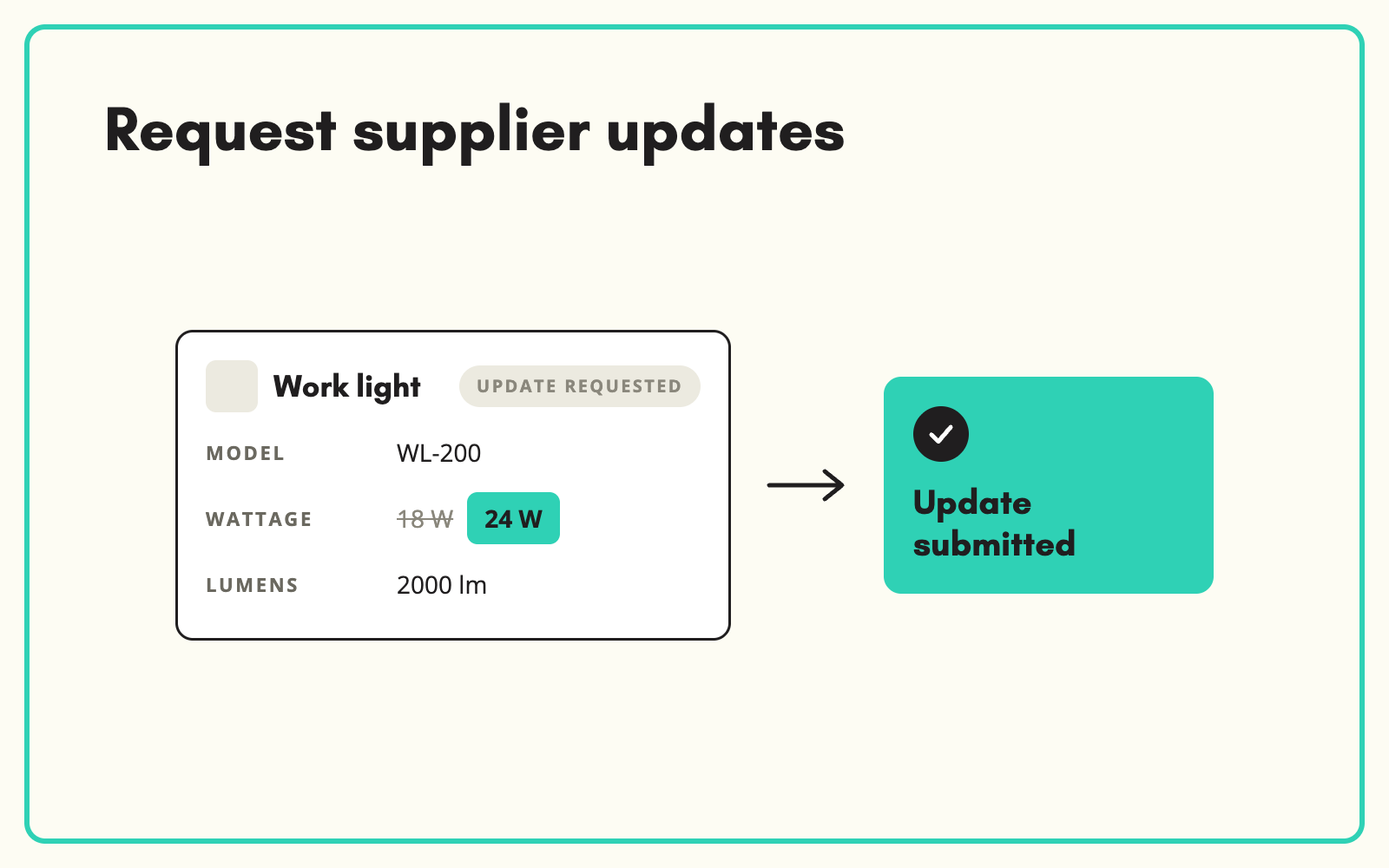
Product data is never finished. Suppliers change specifications, pack sizes, packaging and certificates, and your catalogue needs to follow. SKULaunch lets you request an update on the product itself, the supplier responds against that request, and the change is reviewed before it replaces anything you have already approved.
The problem
Updates usually happen by accident. A customer reports a wrong spec, someone emails the supplier, the reply sits in one inbox, and the fix is typed into the PIM weeks later, if at all. There is no record of what changed or why, and the same product is often updated in one system but not the others.
Before and after
An illustrative example after a supplier changes a pack size.
Before: the email trail
"Hi, can you confirm the new pack quantity for the M8 anchors? Customer says it's 50 now." Reply three weeks later in a different thread. PIM still shows 100.
After: the update in SKULaunch
- Product marked Update Requested with the note "Confirm new pack quantity"
- Supplier submits 50, status moves to Update Submitted
- Reviewer sees old and new values side by side and approves
- Change published to every channel from the same record
How it works in SKULaunch
- Request on the product. Mark one product or a filtered set as Update Requested, with a note on what needs changing.
- The supplier responds in the portal. They see exactly which products need attention and what is being asked.
- Review the change. Submitted updates wait as Update Submitted until someone on your team approves them.
- Publish once. Approved changes flow to your website, PIM and other channels from the same record.
Make updates routine, not reactive
Most catalogues only update when something goes wrong. A better rhythm is to request updates on a schedule for the attributes that change most, such as pack sizes, certifications and lead times, and to trigger requests whenever a supplier announces a range change. Treat updates as a normal status in the workflow and the catalogue stays current without heroics.
What changes
Updates stop living in inboxes. Every change has a request, a response and an approval, and approved data is never silently overwritten.
Common questions
Can we request updates for many products at once?
Yes. Filter to the products affected and request the update across the set.
Can suppliers start an update themselves?
Suppliers can submit changes, which go through the same review as any other update.
Do we keep the old value?
The reviewer sees the current and proposed values before approving, so nothing changes without a decision.
See supplier onboarding, keeping product data up to date, and the approval workflow.

.avif)