
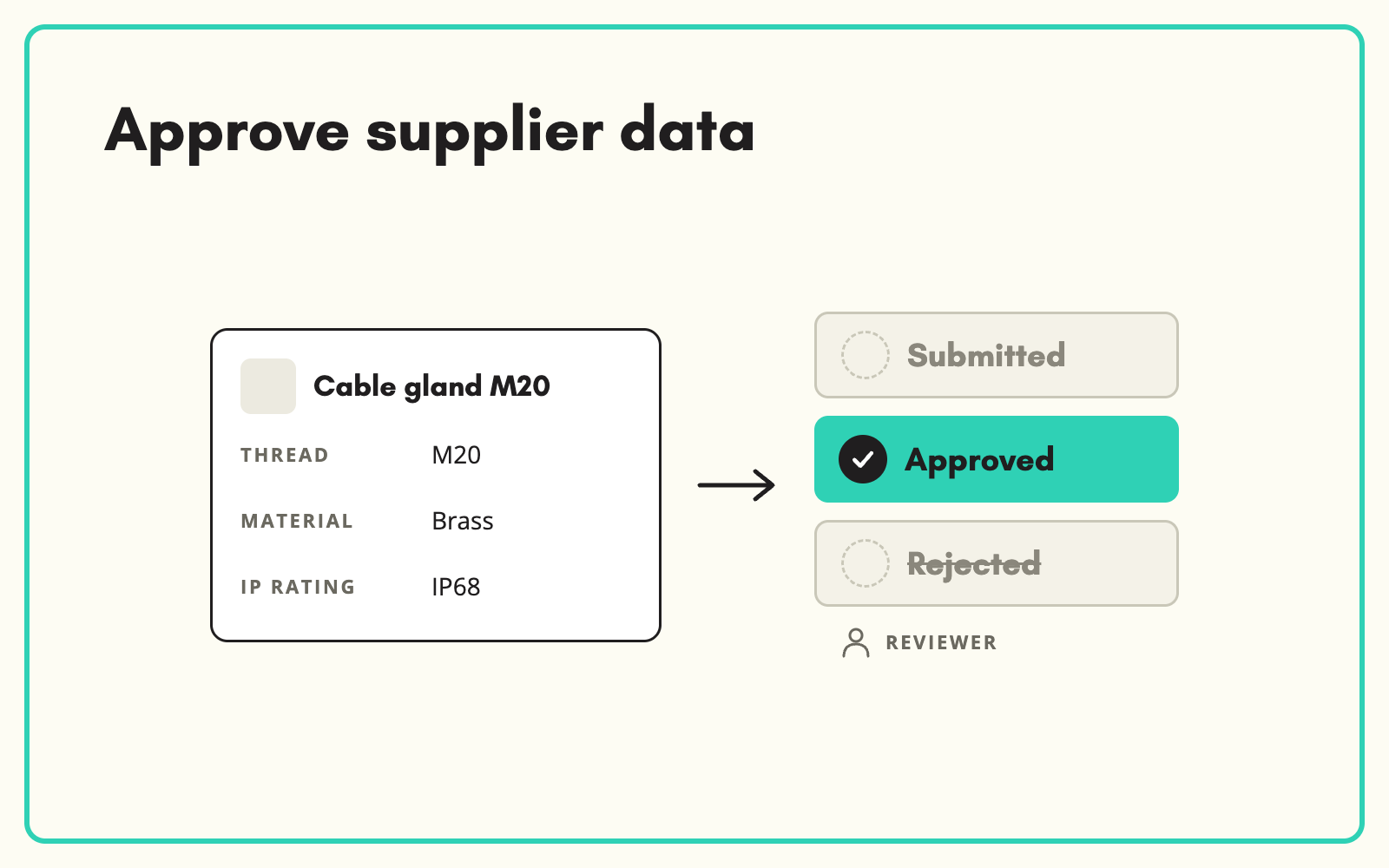
A supplier product data approval workflow stops unchecked data reaching your website. In SKULaunch every product a supplier submits carries a status, Submitted, Approved or Rejected, and nothing moves on until someone on your team has signed it off.
The problem
When supplier data goes straight from an email attachment into the PIM, errors go live with it: wrong dimensions, missing safety information, the previous year's images. Nobody knows who checked what. When a customer complains, there is no record of where the value came from or who approved it, and the fix happens one product at a time.
Before and after
An illustrative example from a lighting supplier's submission.
Before: how submissions are handled today
Supplier spreadsheet saved to a shared drive, opened by whoever has time, loaded into the PIM on Friday. Two products had the wrong IP rating. Nobody noticed for a month.
After: the same submission in SKULaunch
- 48 products arrive as Submitted, visible in one filtered view
- Reviewer approves 44 in bulk after checking the key attributes
- 2 rejected with the reason "IP rating does not match datasheet"
- 2 sent back as Update Requested for missing images
- Every decision recorded against the product
How it works in SKULaunch
- Submissions land as Submitted. Whether through the portal or an imported file, new supplier data waits for review instead of going live.
- Review in the grid. Filter by supplier, category or status, choose the columns that matter, and check values against the datasheet.
- Approve or reject. Approve in bulk, or reject individual products with a reason the supplier sees.
- Handle changes the same way. Later changes run through Update Requested and Update Submitted, so approved data is never overwritten without review.
What to check before approving
Reviewers cannot check every field on every product, and do not need to. Check the attributes that carry risk first: safety, compliance and electrical ratings, then the ones that drive filters and search, such as dimensions and materials, then images. Spot-check the rest. Agree this as a written standard per category, so two reviewers approve to the same bar and suppliers get consistent feedback.
What changes
Nothing reaches your website unchecked, suppliers get specific reasons instead of vague emails, and you can always see who approved what.
Common questions
Can we approve in bulk?
Yes. Filter to a supplier or category and approve the set once checked.
Do suppliers see why something was rejected?
Yes. The rejection reason goes back to the supplier with the product, so they know exactly what to fix.
Does approval apply to AI-enriched values too?
Yes. Enriched values go through the same review before they are approved.
See supplier onboarding, the supplier portal, and how to approve AI values before they go live.

.avif)