
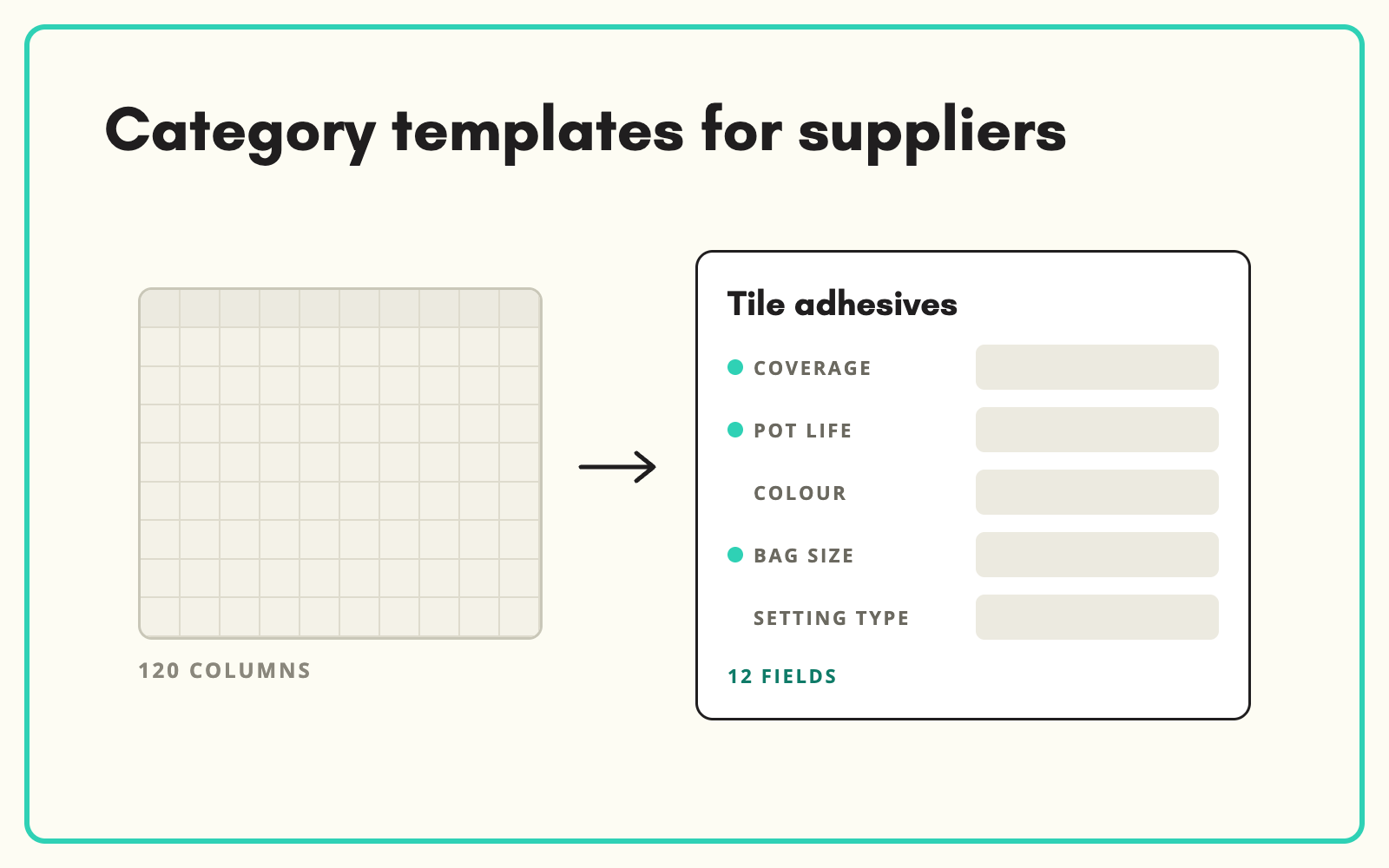
A supplier product data template only works if it asks the right questions for the product in front of the supplier. SKULaunch builds templates from your taxonomy and attribute model, so a supplier listing a cordless drill is asked about voltage, chuck size and battery type, and a supplier listing a paint is asked about finish, coverage and drying time.
The problem
Most retailers and distributors send every supplier the same template: one spreadsheet with a hundred columns covering every category they sell. Suppliers fill in the obvious fields, skip what does not apply to them, and guess at the rest. The columns that matter for a particular product, the ones that drive filters, comparisons and search, come back empty. Your team then spends weeks working out what is missing per product and chasing it back.
Before and after
An illustrative example from a builders merchant range.
Before: the generic template
120 columns, the same for timber, adhesives and power tools. Supplier completes 14 of them. Coverage, cure time and substrate left blank because they sit between columns for blade diameter and battery voltage.
After: the category template from SKULaunch
- Category: Tile adhesives
- Mandatory for the supplier: coverage per kg, pot life, open time, suitable substrates, pack size, datasheet
- Optional: colour, application method, temperature range
- Attribute names taken from your model, so nothing needs remapping on the way back
- 12 relevant columns instead of 120
How it works in SKULaunch
- Attributes are scoped to categories. Your taxonomy and attribute model sit in SKULaunch, with each attribute assigned to the end nodes it applies to.
- Mark what the supplier must answer. Set supplier-mandatory attributes per category. Keep this to facts the supplier owns, and leave descriptive content to enrichment.
- The supplier gets the right template. From the data request, the supplier completes or downloads the template for the categories they supply, built from the current model.
- Submissions come back mapped. Because the template came from your model, there is no column mapping on the way back in. Gaps show per product, per category.
How to decide what goes in a supplier template
Split every attribute into three groups. Facts only the supplier knows, such as their part number, pack quantity, certifications and the datasheet, are mandatory. Facts the supplier knows but you can also source, such as dimensions and materials, are requested but not blocking. Content you will write yourself, such as titles, descriptions and bullets, is left out of the template entirely. Templates built this way are shorter, get completed, and give enrichment a clean starting point.
What changes
Suppliers stop skipping columns that do not apply to them, because they never see them. The attributes your filters and search depend on come back filled. And when your attribute model changes, the template changes with it, with no spreadsheet versions to keep in sync.
Common questions
Can we still use our own template format?
Yes. You can import supplier files in any layout and map the columns once, then reuse that mapping for every file from that supplier.
What happens when we add a new attribute?
Add it to the model and assign it to the relevant categories. The next request uses the new template automatically.
Do suppliers see attributes for categories they do not supply?
No. They only see the categories and products in their request.
Read the full supplier onboarding guide, see how the supplier portal collects submissions, or download our supplier data templates resource.

.avif)