
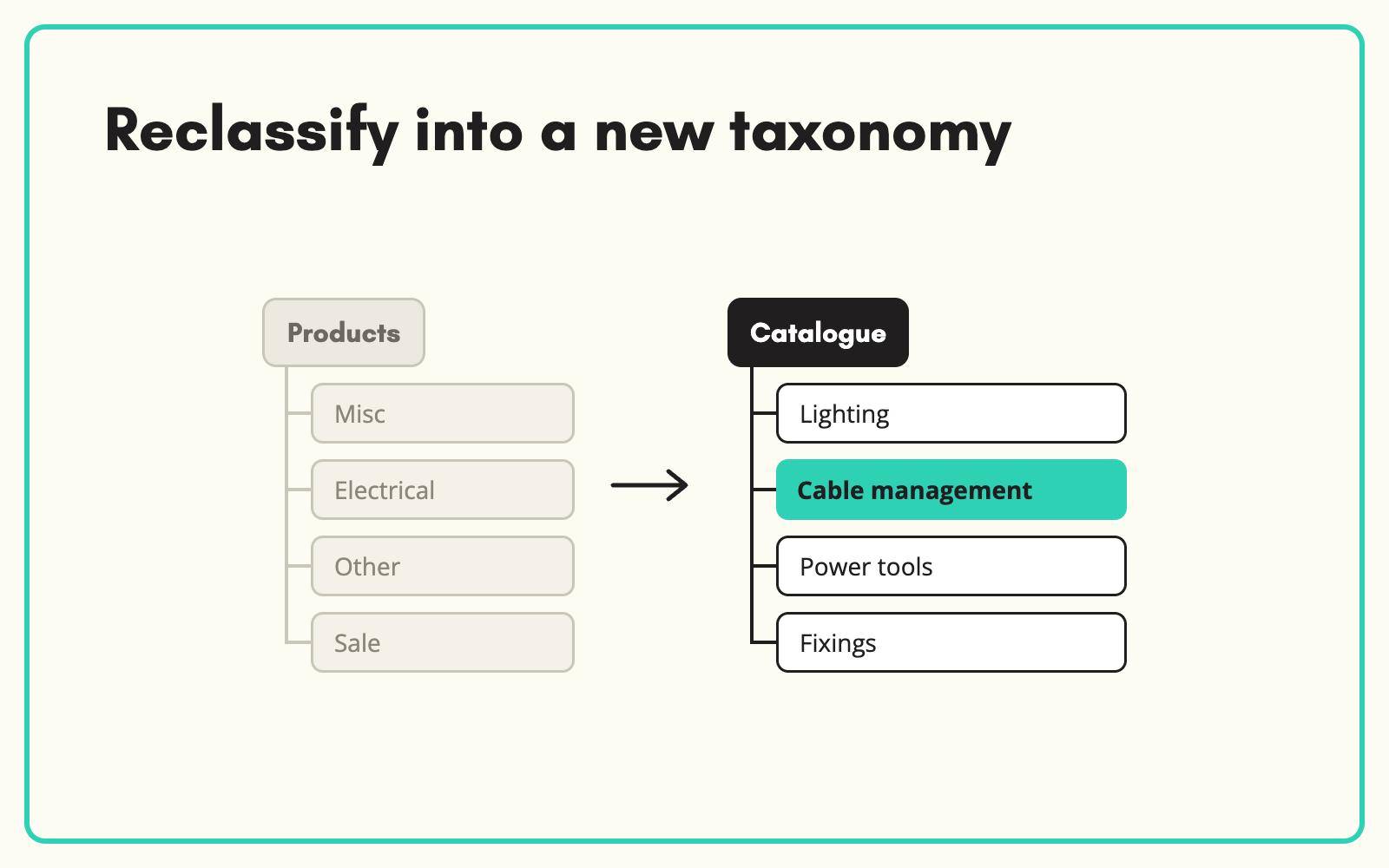
Redesigning your category tree is the easy part. Moving 40,000 products into it is not. SKULaunch reclassifies an existing catalogue into a new taxonomy in bulk, maps attributes from old categories to new ones, and lets you review the moves before anything changes on the website.
The problem
Taxonomy projects stall at migration. The new structure is agreed in workshops, then someone has to decide where every product goes. Old categories split into several new ones, others merge, and attribute sets change with them. Done by hand, it takes months and introduces errors that hurt navigation and search for years.
Before and after
An illustrative example from a lighting range.
Before: the old structure
"Lighting > Indoor" holding 3,800 products: ceiling lights, lamps, LED strips, bulbs and switches mixed together.
After: reclassified in SKULaunch
- Products moved into new end nodes: Ceiling lights, Table lamps, LED strip, Lamps and bulbs
- Switches moved out of lighting into Wiring accessories
- Attribute values carried across where old and new attributes match
- New category attributes now available to enrich
How it works in SKULaunch
- Load the new taxonomy. Import the new tree alongside existing products.
- Reclassify in bulk. Auto-classify products into the new end nodes using titles, descriptions and attributes.
- Map attributes. Carry values from old attributes to their equivalents in the new model.
- Review and publish. Check moves category by category, then publish the new structure.
Plan for redirects and filters
Reclassification changes URLs, filters and internal links. Agree redirects from old category pages to their closest new equivalents before launch, and check that the attributes driving filters in each new category are populated. Moving products is only half the job; making sure customers and search engines can still find them is the other half.
What changes
The new taxonomy goes live populated, with products in the right places and attributes ready to enrich.
Common questions
Can we run old and new structures side by side?
Yes. Hold the new classification while the old one stays live, then switch when ready.
What happens to attributes that do not exist in the new model?
They are kept on the record until you decide to map, merge or retire them.
How long does it take?
Classification itself is fast. Review time depends on how many categories you check by hand.
See automatic product categorisation, product taxonomy, and catalogue enrichment.

.avif)