
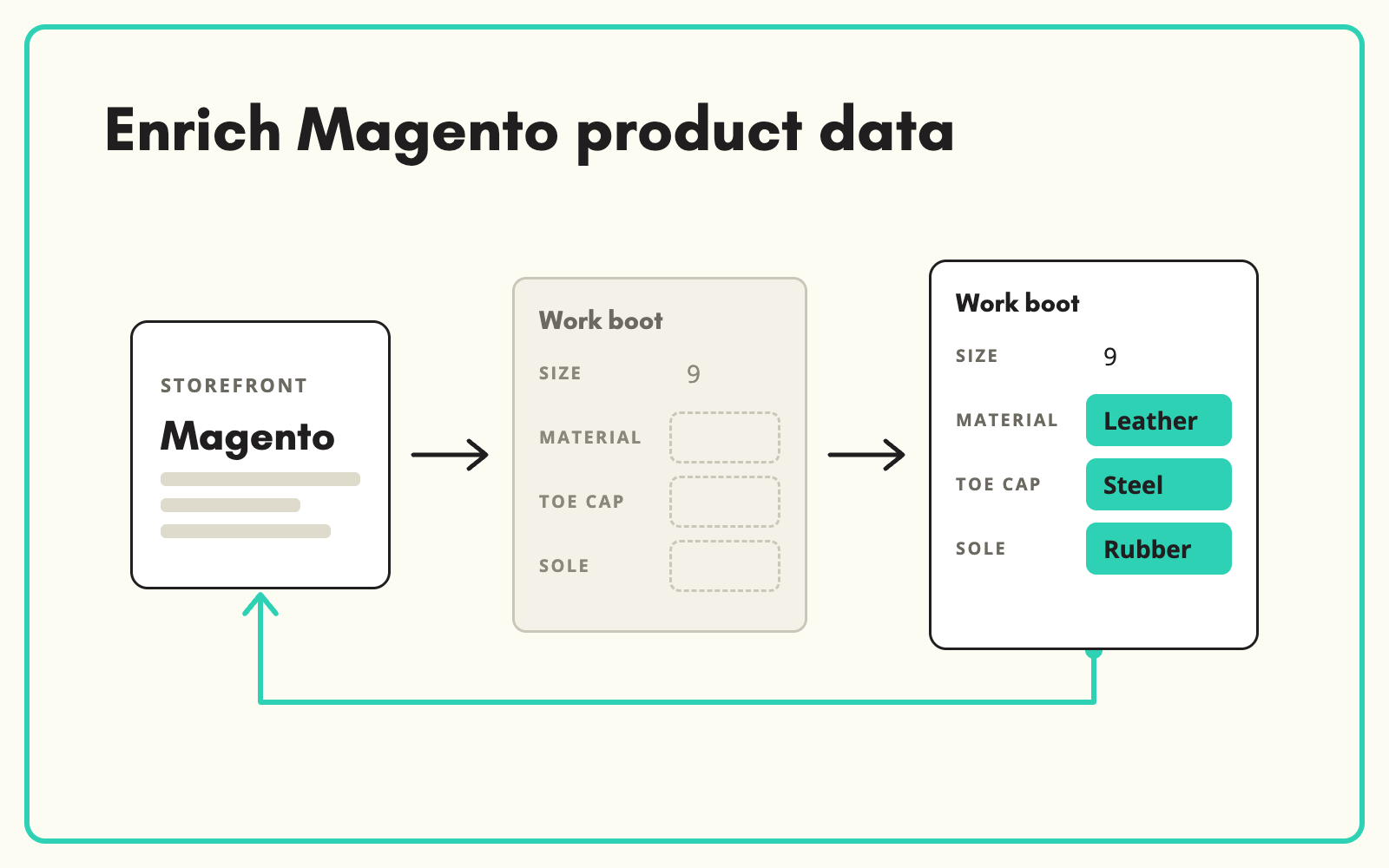
Adobe Commerce, formerly Magento, is often full of thin product records: a title, a price and little else. SKULaunch lets you enrich Magento product data in bulk. It pulls products out through its Magento connector, enriches them against your attribute model and publishes the completed records back, without editing them one by one in the admin.
The problem
Editing products in the Magento admin is slow. Attribute sets are rigid, bulk editing is limited, and every change is made product by product or through fragile CSV imports. So enrichment stalls, filters stay empty and layered navigation shows half the range. The store has the structure for good data but not the data.
Before and after
An illustrative example from a Magento store selling workshop equipment.
Before: the product in Magento
Name: "Bench Grinder 200mm". Price set. Attribute set "Power Tools" with 22 attributes, 3 filled.
After: enriched in SKULaunch and published back
- Wheel diameter: 200 mm. Motor power and speed filled from the datasheet
- Voltage, weight and included accessories completed
- Description and meta written from the verified attributes
- Published back to Magento with the attribute set filled
How it works in SKULaunch
- Connect Magento. Pull products and their attribute sets from Adobe Commerce into SKULaunch.
- Enrich in bulk. Fill empty attributes across whole categories from datasheets, manufacturer pages and supplier files.
- Review and approve. Check the results in the grid before anything changes in the store.
- Publish back. Push the completed records to Magento through the connector.
Enrich Magento product data upstream, not in the admin
Magento is good at selling products and weak at preparing them. Enriching outside the store, in a tool built for bulk work, then publishing finished records, keeps the admin for merchandising and avoids half-edited products going live. The same enriched data can also go to other channels, not just the website.
Getting layered navigation working
Empty filters are usually a data problem, not a theme problem. Layered navigation needs three things from every product in a category:
- The filterable attributes filled, not just the ones shown on the page.
- Values drawn from the same list, so "Stainless", "S/S" and "Stainless steel" do not become three filter options.
- Numbers in one unit. 200 mm and 20 cm in the same filter confuse everyone.
Normalising values during enrichment fixes all three before anything is published.
What changes
Attribute sets get filled, layered navigation starts working, and nobody spends their week in the Magento product grid.
Common questions
Does SKULaunch replace Magento?
No. Magento stays your store. SKULaunch prepares the data and publishes it back.
Do our attribute sets carry across?
Products are pulled with their attributes and mapped to your SKULaunch model.
Can we enrich only some categories?
Yes. Pull and enrich the categories you choose.
Can the same data go to other channels?
Yes. Enriched records can be exported to other channels and feeds.
More on the Magento and Adobe Commerce integration, filling missing attributes, cleaning up inconsistent values and catalogue enrichment software.

