
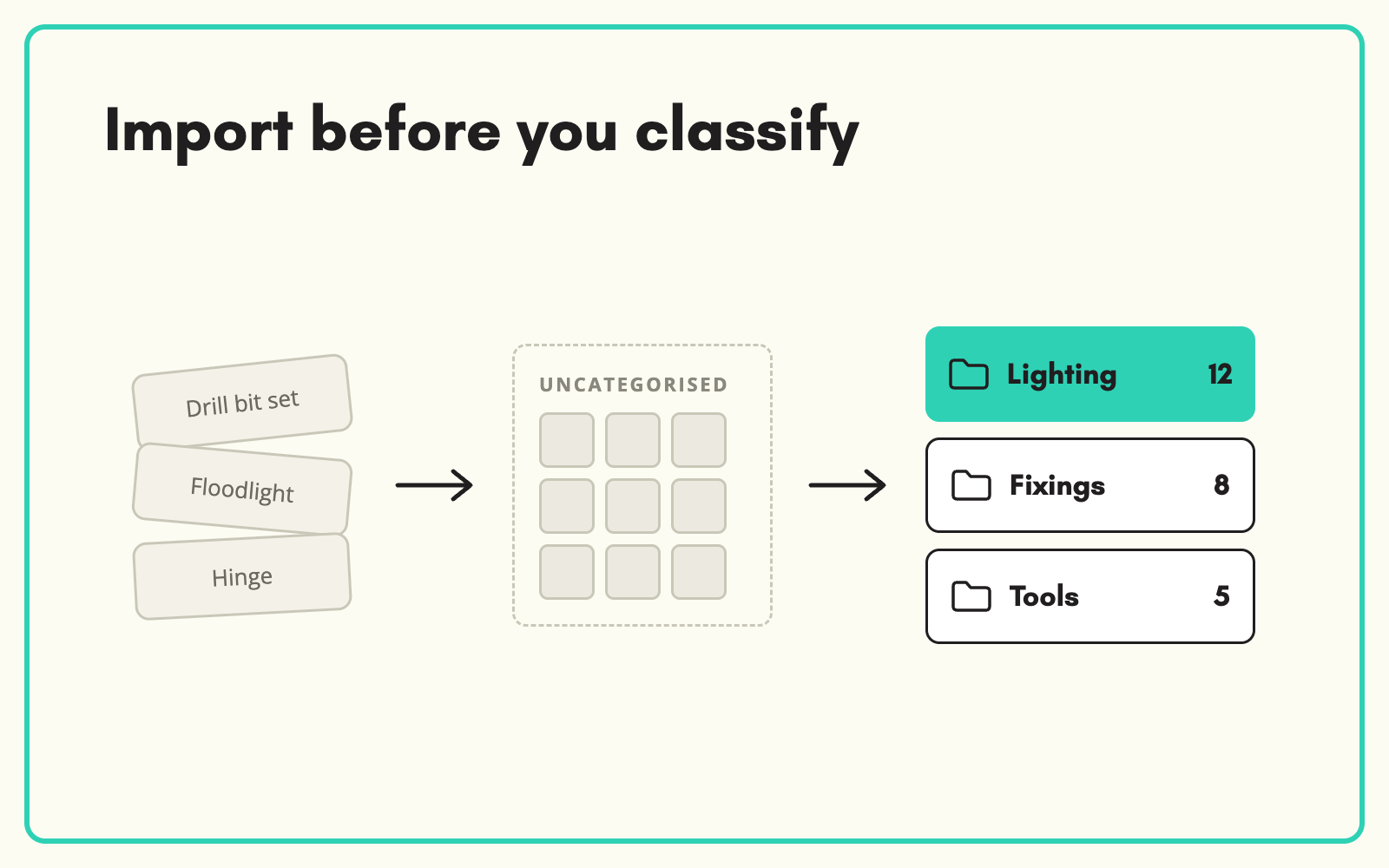
You do not need to know a product's category before you import it. SKULaunch's unclassified import takes mixed supplier files as they are, then auto-classifies each product into your taxonomy so it gets the right attributes and template afterwards.
The problem
Most import tools want products sorted into categories first, because the category decides which attributes a product has. But supplier files mix everything together: fixings with sealants, tools with consumables. Someone sorts the file by hand before it can be imported, which is slow and usually wrong in places.
Before and after
An illustrative example from a mixed trade supplies file.
Before: the supplier file
1,900 rows, one sheet. Category column says "General" for 1,400 of them. Screws, silicone, drill bits, gloves and cable ties in no particular order.
After: in SKULaunch
- All 1,900 rows imported in one go, with no pre-sorting
- Each product auto-classified to the right end node
- Category-specific attributes now available on each product
- Placements reviewed before enrichment starts
How it works in SKULaunch
- Run an unclassified import. Load the file without choosing categories. Core fields such as identifiers, titles and descriptions come in as usual.
- Auto-classify. Each product is placed in your taxonomy using its title, description and any attributes present.
- Review placements. Check the results by category and correct any that need it.
- Carry on enriching. Once classified, each product has its category's attributes and can be enriched against them.
Import first, structure second
Waiting for perfect structure before loading data is one of the most common causes of delay. It is usually faster to get everything in, classify it with the right tools, and then enrich against the category model, than to sort spreadsheets by hand. The key is that classification happens before enrichment, so attributes are filled against the right set.
What changes
Mixed supplier files load the day they arrive, and sorting stops being a manual job.
Common questions
What data comes in on an unclassified import?
Identifiers, titles, descriptions and common fields. Category-specific attributes are filled once each product is classified.
Can we classify against our own taxonomy?
Yes. Classification always uses the taxonomy you load.
What if a placement is wrong?
Change it during review. The product then picks up the attributes for its new category.
See automatic product categorisation, how to import supplier spreadsheets, and catalogue enrichment.

.avif)