
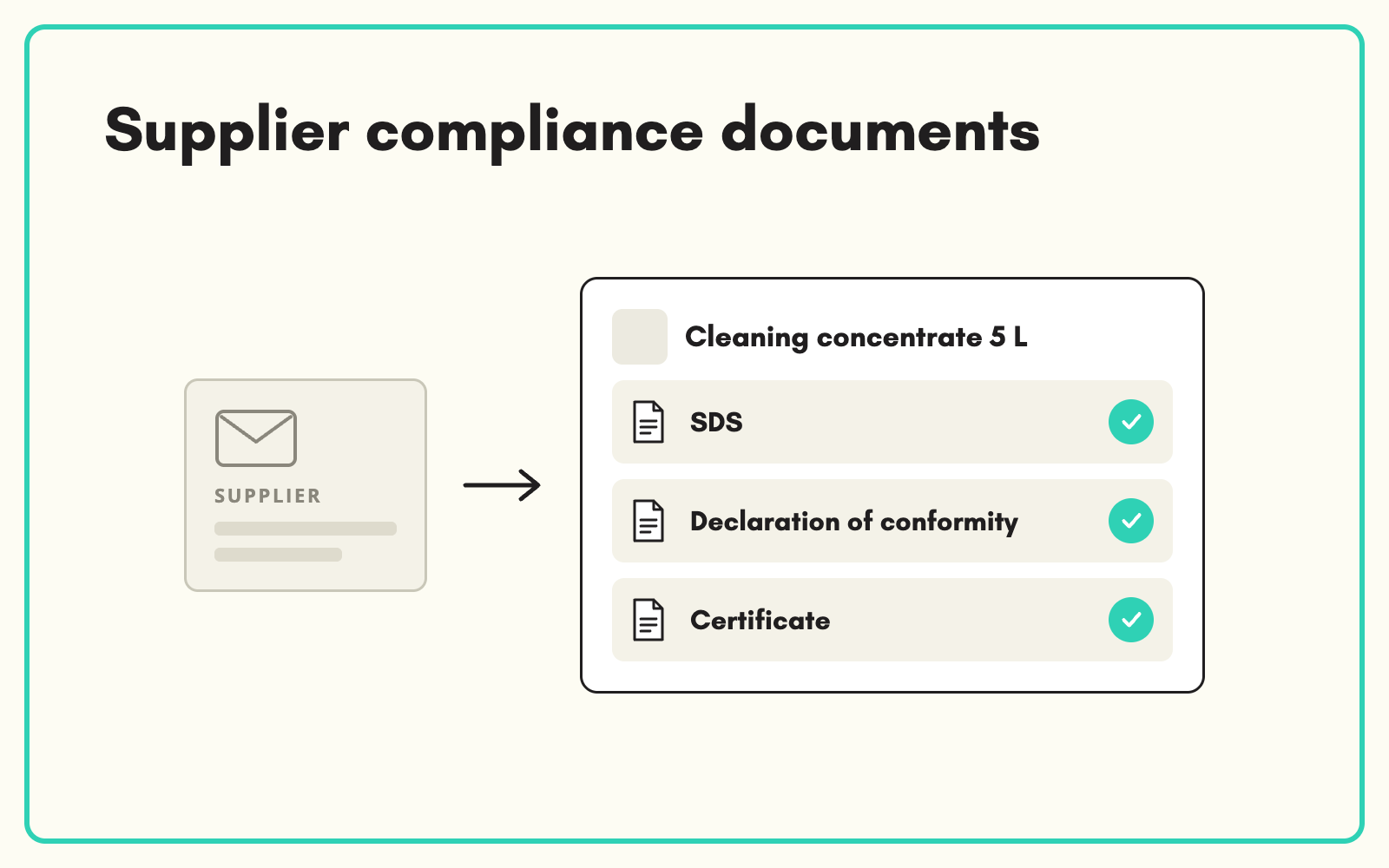
Compliance documents belong on the product, not in a shared drive. SKULaunch collects safety data sheets, declarations of conformity and certificates from suppliers as part of the product submission, stores them against each SKU, and shows you which products are missing what.
The problem
Compliance paperwork arrives separately from product data, if it arrives at all. Safety data sheets sit in one folder, declarations in another, test certificates in someone's inbox. When an auditor, a trade customer or a marketplace asks for the document behind a product, someone spends an afternoon searching. Expired certificates go unnoticed until a customer asks.
Before and after
An illustrative example from an electrical accessories range.
Before: where the documents live
"SDS" folder with 140 PDFs named by supplier code. Declarations of conformity requested by email in March, 60 per cent returned. No link between any file and the product it covers.
After: the same range in SKULaunch
- Each product holds its SDS, declaration of conformity and test certificate as attached documents
- Document attributes for issue date and standard, filled from the document
- A filtered view of every product missing a declaration, by supplier
- Update requests sent to suppliers for missing or outdated documents
How it works in SKULaunch
- Make the documents part of the template. Add document fields, such as SDS and declaration of conformity, to the categories that need them, and mark them mandatory for the supplier where appropriate.
- Suppliers upload with the product. Documents arrive in the same submission as the data, stored against the right SKU.
- Track gaps. Filter for products missing a required document and request it from the supplier.
- Keep them current. When a standard or certificate changes, request an update on the affected products.
Which documents to require, and where
Do not ask for everything everywhere. Chemical and hazardous products need safety data sheets. Electrical and many construction products need declarations of conformity against the relevant regulations. Certain categories need test certificates or performance declarations. Map each document type to the categories it applies to, so suppliers are only asked for what is relevant and your compliance view stays meaningful.
What changes
Every compliance document is one click from the product it covers, gaps are visible before an auditor finds them, and requests to suppliers are tracked rather than lost.
Common questions
Can we see which documents are missing across a supplier?
Yes. Filter by supplier and document field to see every product without the required file.
Can values be taken from the documents?
Yes. Details such as standards and ratings can be extracted from the PDF into attributes for review.
Does this make us compliant?
No software does that on its own. SKULaunch makes the documents easy to collect, find and keep current. Compliance decisions stay with your team.
See supplier onboarding, how to request updates from suppliers, and extracting data from PDFs.

.avif)