
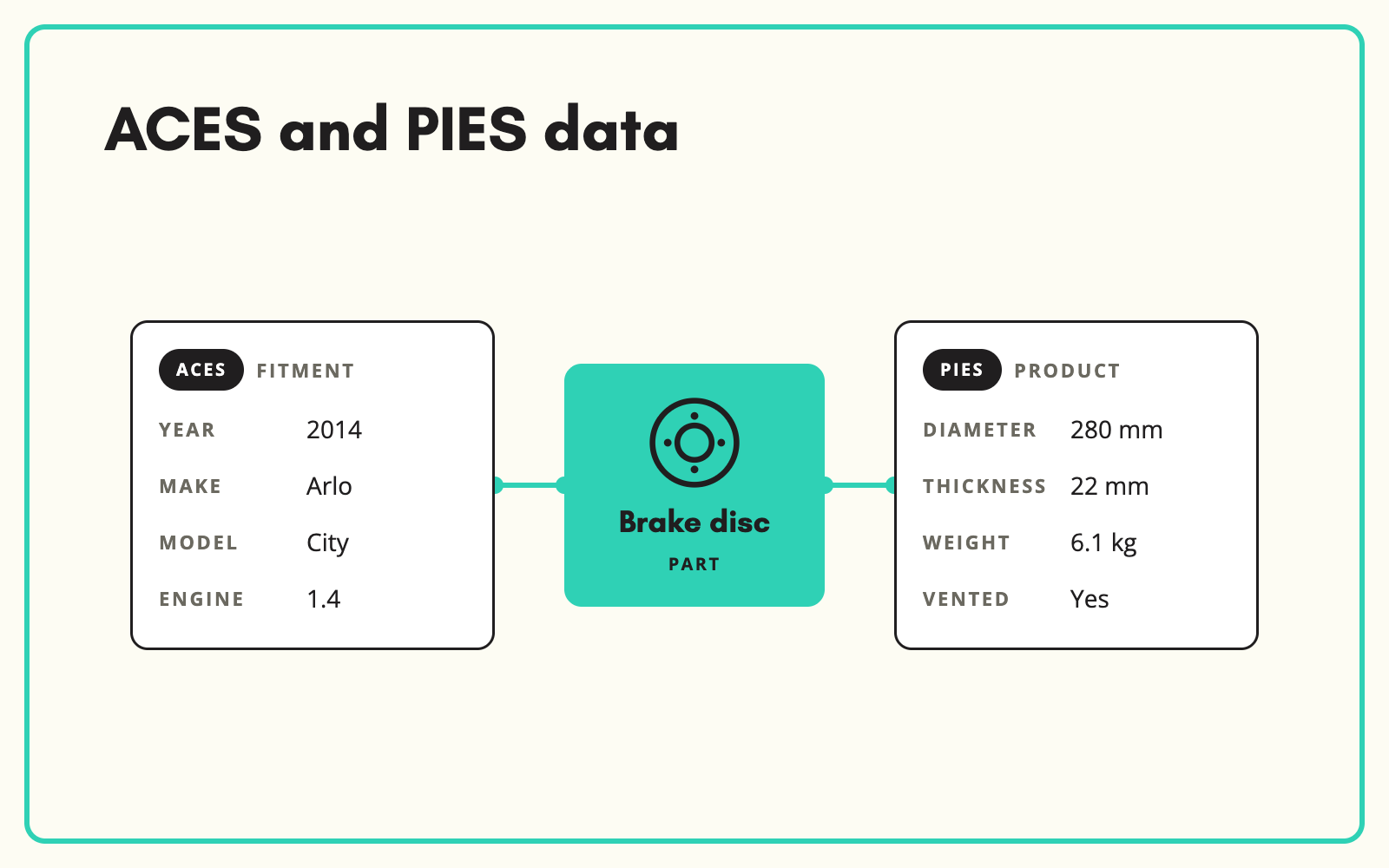
ACES PIES is shorthand for the two North American standards for automotive aftermarket data: ACES for vehicle fitment and PIES for product information. SKULaunch holds both kinds of data on each part, so you can work with suppliers and customers who exchange data in those standards without the data living in two disconnected places.
The problem
ACES and PIES files are XML built around standard code sets, which makes them powerful for exchange and hard to work with directly. Teams receive files they cannot read, or are asked to supply them without the data structured in the right way. Versions change, and the gap between what a supplier sends and what a customer expects widens.
The usual workaround is a specialist or a developer who converts files on request. That works until they are on holiday, a customer asks for a different version, or a new supplier sends something nobody has seen before.
Before and after
An illustrative example from an aftermarket brakes catalogue.
Before: what the team has
A supplier ACES file nobody can open without a developer, and product details for the same brake pad set in a separate spreadsheet with half the columns empty.
After: in SKULaunch
- Fitment held as structured applications on the part, ACES-style: vehicle, engine, years and position, such as front axle
- Product attributes held PIES-style: pad thickness, width, height, friction material and whether a wear sensor is included
- Descriptions, packaging dimensions, weights and images on the same part record
- Data exported for customers in the structure they request
How it works in SKULaunch
- Structure fitment and product data. Hold applications and attributes on each part, in one record.
- Import what suppliers send. Bring in supplier data and map it to your structure with reusable column mappings.
- Fill the gaps. Enrich product attributes and descriptions from datasheets, catalogues and web sources.
- Export. Produce data in the format customers expect. Confirm ACES and PIES formats and versions with us for your set-up.
ACES PIES data in practice
Both standards are maintained by the Auto Care Association and both lean on shared reference databases rather than free text. That is what makes them work for exchange: everyone describes the same vehicle and the same part type with the same codes.
- ACES describes applications. Each record links a part to a vehicle from the VCdb (the vehicle configuration database), a part type from the PCdb (the product categories database), a position and any qualifiers, such as "with rear disc brakes".
- PIES describes the item itself in segments: descriptions, prices, extended product information, product attributes, packaging, interchange numbers and digital assets.
The shared part type is the bridge. If the part terminology in your ACES file does not match the one in your PIES data, the two halves stop lining up for anyone receiving them.
Fitment and product data are two halves
ACES answers "what does it fit?" and PIES answers "what is it?". Parts businesses often have one half in good shape and the other neglected. A part with perfect fitment and no specifications still loses sales, and a well-described part with no fitment cannot be found by vehicle. Hold both on the same record and measure completeness on each.
When partners use different standards
Many parts businesses sell into more than one market. A UK or Australian distributor may receive ACES and PIES files from a North American brand, while its own customers and marketplaces expect different vehicle references and different attribute names. Holding the data once, in your own structure, and mapping it out to each format is far easier than maintaining several copies of the same part. When a supplier corrects a dimension or adds an application, the change is made in one place and flows to every export.
A practical checklist
- Agree which version of each standard your key customers want before you build exports.
- Use one part terminology per part across fitment and product data.
- Move qualifiers out of free-text notes and into structured values wherever possible.
- Fill packaging dimensions and weights. Distributors and marketplaces reject files without them.
- Keep interchange numbers in their own fields, not in the description.
- Set completeness rules by category, so a brake pad set and a wiper blade are measured against the attributes that matter to each.
Common mistakes
- Treating ACES as the whole job and sending PIES files with empty attribute segments.
- Building a one-off conversion for one customer that nobody can maintain.
- Copying supplier descriptions word for word, so every reseller of the part publishes the same text.
- Holding fitment in a separate tool from product data, so changes in one never reach the other.
What changes
Fitment and product data live together, and exchanging data with North American partners stops depending on specialist tools.
Common questions
What is the difference between ACES and PIES?
ACES covers vehicle fitment: which vehicles a part fits. PIES covers product information: what the part is, its attributes, packaging, prices and images.
Do you support specific ACES and PIES versions?
Confirm the versions and formats you need with us before committing.
Can we import ACES and PIES files from suppliers?
Supplier data can be imported and mapped to your structure. How XML files are handled depends on your set-up, so confirm this with us.
What are VCdb and PCdb?
They are the reference databases behind ACES. VCdb lists vehicle configurations and PCdb lists standard part types.
Is this relevant outside North America?
The same principles apply to UK and Australian parts data, which use different vehicle references.
Is fitment included?
Fitment is available as an add-on.
More on parts data: ACES and PIES explained, fitment data, vehicle applications, fitment from supplier data and OE numbers and cross-references.

