
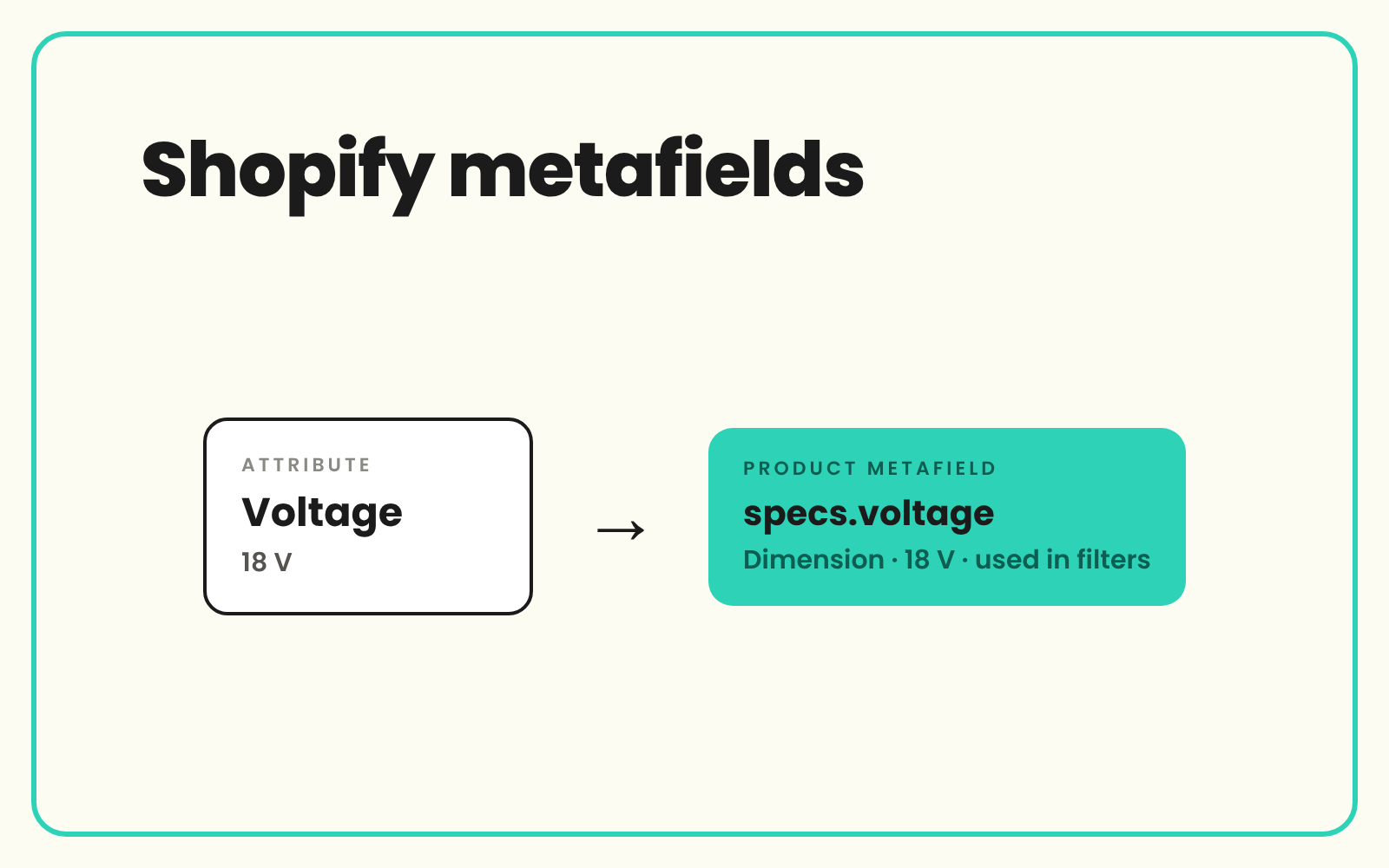
Shopify metafields hold the structured specs that power storefront filters, comparison blocks and theme sections, but on most stores they are empty or filled in by hand one product at a time. Without them, material, size, capacity and compatibility sit inside the description where no filter can reach them. SKULaunch enriches and validates those values as structured attributes and, depending on your set-up, maps them to your metafield definitions and publishes them through the Shopify integration.
The problem
Shopify's core product fields cover the basics: title, description, vendor, product type, tags, options and variants. Everything else has to go somewhere, and it usually goes into the description or the tags. Tags end up doing jobs they were never meant for, with "material_oak" and "Oak" and "oak" all on the same store.
Metafields fix that, but only if they are filled. Filling them in the admin is slow, and bulk loads from supplier spreadsheets carry the supplier's inconsistencies straight into your filters. The theme has a spec table block that shows on a third of products, and the material filter lists the same wood four ways.
Before and after
An illustrative example from a furniture and homewares Shopify store.
Before: the product in Shopify
Description: "Our beautiful Hartley dining table is crafted from solid oak with an oiled finish and comfortably seats six. 180cm long." Tags: oak, Oak, dining, 6-seater. Metafields: empty.
After: structured in SKULaunch, ready for Shopify
- custom.material, single line text with preset choices: Oak
- custom.finish, single line text with preset choices: Oiled
- custom.seating_capacity, integer: 6
- custom.table_length, dimension: 180 cm
- Product category set from Shopify's taxonomy, so the matching category metafields are available
- Material and seating capacity ready to use as storefront filters
How it works in SKULaunch
- Structure the attributes. Specs are extracted from descriptions, supplier files and datasheets into typed attributes for each category.
- Normalise and validate. Values are mapped to controlled lists and standard units, with validation rules on each attribute.
- Map attributes to metafield definitions. Each attribute is matched to a namespace, key and compatible metafield type.
- Publish through the Shopify integration. Approved values are sent to Shopify, ready for filters and theme blocks.
Mapping to specific metafield definitions depends on your set-up, so confirm the metafields and types you need with us before you plan around it.
How Shopify metafields are structured
A metafield is a custom field attached to a resource such as a product or a variant. It is identified by a namespace and a key, written as namespace.key, such as custom.material. A metafield definition fixes the namespace, key, type and any validation, so every product uses the field in the same way and it can be connected to themes and filters. Common types include:
- Single line text. Short values such as material or finish, optionally limited to a list of preset choices.
- Integer and decimal. Counts and plain numbers.
- Dimension, weight and volume. A number with a unit, such as 180 cm or 12 kg.
- True or false. Yes or no features.
- Lists. Most types can hold a list, for multi-value attributes such as compatible models.
- Metaobject references. Shared values reused across many products.
Category metafields come from the Shopify Standard Product Taxonomy. When a product has a category assigned, Shopify offers attributes for that category, such as colour or fabric, with values picked from a shared list rather than typed freely. Use them where they fit, and add your own definitions for the specs the taxonomy does not cover.
Mapping attributes to metafields: the rules
- Match types, not just names. A number with a unit belongs in a dimension, weight or volume metafield, not a text field with "cm" typed after it.
- Keep values controlled. A filter lists every distinct value, so "Oak" and "oak" become two options.
- Decide product or variant. Specs that change by size or colour belong on the variant. Specs that do not belong on the product.
- Options are not metafields. What the customer chooses between, such as size, is a variant option.
- Stop using tags as data. Move structured values out of tags once the metafields are filled.
- Create definitions first. A defined, typed field is what themes and filters can work with.
Filters, comparison blocks and theme sections
Shopify's Search and Discovery app can turn metafields of supported types into storefront filters. Online Store 2.0 themes can connect metafields to sections and blocks as dynamic sources, so a spec table or comparison block fills itself from the data. Both depend on the same thing: every product in the collection has the metafield filled with a consistent value. A material filter that covers only some of a collection hides the rest from every shopper who uses it.
What changes
Metafields are filled across the catalogue from one validated source, filters show clean values, and theme blocks stop appearing on some products and not others.
Common questions
What are Shopify metafields used for?
Storing structured product information that Shopify's core fields do not cover, such as material, dimensions or compatibility, so it can drive filters, spec tables and theme sections.
What is the difference between a metafield and a metafield definition?
The metafield is the value on a product. The definition sets its namespace, key, type and validation for every product, and makes it available to themes and filters.
How do I bulk fill Shopify metafields?
Bulk options include the product CSV import, the Admin API, apps, or a product data platform that publishes the values for you. Whichever route you choose, the values need to be structured and consistent first.
Can Shopify metafields be used as filters?
Yes. The Search and Discovery app can use metafields of supported types as storefront filters.
Does SKULaunch write directly to Shopify metafields?
The Shopify integration publishes product data from SKULaunch. Mapping attributes to particular metafield definitions depends on your set-up, so confirm it with us.
Should I use Shopify category metafields or my own?
Both. Use category metafields where the taxonomy covers the attribute, and your own definitions for specs specific to your range.
More on the Shopify integration, PIM for Shopify, the Shopify product CSV template, sending different attributes to different channels and filling missing product attributes.

.avif)