Build product schemas faster with AI
Create and maintain your taxonomy and attribute model in one place, with AI assisted attribute suggestions, value lists, and bulk tools for scaling fast.
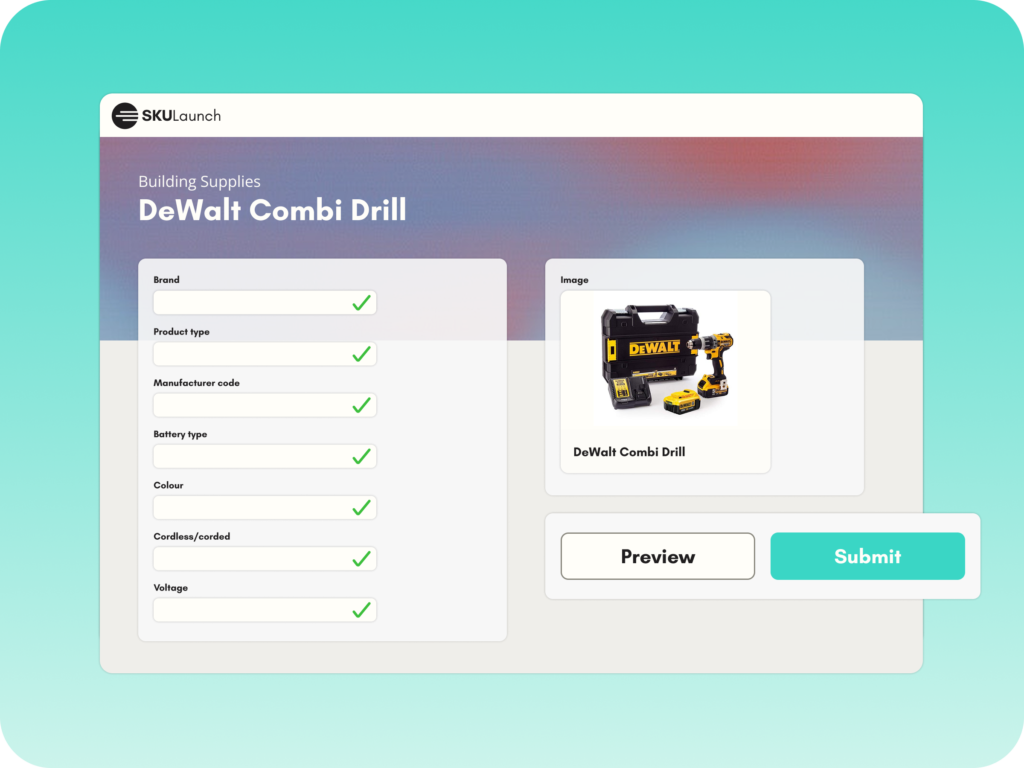
Create structure that scales
Define product families, attributes, and value rules once, then reuse across categories and sources.
Build faster with AI support
AI helps propose attributes and value lists so you spend less time modelling from scratch.
Keep schemas clean over time
Bulk editing makes it easy to improve naming, formats, requirements, and controlled values as your catalogue evolves.
What you can do in Schemas and Attributes
Attribute schema creation
Build schemas by category or product type with clear attribute definitions, units, and rules.
AI attribute suggestions
Generate recommended attributes based on product type, sources, and existing patterns.
Attribute value suggestions
Create controlled value lists faster using AI assisted suggestions and normalisation.
Auto attribute creation
Create new attributes quickly when new supplier fields or standards introduce new data.
Bulk attribute editing and creation
Add, edit, and manage large attribute sets without slow manual setup.
How it works
Create your taxonomy and product types, then define the attributes that matter for search, filtering, comparison, and compliance.
AI can propose attributes and controlled values based on the category and the sources you’re onboarding, giving you a strong starting point.
Set units, formats, required fields, and controlled value lists so incoming data stays consistent across suppliers and teams.
As your catalogue grows, bulk edit attributes, update rules, and refine value lists without rebuilding schemas from scratch.
FAQs
A schema is the structure that defines how products should be described, including attributes, units, required fields, and controlled values for each product type.
AI can suggest relevant attributes and propose value lists based on the category and the data sources you’re onboarding, so you can build faster and stay consistent.
Yes. You can define schemas by category, product family, or product type, depending on how your catalogue is organised.
Controlled values keep naming and formatting consistent, for example colour options, materials, or connection types. They improve filtering, search, and data quality.
SKULaunch supports fast attribute creation, including AI assisted suggestions, so your schema can evolve without chaos.
Yes. Bulk tools let you create, edit, and refine large sets of attributes and value lists quickly, instead of managing them one by one.